


Inspiring
March 25, 2025
Answered

Premiere Pro 2025.1 Crashing Immediately - No Warning, No Error Message

  • March 25, 2025
  • 2 replies
  • 615 views

I start Premier Pro. I start a project. I import media. Premiere crashes.
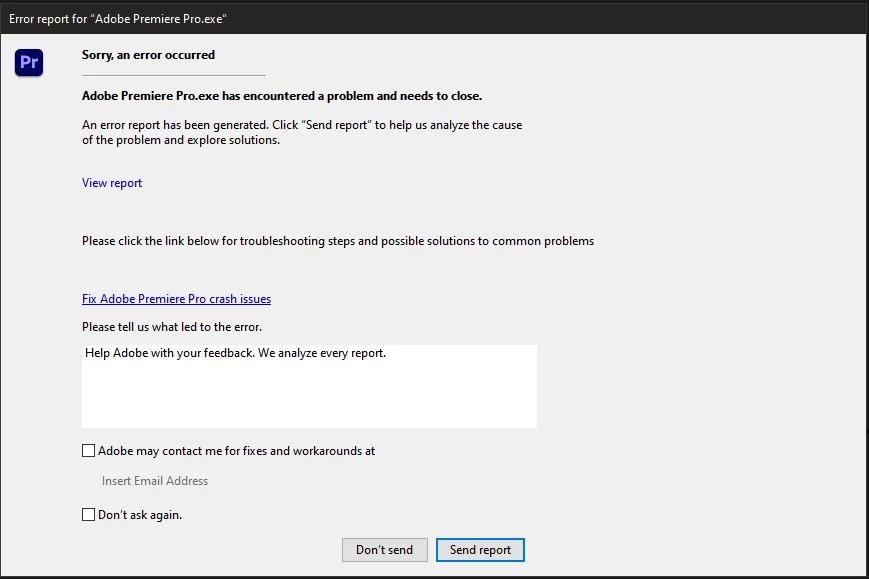


No warning, no error message.


I have never had an issue like this with Premiere Pro before and have not changed any hardware or added any additional software.


My system:

AMD Threadripper 1950x

128gb RAM

Windows 10

Dual nividia Titan RTX video cards (24gb of DDR6 on each card)


I have also had consistent crashing issues with After Effects, although it at least provides me with an error message.


This started with the 2025 application releases. None of the other applications do this.


I have uninstalled, reinstalled, etc. and the results are the same.

Correct answer RP_Schmidt

Thanks Rach. I had also posted on the After Effects forum and with the help of someone there, identified the exact issue.


My Titan RTX cards were connected by nvlink. After trying everything else, I finally just shut down the system and removed the nvlink.


Now all is running without errors.


I'm getting ready to purchase a new system, but not quite ready to make the leap, so I wanted to keep getting everything I possibly could out of my old system.


Thank you for your help.

2 replies

RP_SchmidtAuthorCorrect answer
Inspiring
March 27, 2025

Thanks Rach. I had also posted on the After Effects forum and with the help of someone there, identified the exact issue.


My Titan RTX cards were connected by nvlink. After trying everything else, I finally just shut down the system and removed the nvlink.


Now all is running without errors.


I'm getting ready to purchase a new system, but not quite ready to make the leap, so I wanted to keep getting everything I possibly could out of my old system.


Thank you for your help.

Community Manager
March 28, 2025

Hi RP_Schmidt,


Glad that you were able to resolve it. Feel free to reach out if you experience any issues. We're here to help.


Thanks,

Sumeet

Community Manager
March 26, 2025

Hi @RP_Schmidt,

I looked at your crash report, and it seems to be related to your GPU driver.  Try doing a clean installation of the latest Studio Driver (NOT the Game Driver).  Let me know how that goes.  I've also sent you a DM.