

CoolRunLT
Participating Frequently
February 4, 2026
Question

Premiere Pro 2026 Instability

  • February 4, 2026
  • 1 reply
  • 232 views

Anyone else seeing consistent crashing of Premiere Pro 2026. I have the latest update as of February 4th, flushed cache multiple times, re-installed, re-started computer, etc. But certain elements such as:

  1. Scrubbing the Timeline
  2. Adding Effects
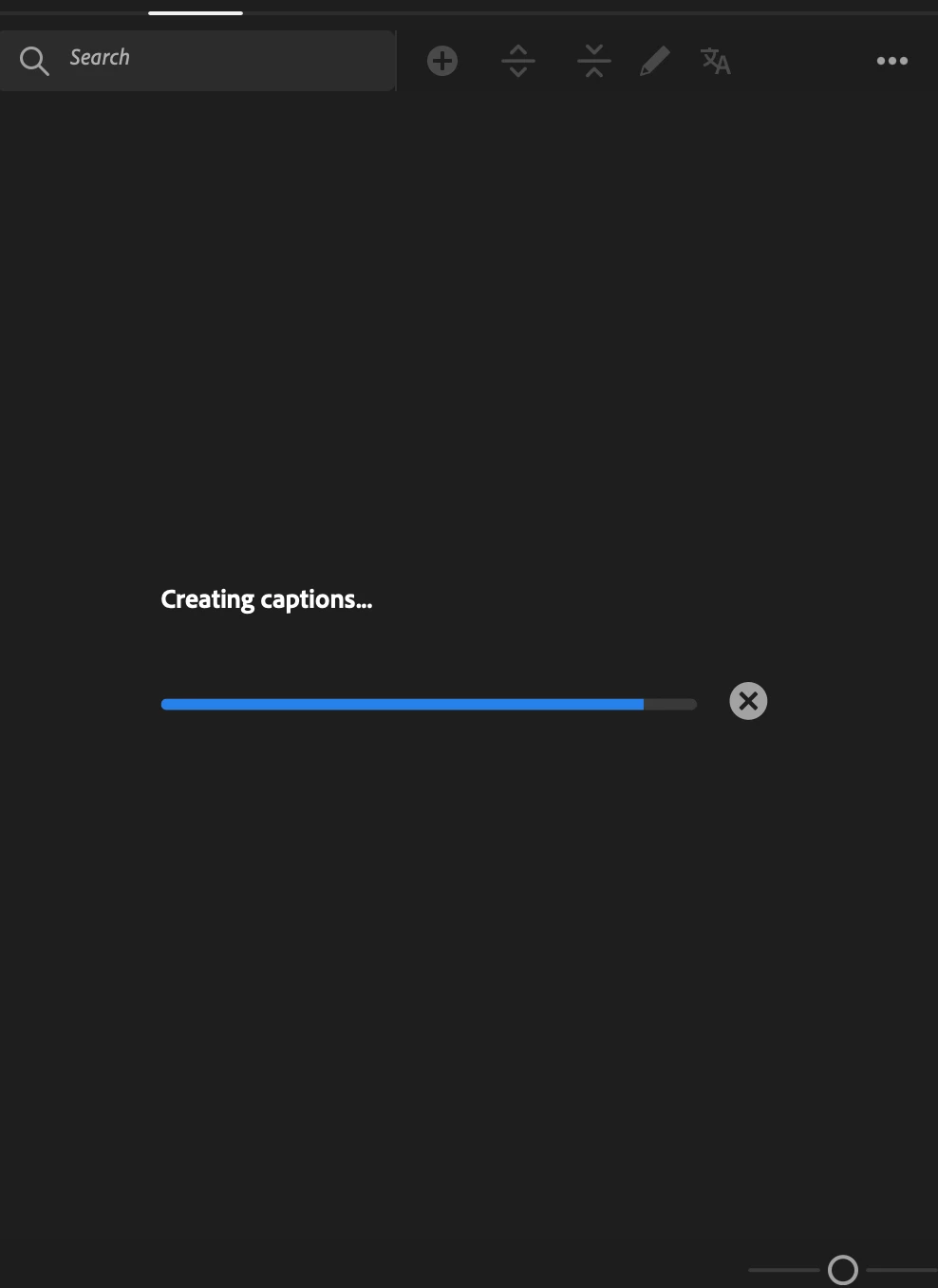
  3. Adding CAPTIONS (of all things)

Freezes the program and requires a forced quit. Attached is where the captions usually sit and fail before the crash occurs.

I’ll likely downgrade to Premiere Pro 2025 if not addressed soon - but checking to ensure I’m not the only one and I need to look at my own stuff? Currently on Macbook Pro 14” with M2 MAX. 
 

    1 reply

    davescm
    Community Expert
    Community Expert
    February 4, 2026

    You have posted in the Photoshop forum. Can you please raise your issue in the Adobe Premiere forum. https://community.adobe.com/adobe-premiere-726

    Sorry, I can’t move your thread for you at present.

    Dave

    CoolRunLT
    CoolRunLTAuthor
    Participating Frequently
    February 6, 2026

    Thank you Dave! I also can’t seem to move it, so I’ll re-post this thread and then delete. Thank you!

    CoolRunLT
    CoolRunLTAuthor
    Participating Frequently
    February 6, 2026

    Ah doesn’t let me delete it either 😂