


Answered
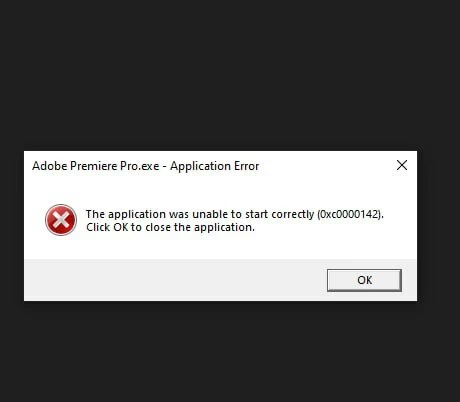
Premiere Pro 2026 won't launch - Application Error (0xc0000142)
Hi,
I get the error "The application was unable to start correctly (0xc0000142)" whenever I try to open Adobe Premiere Pro 2026.
My System Specs:
- CPU: Intel Pentium Gold G5620 @ 4.00GHz
- GPU: NVIDIA GeForce GT 1030 2GB
- Motherboard: ASUS Prime B360M-C
- OS: Windows 10
(64-bit)
Troubleshooting steps I've already tried:
1. Reinstalled Visual C++ Redistributable packages (AIO).
2. Updated/reinstalled DirectX.
3. Ran as Administrator.
How can I resolve this issue? Is this error related to CPU AVX instruction requirements or driver compatibility?
Thanks in advance.

 AdChoices