Premiere Pro 22.3.1+ crashes when trying to playback or open a nested sequence (with audio)
Hey,
I'm currently dealing with very frequent and easy to reproduce crashes in Premiere. I'm no t sure if they are related to my project, but using the Premiere Beta doesn't have the same problem.
First some backstory where I experience this crash:
I compose my source material as nested clips to quickly merge audio files (from an audio recorder) with my film clips.
I use this system instead of subclips since it's more flexible for me (and less buggy).
Unfortunately I can't preview those sequences anymore without Premiere crashing. The big exception are nested clips without audio. They work without issue.
I already reinstalled Premiere and reset my user settings.
I get the same crash report everytime:
Exception Code:         EXCEPTION_ACCESS_VIOLATION
Exception Parameters:   Access violation writing location 0x0000000000050f88
Exception Message:      3221225477 Die Anweisung in 0x%p verwies auf Arbeitsspeicher bei 0x%p. Der Vorgang %s konnte im Arbeitsspeicher nicht durchgeführt werden.
Leading back to this DLL:
Application Specific Information:
C:\Windows\SYSTEM32\TextShaping.dll
Sometimes when this happens it fills up all the available RAM (up to whats set in the settings) and almost crashes the system.
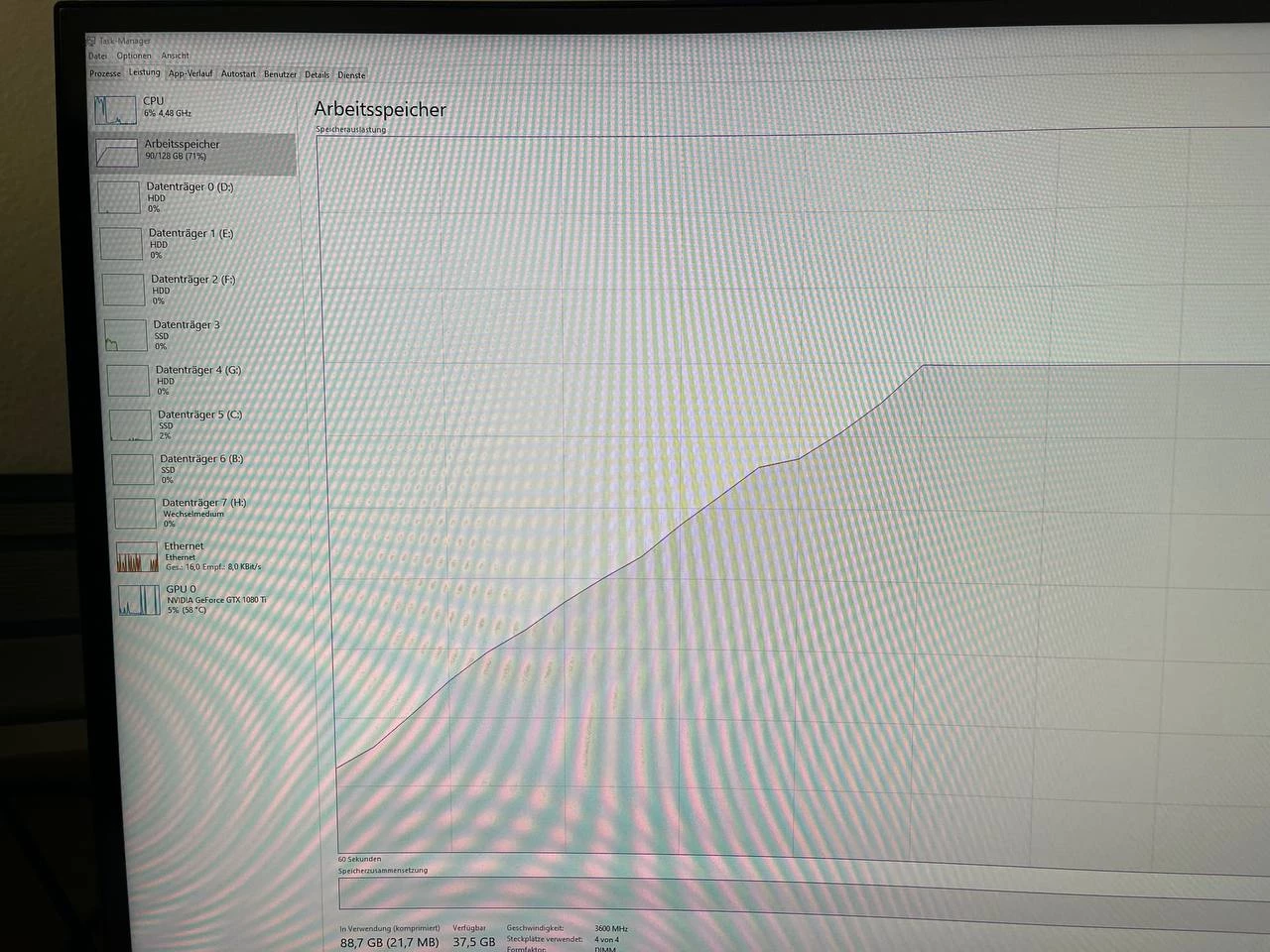
I'm running the lastest WIN10, all the latest drivers. The only thing I changed before experiencing this problem is installing a Focusrite audio interface (Clarret+).
I'm currently working with the Premiere Pro Beta, since this fixes my issues and everything works as expected. The last two updates to the stable branch (which came in today and yesterday) didn't change anything.
What could cause this issue? I'm somewhat uncomfortable doing my work with the Beta app, but the "stable" Premiere app breaks my workflow.
Thanks for your advice!
 AdChoices