
Participant
October 11, 2023
Question

Premiere Pro 23, audio import issue with P2 AVCintra200

  • October 11, 2023
  • 4 replies
  • 652 views

Hi. I work mostly with Panasonic P2 AVCintra200 p50 -material. I have a problem with long clips. Premiere Pro does not sync all video and audio files, which should be included to the clip, when I import them. Some of the audio files are missing and material is partly unsync or without  audio. Very strange thing is that material is ok after few hours or on next day. I work with tv-news and it is little bit complicated to wait hours. My MacBookPro is 2023 M2-model and all drivers should be latest ones.

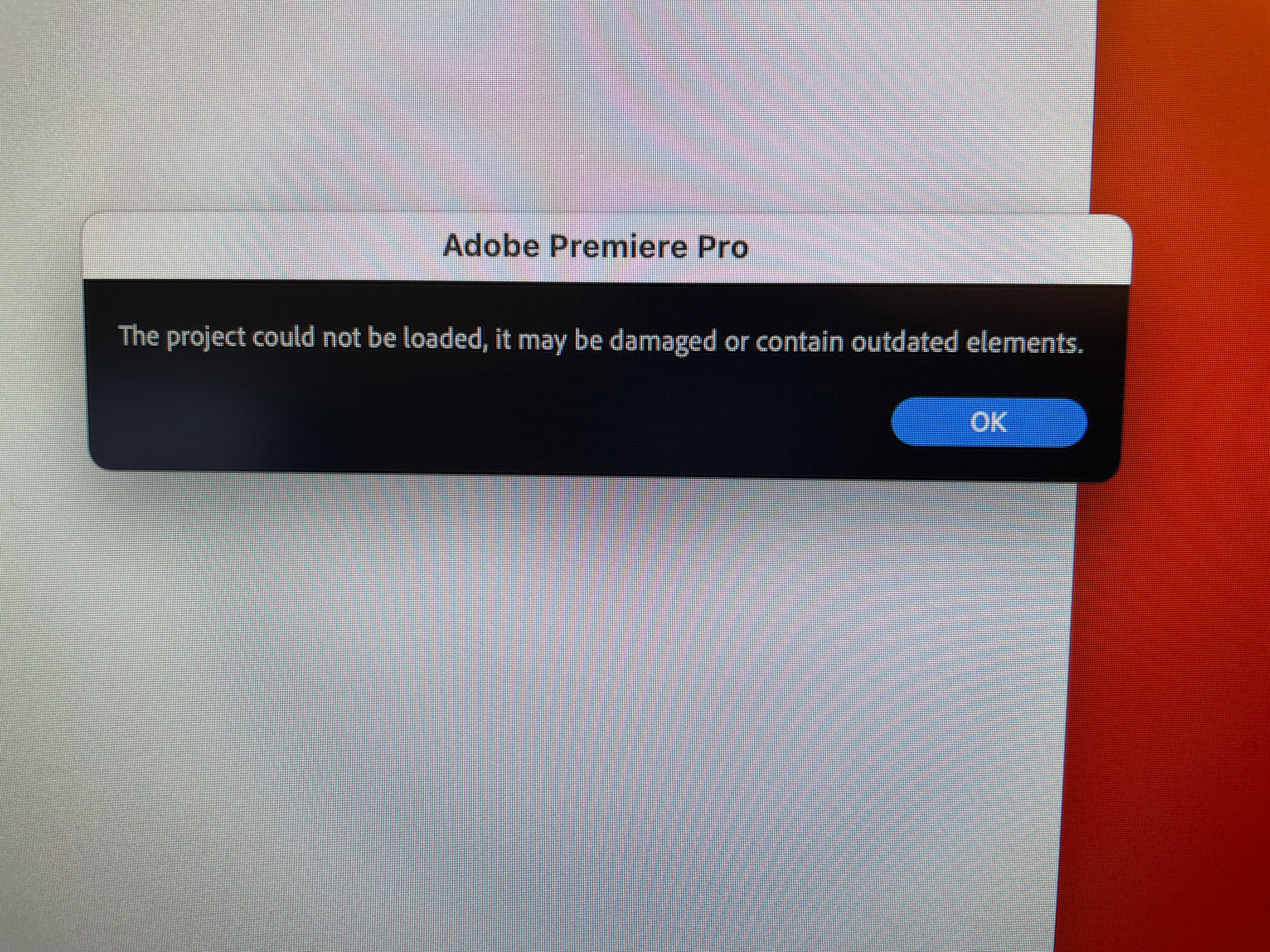
Another problem is that Premiere crashes quite often and current project does not open after crash. See pic.
This topic has been closed for replies.

4 replies

Warren Heaton
Community Expert
Community Expert
October 21, 2023

Are you using File > Import or the Media Browser?

Kevin J. Monahan Jr.
Community Manager
Community Manager
October 20, 2023

As far as the crashing goes, that's not right! Press Shift at launch to get the Reset Options dialog box. Reset preferences and delete media cache. You can also try deleting video preview (render) files from the Sequence menu.


Thanks,

Kevin

Kevin Monahan - Sr. Community and Engagement Strategist – Adobe Pro Video and Audio
Kevin J. Monahan Jr.
Community Manager
Community Manager
October 13, 2023

What happens with the new version, @Aki32853900r2hv? Let us know.


Thanks,
Kevin

Kevin Monahan - Sr. Community and Engagement Strategist – Adobe Pro Video and Audio
Participant
October 14, 2023

The same issue remains with 24.0.0 version. Premiere does not find every audio file when importing material.


With P2 memory cards video and audio files are in different folders and max size of the file is about 3,66 Gb. Which means with AVCintra200-1080p50-formet that after every 2 minutes recording  starts new video file and four new audio files.


When I import material to Premiere, it drops some of the audio files and result is unsync audio in source video. And this happens with long recordings. If I shoot short clips, everything is ok.


You can see the problem from attached video. First 15 seconds are in sync. It's from the beginning of the 1 hour long clip. The second 15 seconds are from the end half of the clip and it is unsync. So, Premiere "builds" the one hour clip to source monitor wrong way. 


Issue performs with different memory cards and with different cameras. And as I told there in first mail, this started about one year ago but it got worse with new M2-MacBookPro.


Can there be hidden files, cache or something else, which can make this issue?


Participant
October 14, 2023
Kartika Rawat
Community Manager
Community Manager
October 12, 2023

Hi Aki32853900r2hv!

Sorry about the trouble. Would you mind sharing the following info?

Does it happen with a specific project?

Have you considered updating Premiere Pro? 

Are you getting any error codes or messages when it crashes?

Can you check for autosave for a backup file of this project? 


Let us know.

Thanks,
KR

Participant
October 12, 2023

Does it happen with a specific project?

- No. It can happen with new or old project.


Have you considered updating Premiere Pro? 

-Yes. I have tried with -22 and -23 versions. The problem started about one year ago with my old MacBookPro. Two weeks ago I cleaned everything with Adobe Cleaner Tool and installed 23-version. It did not help.


Are you getting any error codes or messages when it crashes?

- No


Can you check for autosave for a backup file of this project? 

- Autosaved versions does not open either if main project does not open.