Participant
September 13, 2023
Answered

Premiere Pro 23 Changes Color when pressing any slider in Lumetri creativ tab

  • September 13, 2023
  • 2 replies
  • 197 views

When press any slider in the creativ tab in Lumetri colors change even when no LUT is loaded. 
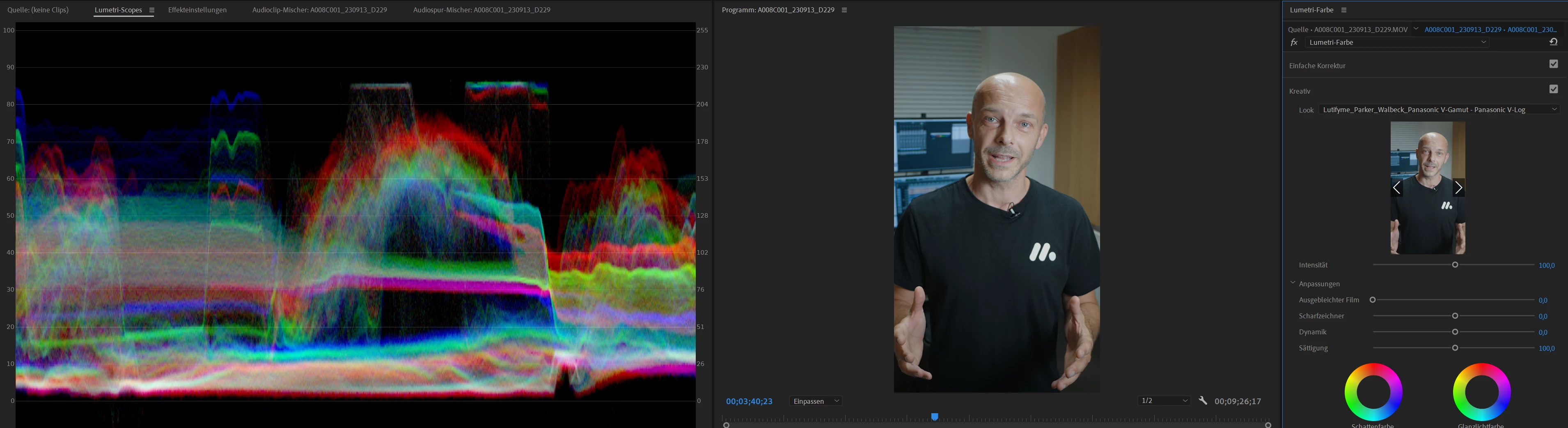
not pressed
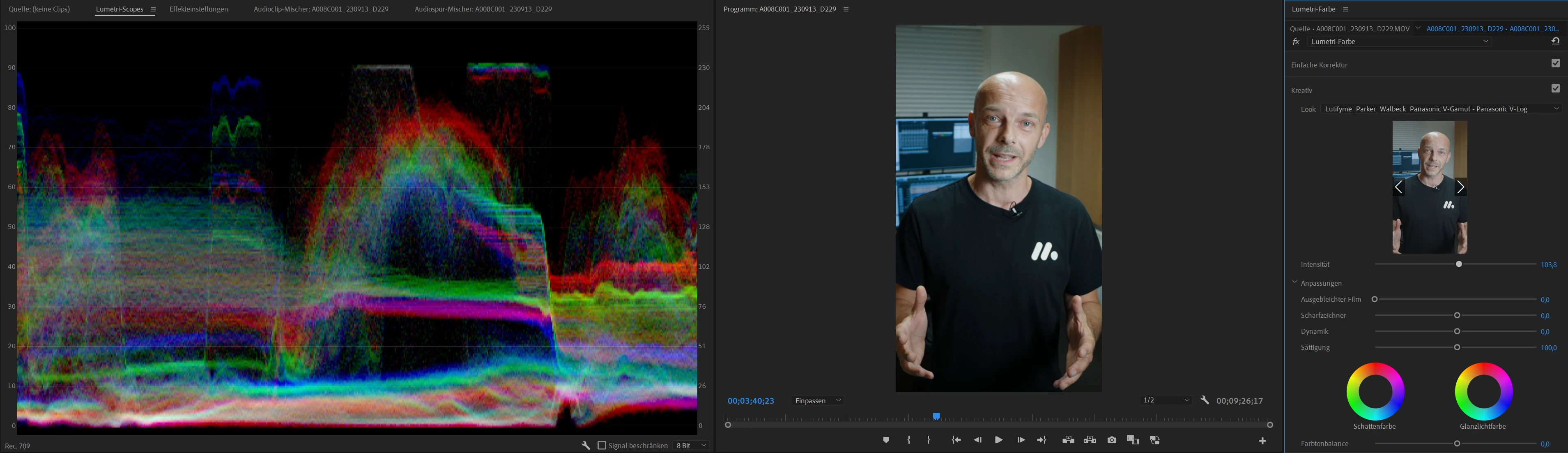
 

pressed.


You can also see the shift of colors in the Lumetri scopes! 

If i release the silder it changes back again. How can i get rid of this bug?


In Premiere Pro CC22 this does not happen and it works fine. 

Where is the Problem?

This topic has been closed for replies.
Correct answer martinp11324904

Found the problem in the Program monitor -> wrenchtool:

The playback quality has to be set to "High Qualtity Playback"

2 replies

martinp11324904AuthorCorrect answer
Participant
September 13, 2023

Found the problem in the Program monitor -> wrenchtool:

The playback quality has to be set to "High Qualtity Playback"

Participant
September 13, 2023

I just realized it only happens when the sequence is not 16:9. 
Any other sequence e.g. 1080x1080 or 9:16 has this problem. Also when played back it gets more contrasty and when i pause the colors are a bit more flat. Any one else experienceing this?