
Answered
Premiere Pro 25.1 and 26.3 cannot import valid AV1 MP4s (audio only or complete import failure), while Clipchamp and VLC play them correctly.
Description:
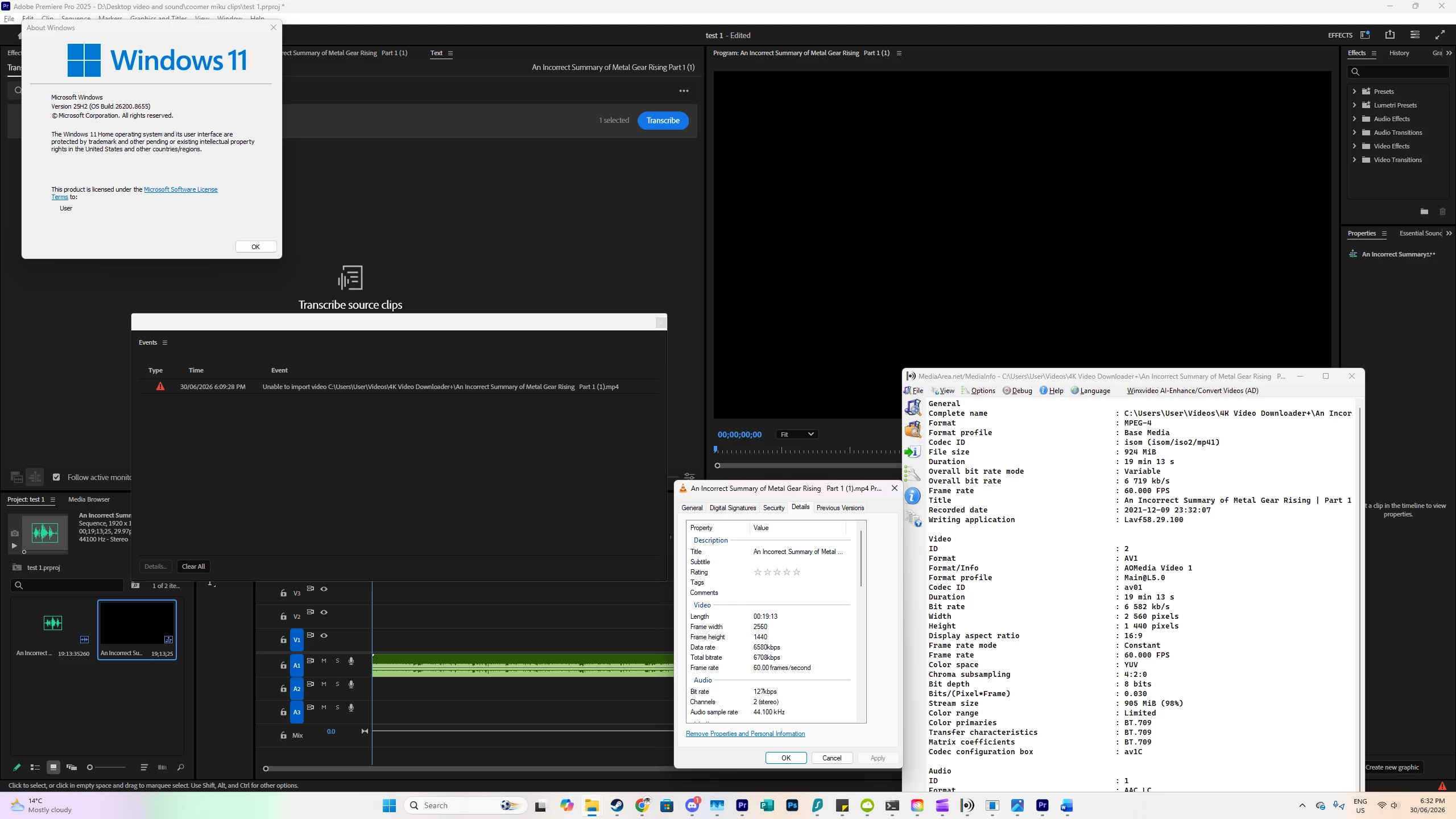
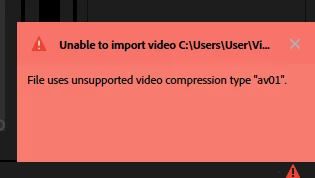
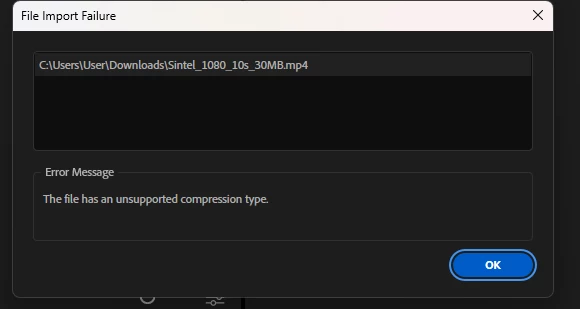
Premiere pro cannot import mp4 files with AV1 format and av01 codec ID. These files either refuse to import video (only audio) or fail to import completely. The files can be played in Media Player, Films & TV, VLC media player and import/export through Microsoft Clipchamp without issue. This issue is present in both versions 26.3.0 (build 93) & 25.1.0 (build 73).
Steps to reproduce:
- Launch Adobe Premiere Pro version 26.3 or 25.1
- Import an mp4 video file with AV1 format (av01) into the project
Expected result:
The files should import with both audio and video and be usable in the project sequence.
Actual result:
Files either fail to import or only import audio.
Build number: Adobe Premiere Pro versions 26.3.0 (build 93), 25.1.0 (build 73) on Microsoft Windows 11 version 25H2 (OS Build 26200.8655)


 AdChoices