
Participant
July 20, 2025
Question

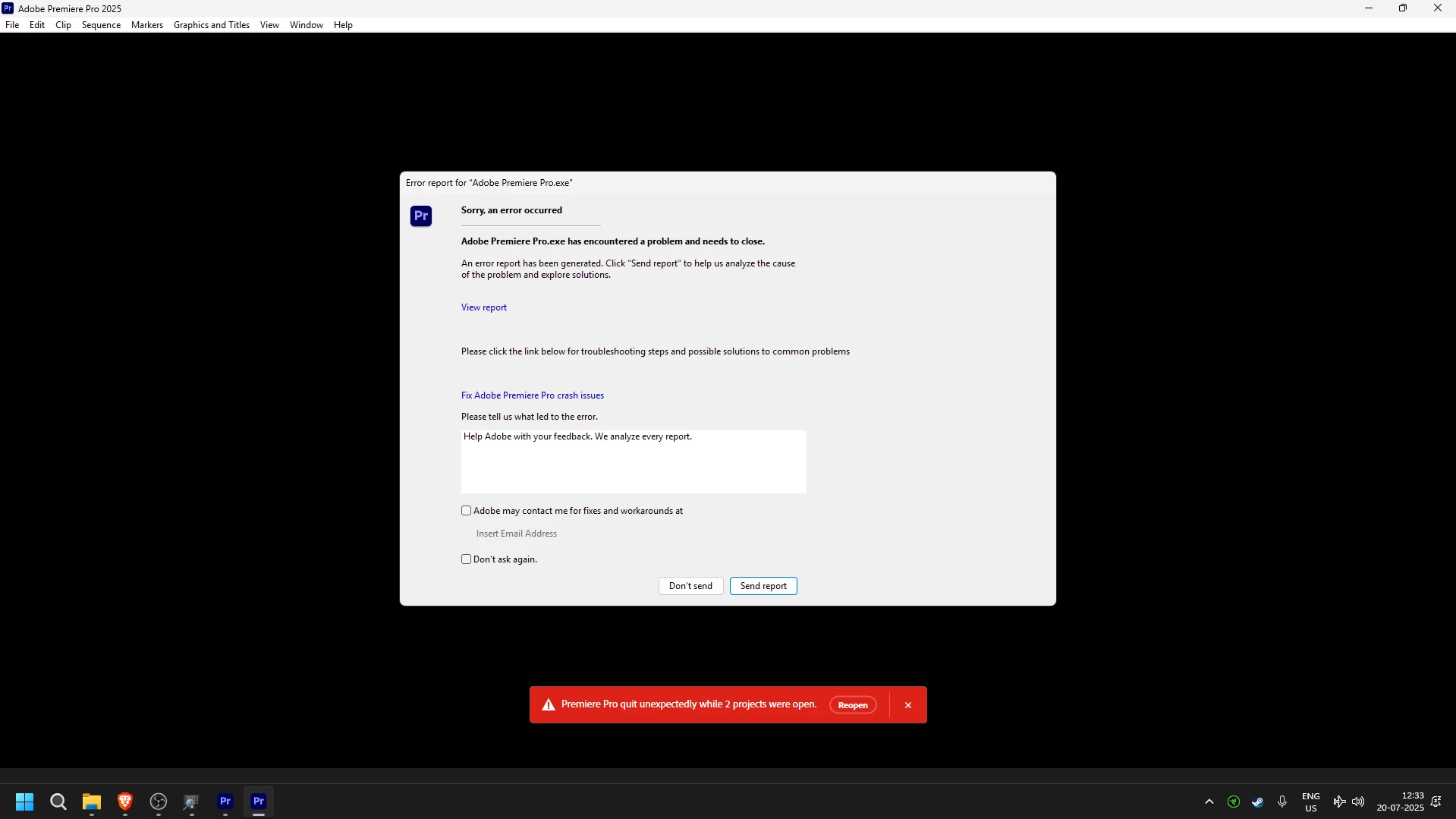
Premiere Pro 25 Crashes on Clicking New Project

  • July 20, 2025
  • 3 replies
  • 201 views

Hi,


I tried running it three times and Premiere Pro just crashes as soon as I click on New Project.
 

My PC:

Ryzen 7 9800X3D

RTX 5070

Latest NVIDIA Drivers (576.80)

Windows 11 Pro


I am not sure what's causing this issue, I have installed the program using the Adobe Creative Cloud.

3 replies

jamieclarke
Community Manager
Community Manager
July 24, 2025

Hi @Thour -  it seems your gpu driver is crashing I would try and use the DDU to reinstall your driver please see this article: NVIDIA Display Driver Uninstall


ThourAuthor
Participant
July 24, 2025

Hi Jamie, I couldn't even go to Preferences window. It would crash.

The only solution I had was to go down to an older version i.e. Adobe Premiere Pro 2024.

jamieclarke
Community Manager
Community Manager
July 21, 2025

Hi @Thour -  Thanks for submitting your bug report. We need a few more details to try to help with the issue.


Can you try and hold down "SHIFT" while launching Premiere and check the boxes
"Reset app preferences" (Backup Preferences first)
"Clear media cache files"
"Reset plugin loading cache"
"Disable third-party plugins (one-time only)"

Sorry for the frustration.