Participant
August 29, 2018
Answered

Premiere Pro => Adobe Media Encoder Problem

  • August 29, 2018
  • 2 replies
  • 713 views

Can someone explain to me why this is happening?
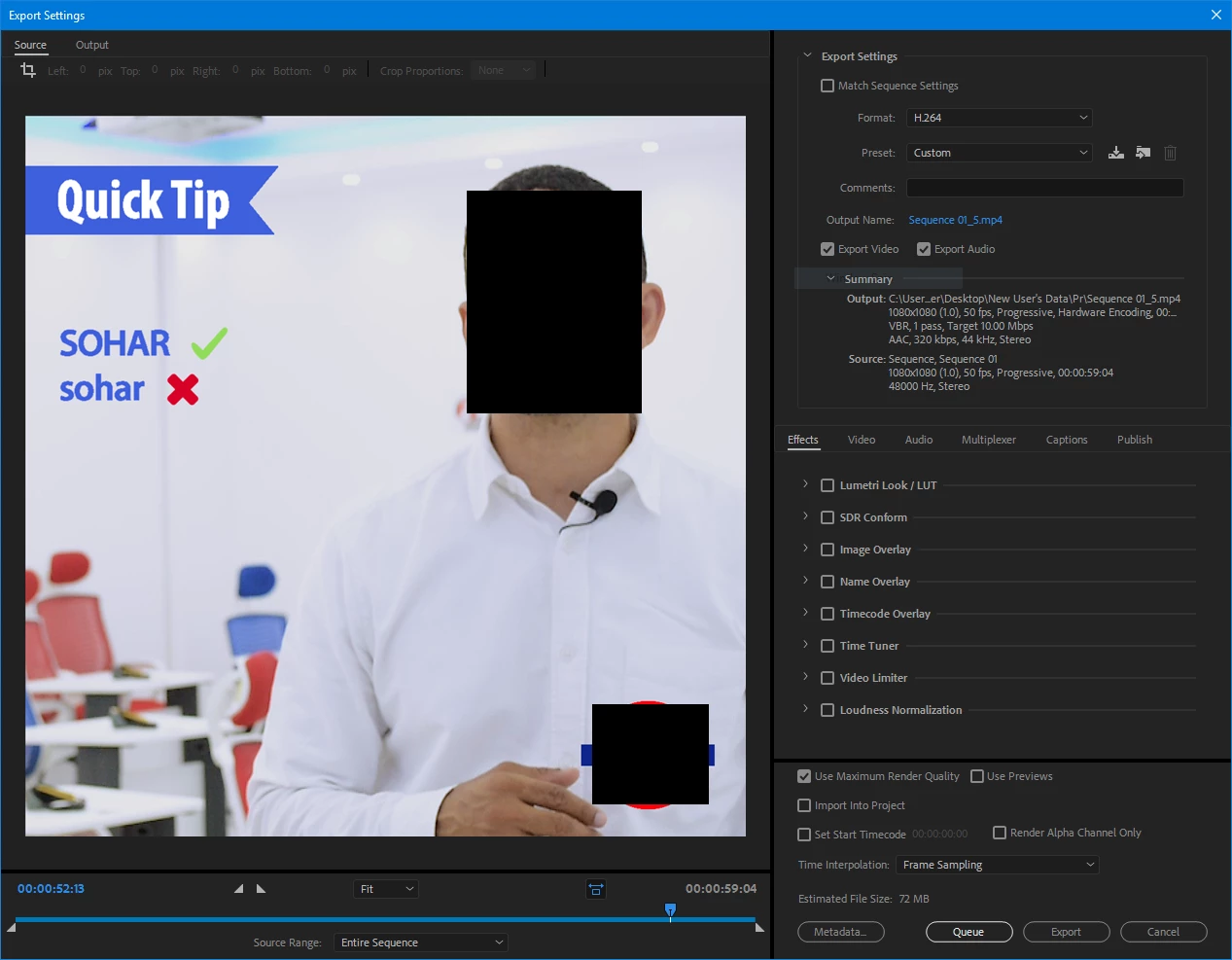
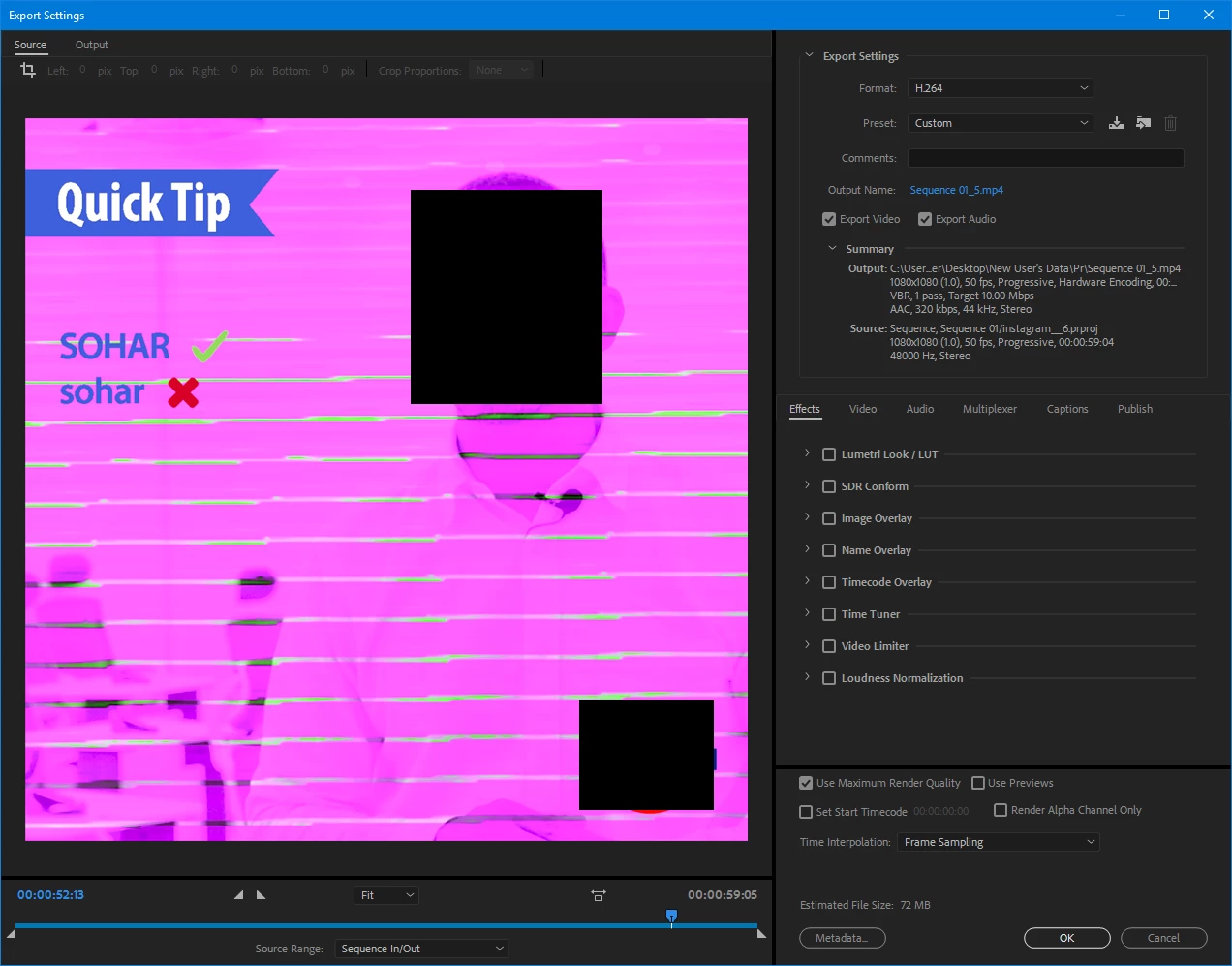
When I export the video through Premiere Pro the video has no issues, but when I render it through Adobe Media Encoder the whole video goes pink. Why??

I would be ok with rendering through Premiere Pro but the problem is that AME render the ~1 min video in ~4 mins but Premiere Pro renders it in >1 hr and while it renders the whole computer freezes, I can't even move my mouse.

Please, Does anyone know anything about this?

This topic has been closed for replies.
Correct answer Peru Bob

It may be a video driver issue:

Green and Pink Video in Premiere Pro 12.0.1 (Build 69)

2 replies

R Neil Haugen
Legend
August 30, 2018

Past Bob's post, I'd suggest 1) unchecking Max Render Q ... just slower without help in the vast majority of cases, has caused odd issues; 2) going into MediaEncoder's Preferences and un-checking "import sequences natively".

Neil

Everyone's mileage always varies ...
Peru Bob
Community Expert
Peru BobCommunity ExpertCorrect answer
Community Expert
August 29, 2018
Participant
September 2, 2018

I don't have the pink video issue in premiere pro. It only happens in Adobe Media Encoder.

The preview and render is fine in premiere pro, just way too slow.

When the video is exported to Adobe Media Encoder, then in AME the video is pink in the source tab as well as in the final render.

R Neil Haugen
Legend
September 2, 2018

Have you tried my suggestions?

Neil

Everyone's mileage always varies ...