
Participant
December 24, 2020
Answered
Premiere Pro Black Screen Issue
- December 24, 2020
- 1 reply
- 959 views
An client of mine asked me to make some edits in an video i once made for him. But this was made in the old CS2 premiere pro.
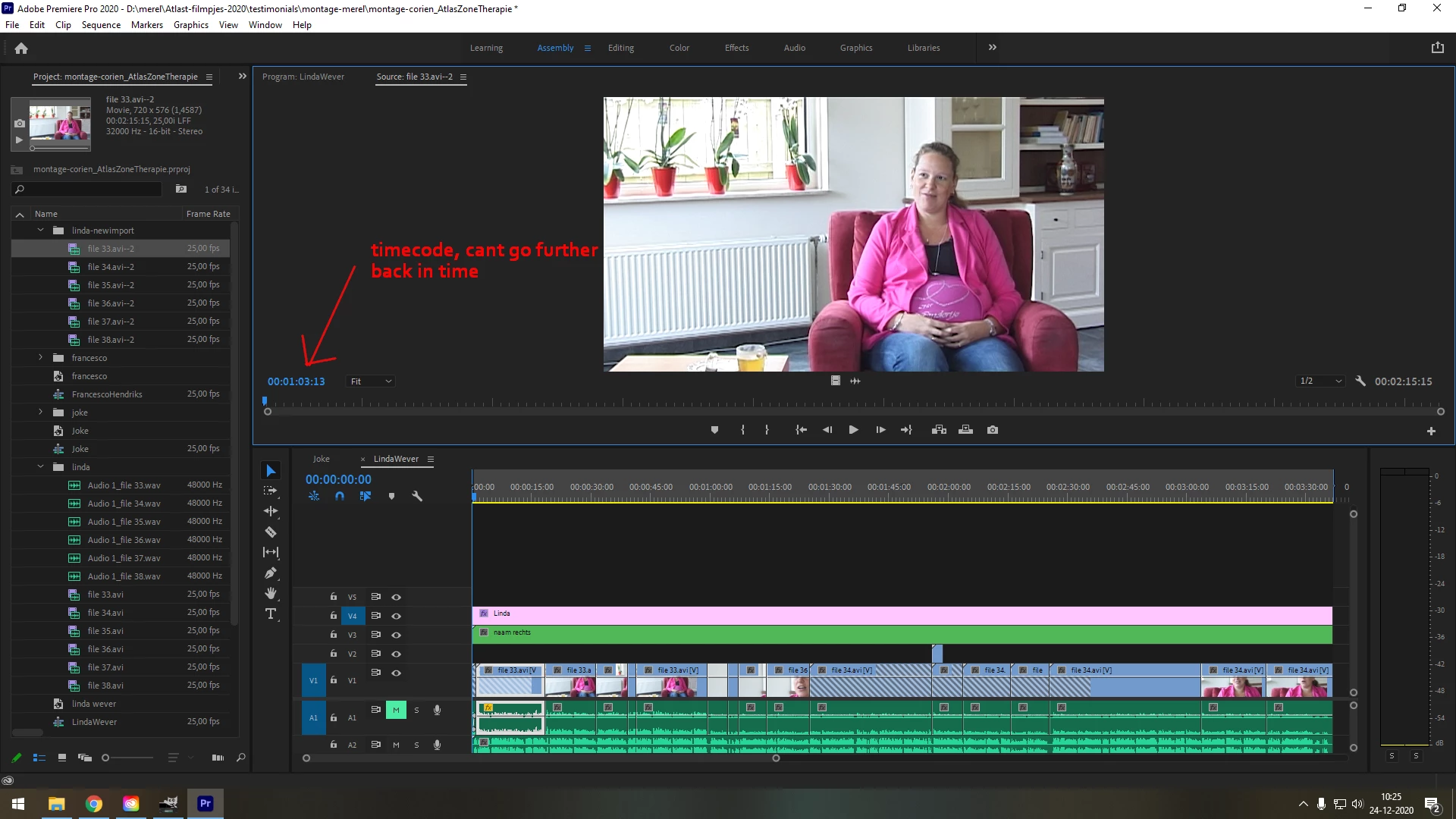
I imported my old project file into the newest premiere pro. But some parts of my video are black. While others show just fine. And its not like the whole video is black, only parts of it. (no problems with sound btw).
I checked and the source video files are not corrupt and work fine, no black screens there.
I tried relinking (make offline and locate) the videofile but the black screen remain.
When i export my sequence the exported file also has black screens.
I have no idea what is happening here and I hope some one can help me or explain.
 AdChoices