Participant
February 13, 2017
Question

Premiere pro bug - Silent Audio on the end of GH4 Clips

  • February 13, 2017
  • 4 replies
  • 2911 views

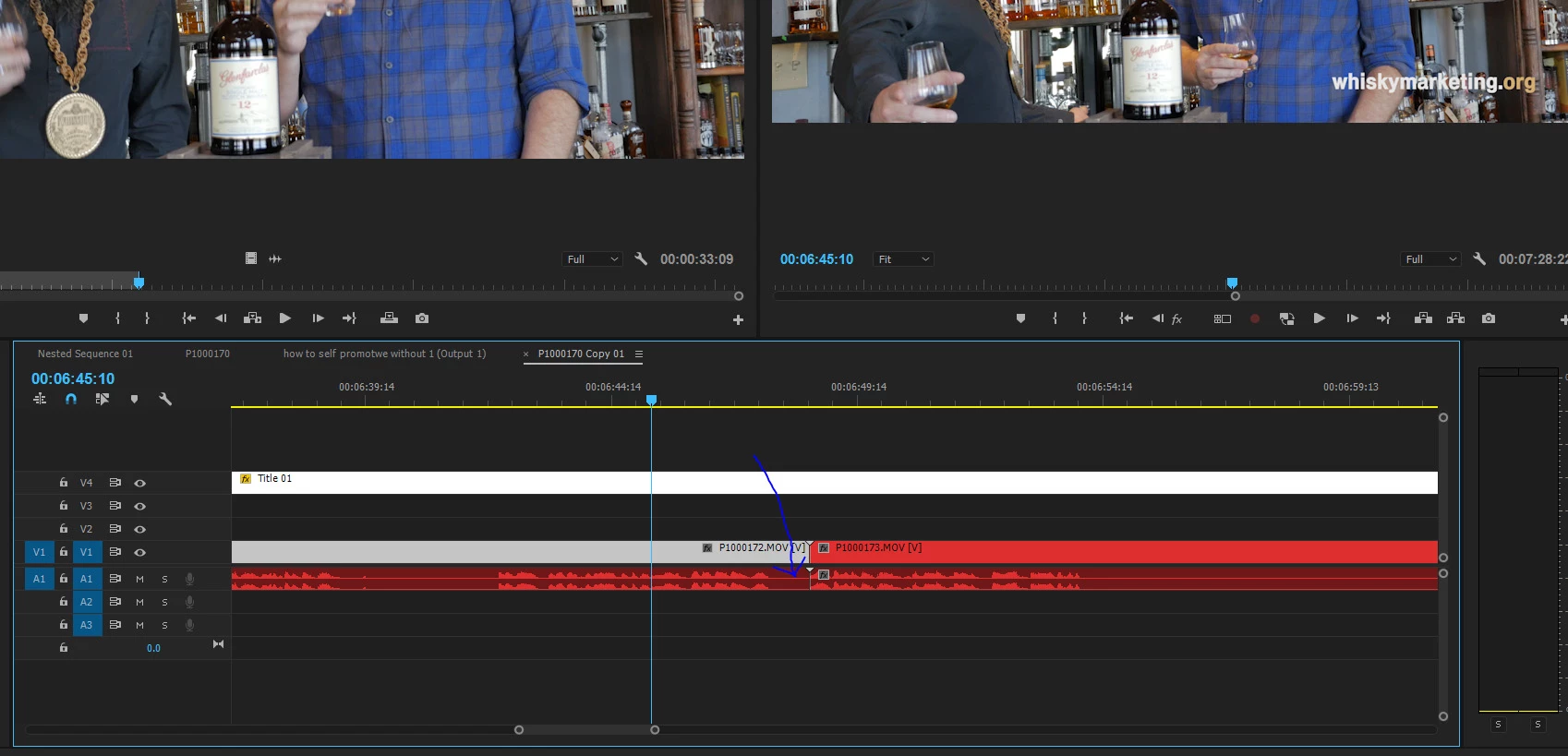
Every time I bring in 4k video from the Panasonic GH4. which spans clips, the audio in Premiere drops the audio from the end of a spanned clip. The clip itself, when viewed in VLC or other media players, does not contain the audio dropout, meaning this is obviously a bug inside premiere.

If I bring the audio into Audition, same thing.
    This topic has been closed for replies.

    4 replies

    JonK_1
    Participant
    March 11, 2017

    I'm seeing this as well.  I've tried different recording formats (MOV or MP4 (LPCM)) and system frequencies on my GH4 and Premiere cuts off at least a second or two of audio in the end.  This just started happening recently and I can only guess it was with a recent update.

    Oh, I also imported some Blackmagic footage from an Ursa Mini and it did the same thing.  So, it's not just the GH4.

    If it isn't, t !his should be high priority at Adobe.

    Participant
    March 11, 2017

    I have taken to renaming the files as .mpeg before import, it's a temporary fix, but it does the trick for now.

    JonK_1
    Participant
    March 11, 2017

    That's an interesting workaround.  I'll give that a shot.  Thank you.

    Oh, I also tried going through the entire Ingest process to see if that acts as some sort of buffer that prevents the dropout.  Didn't help at all.

    Participant
    February 24, 2017

    Happens about 50% of the time now. Really strange bug.

    February 22, 2017

    I am encountering the same issue although I do have waveform on the timeline. Started once I updated to CC2017 and still happens with the 2017.1 update.

    February 24, 2017

    The GH4 clips are MP4's and do not play for the last second or two at the end of each clip. The silence is rendered in Premiere as well as through Media Encoder. The clips play and render fine out of Audition.

    Legend
    February 24, 2017

    Testing in a new project in 2017.0.2 on Windows 10, I can confirm the issue is happening here as well.

    Legend
    February 13, 2017

    I've not seen this error when shooting on the GH4.

    Are you recording AVCHD, MOV or MP4 files?