
Inspiring
May 12, 2023
Question

Premiere Pro burns in captions no matter what caption option you choose

  • May 12, 2023
  • 2 replies
  • 337 views

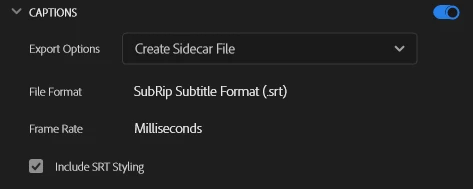
I made a video with captions. When I export it, under the Captions tab I select the option to create sidecar file. But when it's fully exported, the captions are still burned-in anyways. I played with the settings but still got the same results no matter what.
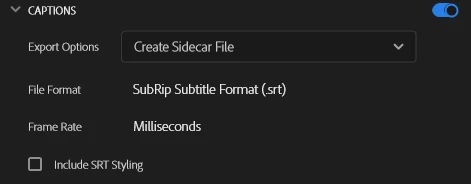


I even turned off the captions setting but it still exports the video with captions burned-in. How?
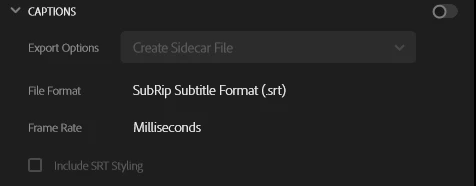
 

What do I do?? Adobe please fix this.

I'm on the latest version of premiere on Windows 10.


This topic has been closed for replies.

2 replies

Participant
January 26, 2024

Dear Stan, I have the same issue. I am currently using version 24.1 on Windows 10 and have read the threads on VLC automatically opening the SRT file. However, this is not the source of the problem for me.


I am trying to create the sidecar file, but it still ends up burning the captions into the video. Both when exporting in Premiere, and Media Encoder, I can see the subtitles appear in the export preview. Also when opening the mp4 with windows media player the captions show.


I have tried reopening the project and the problem repeats itself.


Stan Jones
Community Expert
Community Expert
May 13, 2023

Ahmet,


This was an issue for some users prior to version 22.4, but was fixed. How are you testing that the file has burned in captions?


If you are testing with VLC player, be sure you don't have a previously exported srt for that file.


Do you see the captions in the export preview window when you have captions on None or Sidecar?


Please confirm what specific version of PR you are on.


Stan