Participating Frequently
November 22, 2018
解決済み

Premiere pro - Canon 5d footage much darker, black line at the bottom

  • November 22, 2018
  • 返信数 1.
  • 5889 ビュー

Hi,

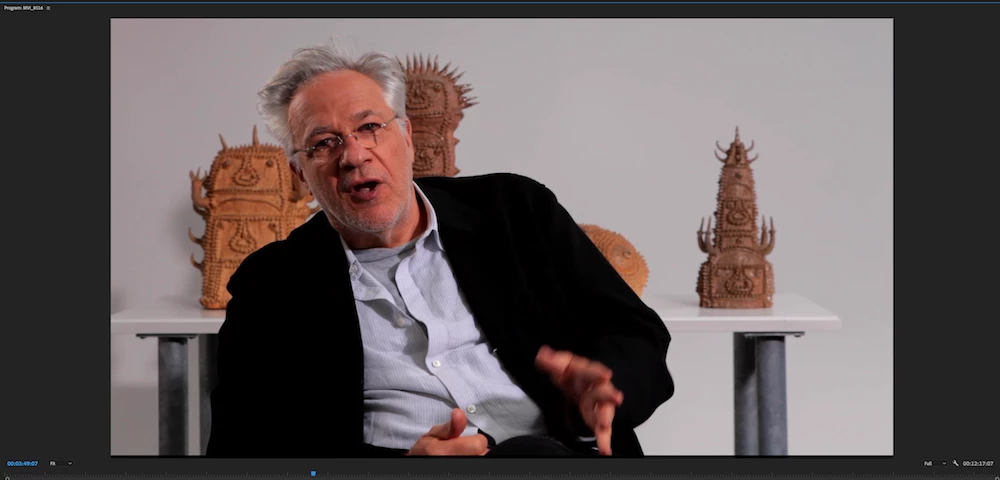
I've been editing a documentary on Premiere Pro for the last two years. Since about a year, I have had an issue with all the footage that was shot on Canon 5d (about half of the film). It now appears much darker, more saturated with the blacks completely crushed, and there is a black line at the bottom. This is not on the footage, it only appears in Premiere Pro. Anyone else had the same issue? I contacted customer support 4 times and they didn't help, they told me 'it will be fixed next year'.

Can anyone help please? I need to output the film to grade this week. I tried exporting a Prores and exporting an XML for Resolve but the colours shows all wrong in both cases.

Thanks

このトピックへの返信は締め切られました。
解決に役立った回答 chrisw44157881

It looks really crushed too, but no line at the bottom! It doesn't look anything like the footage. I checked, there is no LUT on the project.

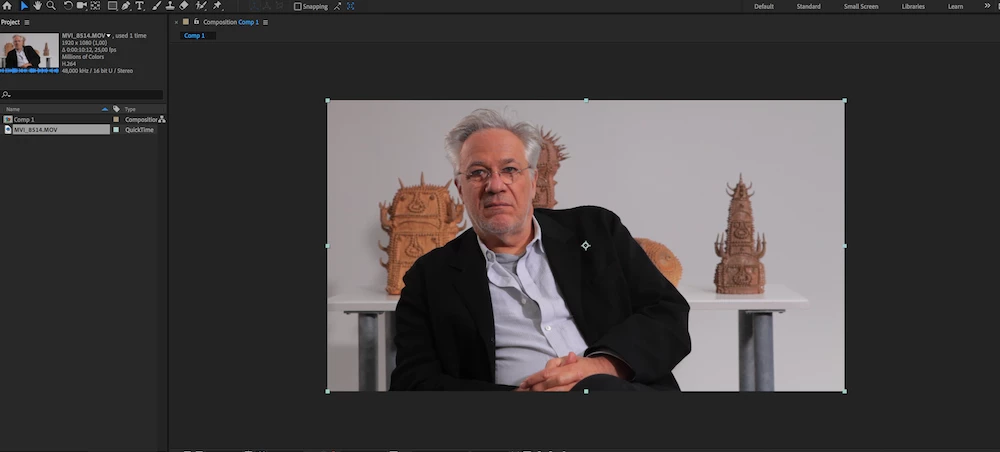
I just imported the footage in AEP and it looks fine there...

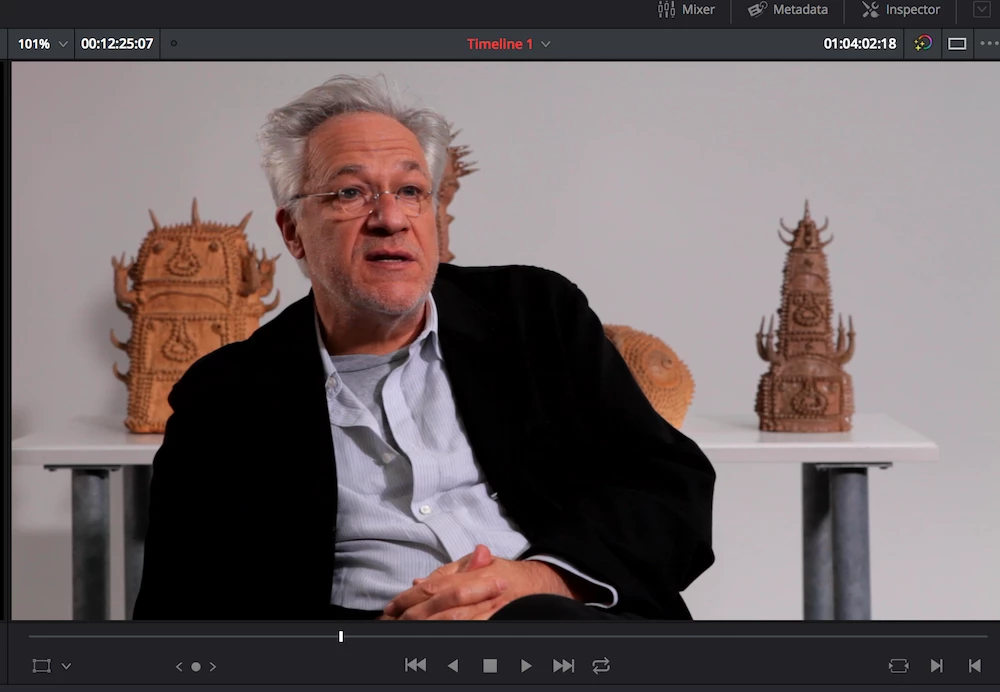
See screenshots below

Original footage:

PREMIERE

AEP


DAVINCI


actually there's many problems going on at the same time. Let's break it down.

1.first off, to fix the line issue, switch off Hardware acceleration,use 'software' instead (in Preferences > Media), restart Premier and the lines are gone.

2. davinci uses video or full range levels to decide what the pixels look like. is mac display enabled in davinci? is video levels?

3. in premiere, is there a master lut applied? is color management enabled? are you using a P3 monitor from a mac? premiere uses bt1886 as a display transform inside premiere but exports srgb 2.2 on export so you'd need a lut from bt1886 to srgb for web output or to match VLC(video output set to opengl) as quicktime doesn't use correct color management.

4. is color management enabled in AE?

返信数 1

Legend
November 22, 2018

I'm confused.

With an XML, Resolve ends up reading the original footage as is.  The XML is just an instruction set on which parts of which clips to use.  No effects or other changes to the video are included.

Participating Frequently
November 22, 2018

Yes, I know. I'm very confused too.

I'm 100% sure that the problem only came up last year though as I checked ungraded exports of the same film from before and  the footage was perfectly fine!

Legend
November 22, 2018

What do those clips look like in Resolve if you just start fresh, no XML?