Participant
Jan 3, 2022 10:54 PM UTC
Answered

Premiere pro captions/text (fade in and out + text style)

I got a question. I want to fade the text in and out. I can't seem to do it with captions so I made text layers, but it seem like i need to change the placement and style for every item itself. 


Stan Jones
Stan JonesCorrect answer
Community Expert
Jan 4, 2022 12:03 AM UTC

The new caption workflow (PR 2021 and 2022) no longer treats captions as "video" track items. So you cannot apply effects.


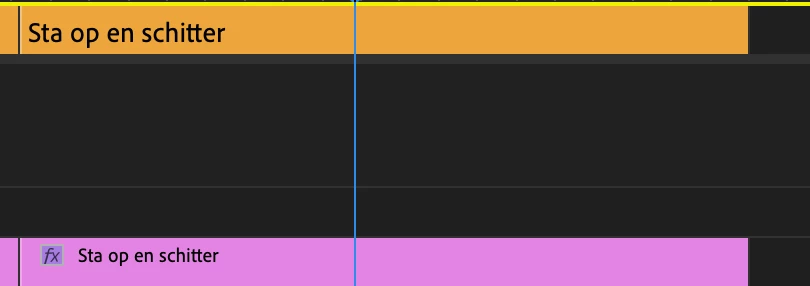
A workaround is to convert the captions to text/graphics items, and then apply some kind of preset to fade the caption in/out.


See this thread for some workarounds:

https://community.adobe.com/t5/premiere-pro/faq-workaround-nesting-to-apply-effect-controls-to-caption-track/td-p/11935335


Stan


6 replies

Stan Jones
Community Expert
Stan JonesCommunity ExpertCorrect answer
Community Expert
Jan 4, 2022 12:03 AM UTC

The new caption workflow (PR 2021 and 2022) no longer treats captions as "video" track items. So you cannot apply effects.


A workaround is to convert the captions to text/graphics items, and then apply some kind of preset to fade the caption in/out.


See this thread for some workarounds:

https://community.adobe.com/t5/premiere-pro/faq-workaround-nesting-to-apply-effect-controls-to-caption-track/td-p/11935335


Stan


Translate
Participant
Jan 4, 2022 12:52 AM UTC

Thanks a lot, next time this will safe me a lot of time. I didn't think about nesting the sequence with captions as an option so it's possible to use effects. 

Translate
Randune23
Inspiring
Nov 11, 2025 7:59 AM UTC

Okay, surely Adobe has made some advancements with being able to apply effects (fade in/fade out) with captions, right?  I mean, this post is from three years ago, and I am hoping Adobe has made some improvements to captioning.  

Translate
Community Expert
Jan 3, 2022 11:56 PM UTC

Not sure that I'm following your question. Maybe making a razor cut and applying a cross dissolve would be helpful. Also in the Effect Controls panel try adjsting the end of cut and beginning of cut settings.

Translate