
Premiere Pro CC 2017 - iMac 27" 5K Retina - GPU Problems
Hello,
I created a new partition on my iMac and installed a clean copy of Sierra 10.12.1 and downloaded PP 2017 to try it out.
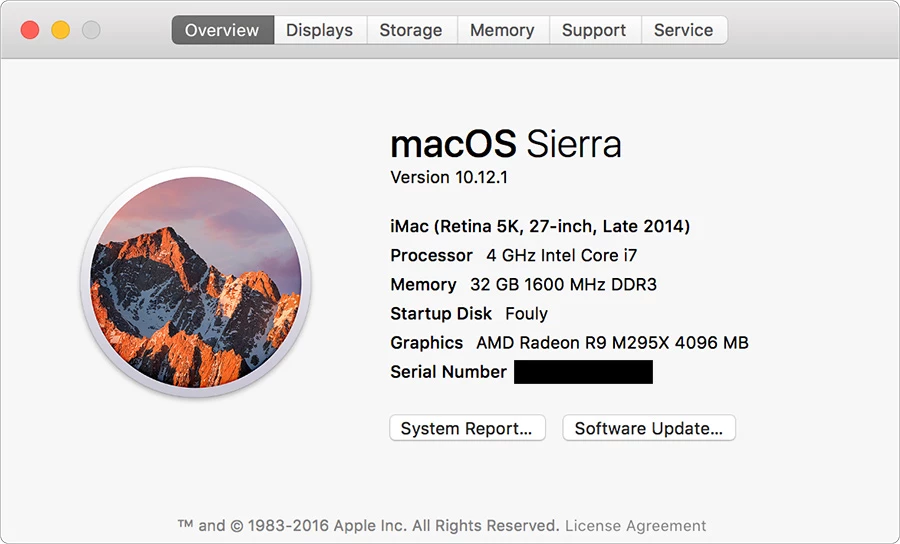
I am experiencing a couple of issues, both of which are GPU related...
1) I have a project file with a 1080 Seq that consists entirely of nested sequences. When the GPU is set to either OpenCL or Metal, I get random black screens. If I double click into the nest and scrub the footage in the source sequence everything plays fine. Switching to Software Only mode resolves the issue.
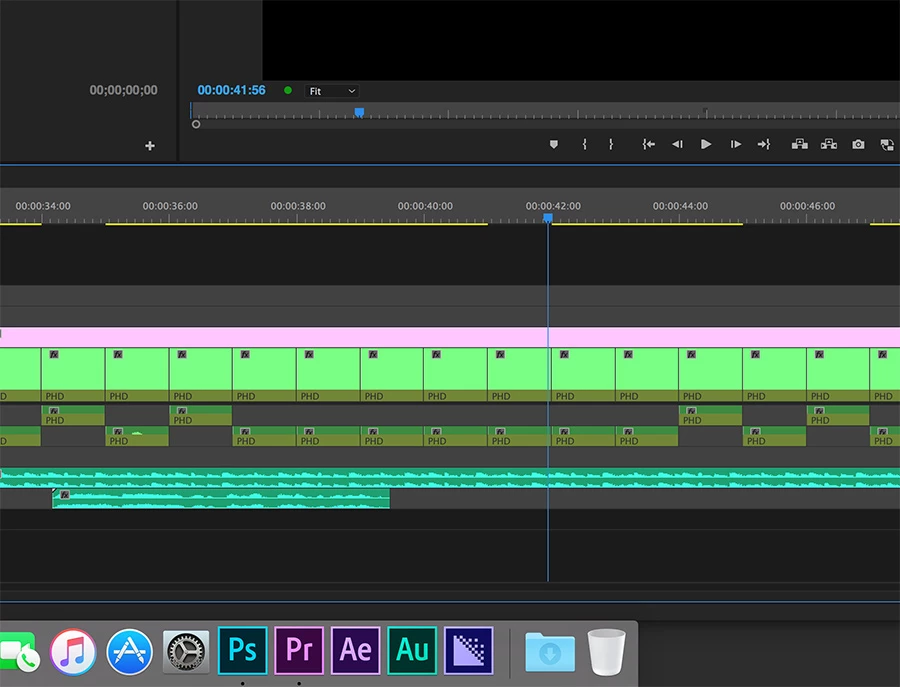
2) If I attempt to export a sequence use AME CC 2017 with either OpenCL or Metal enabled, I will get random whacky results when lower thirds/ watermarks are rendered. If I switch to Software only mode everything exports perfectly albeit 5 times as long.
On my main partition I have Sierra 10.12.1 running with PPCC 2015.2, AME 2015.2 and both work perfectly with OpenCL enabled. This GPU issue started when the 2015.3 of PP was released, same thing on 2015.4 and now with the 2017 versions.
Is there going to be a patch for this? I find it hard to believe that the GPU in Apple's flagship iMac is not able to support the newer versions of Premiere.
 AdChoices