

Premiere pro cc 2018 on windows no render in to out option
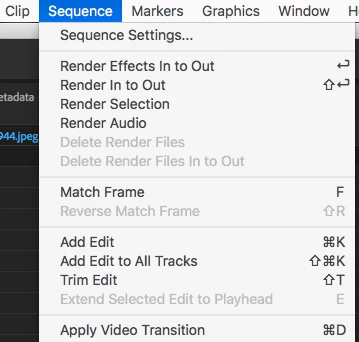
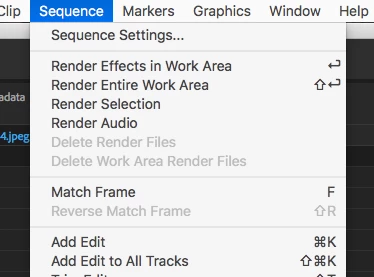
The documentation says that you can set in and out points and select render in to out, but there is no such option. Sometimes render selection is available, sometimes it is not. I've read a description of the color of render bars, but haven't understood how that relates to when you can and not render a selection. My selections are almost always also the in and out points.
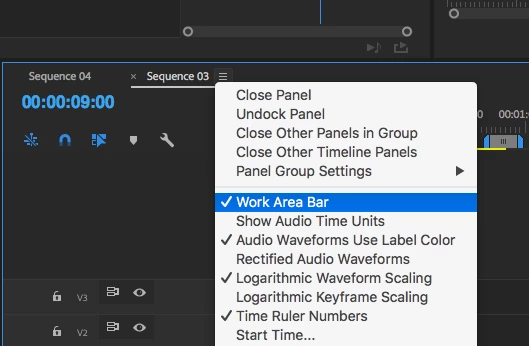
Is there an alternative to rendering the entire workarea over and over? I am mostly changing the speed/duration of clips, or splitting them and rearranging them, when the need to render happens again (because otherwise I can't tell where different parts of the video occur in the timeline)?
Oh, I just noticed, if I toggle track output off for some clips that are not within the selection, then render selection became available. Why would that be?
 AdChoices