łukaszs93975604
Participant
May 7, 2019
Question

Premiere Pro CC 2019 Workspace Issue

  • May 7, 2019
  • 2 replies
  • 1283 views

Hello Everyone,

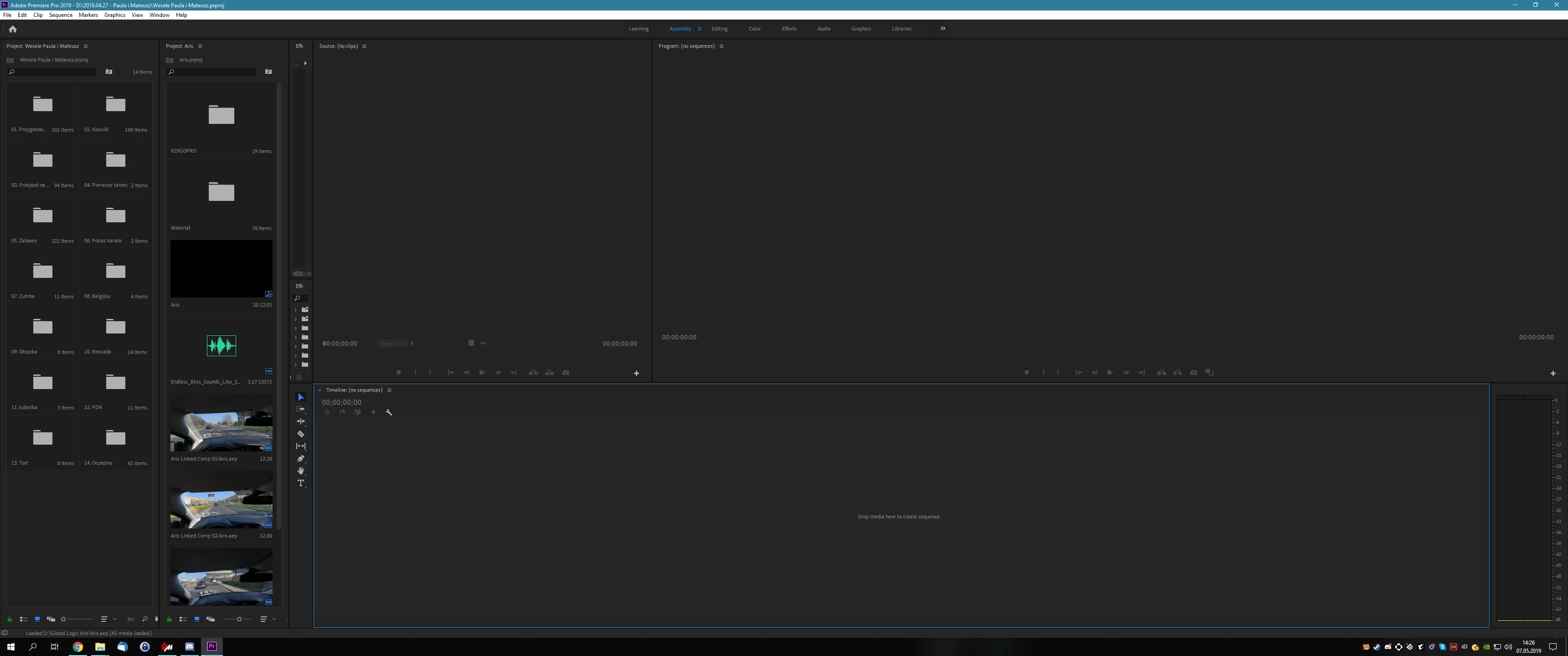
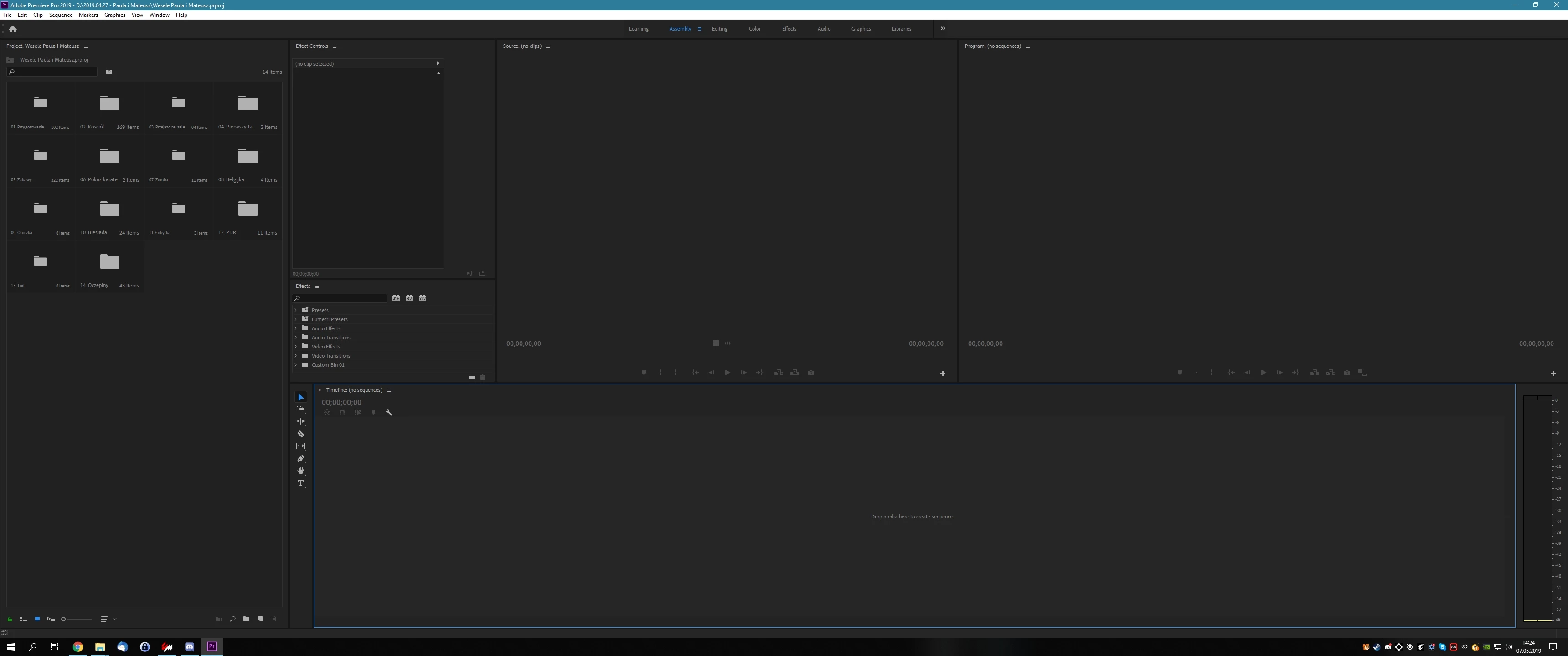
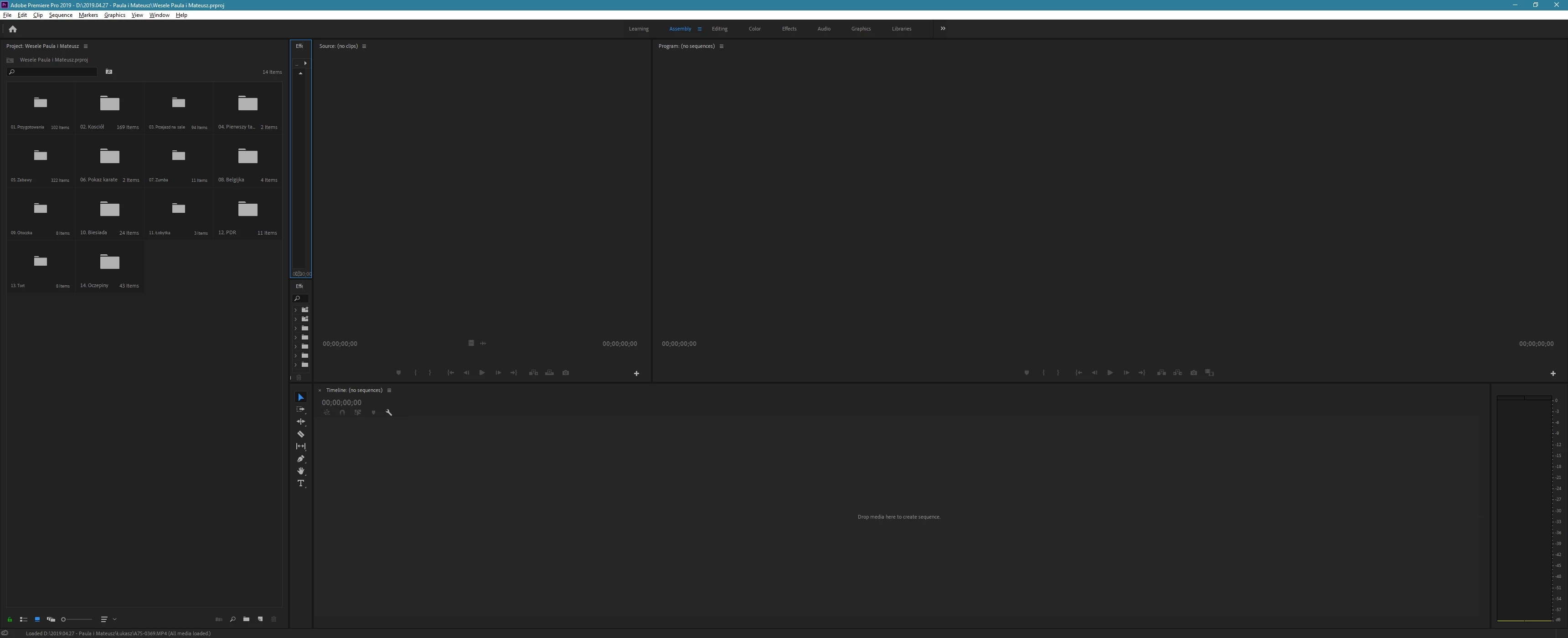
I have huge problem with custom workspaces in Premiere Pro CC2019. In my case when I use my custom workspace it always looks different after relaunch of the program. Of course I saved my custom workspace and unchecked "Import workspace from project", and workspace sync is disabled. On first screenshot there is my desired worspace. On second screenshot you can see what the workspace looks right after rebooting the program. On a third screenshot you can see what happens when I load second project. These screenshots are only examples, everytime I open the program, workspace looks different.  In this case I've changed "Assembly" workspace, but it doesn't matter, if I create brand new workspace, problem still exists.
This topic has been closed for replies.

2 replies

hoovdaddy
Inspiring
June 28, 2019

I renamed my workspaces starting with a number.

1-Edit

2-EFX

3-Audio

4-Color

Doing this has put my workspaces at the top of the list, then I can map

F1 to Workspace 1

F2 to Workspace 2

F3 to Workspace 3

F4 to Workspace 4

without guessing what workspace# = my custom settings.

hoovdaddy
Inspiring
May 24, 2019

same problem here. I have created 4 workspaces from scratch since the upgrade to 13.1.2.

I have deleted the default workspaces and mapped my customs to 4 function keys. (graphics and libraries I moved to "overflow" - didn't want to delete them yet until I've had a chance to check them out)

once I reboot the software, all of the default spaces come back, my custom spaces are retained but moved to the "overflow", and my keyboard shortcuts are totally incorrect.

We upgraded from CC2018 to CC2019 13.1.2. 2018 didn't have this issue.

I've reported this through Adobe's bug report.

https://adobe-video.uservoice.com/forums/911233-premiere-pro/suggestions/37731229-workspaces-not-being-retained-cc2019-13-1-2-buil

you're not alone!!!

R Neil Haugen
Legend
May 24, 2019

This is an acknowledged bug. We are waiting for the patch release for this and sn unspecified number of other issues.

Which will drop when it does.

Neil

Everyone's mileage always varies ...
hoovdaddy
Inspiring
May 29, 2019

I notice the WorkspaceConfig.xml file resets when I relaunch PP.

The BuiltInKeys return (default workspaces that I deleted).