Question
Premiere Pro CC 2020 stuck on project loading MOGRT files
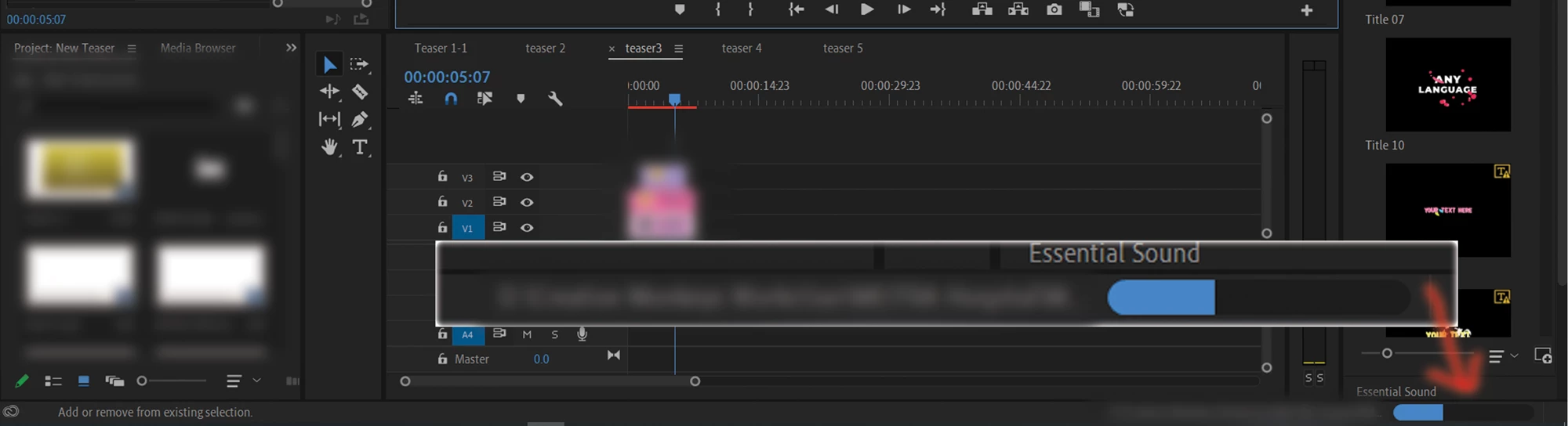 Opening the project on Premiere Pro 2020, the project always stuck on loading MOGRTand never completely load and the program always ends up not responding. How to solve this issue?
Opening the project on Premiere Pro 2020, the project always stuck on loading MOGRTand never completely load and the program always ends up not responding. How to solve this issue?
Already have an account? Login
Enter your E-mail address. We'll send you an e-mail with instructions to reset your password.
 AdChoices