Participating Frequently
February 19, 2018
Answered

Premiere Pro CC Black screen, project won't open, frozen

  • February 19, 2018
  • 4 replies
  • 14583 views

Premiere Pro CC

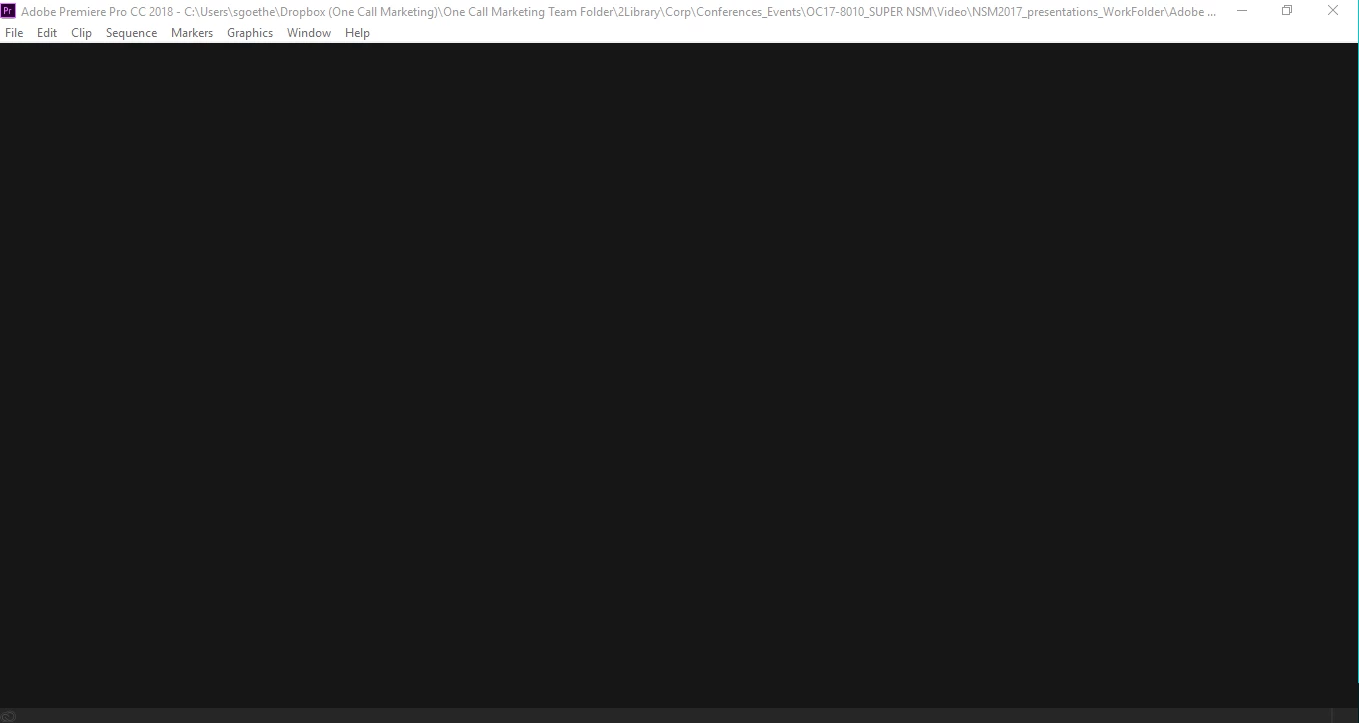
Whenever I try to open a .prproj in Premiere, it acts like it is opening and then it gives me a blank, black screen and will not do anything. I can't choose from any of the menus at top, it won't close or minimize. It is completely frozen. I've tried restarting my computer, opening different project files to see if it was just certain ones. At first, a few others would open, now, none of them want to open. I tried uninstalling and re-installing the program with no success. I have the latest version of Adobe Premiere Pro CC. HELP!!!

This is the screen it shows me after it starts to load a project and then doesn't:
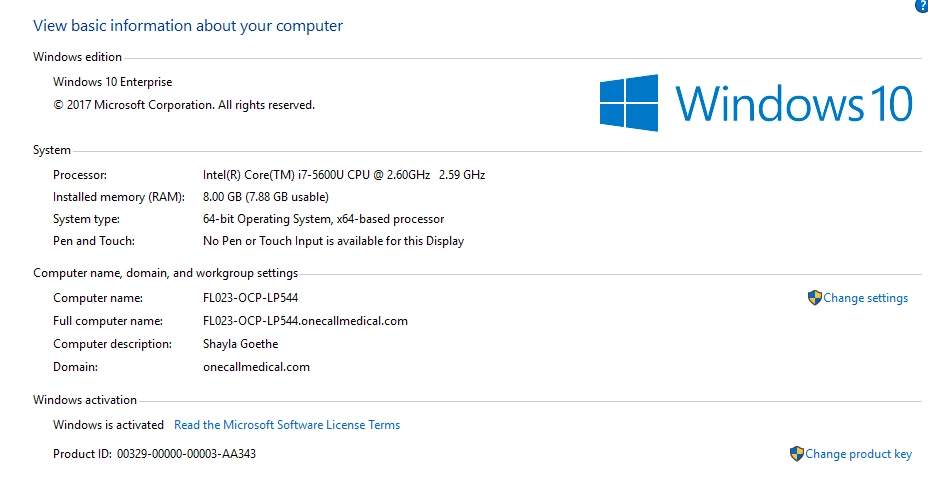
Computer system settings below:

Lenovo T450 ThinkPad

intel CORE i7

Ultrabook
02/19/18 6:00PM - UPDATE:

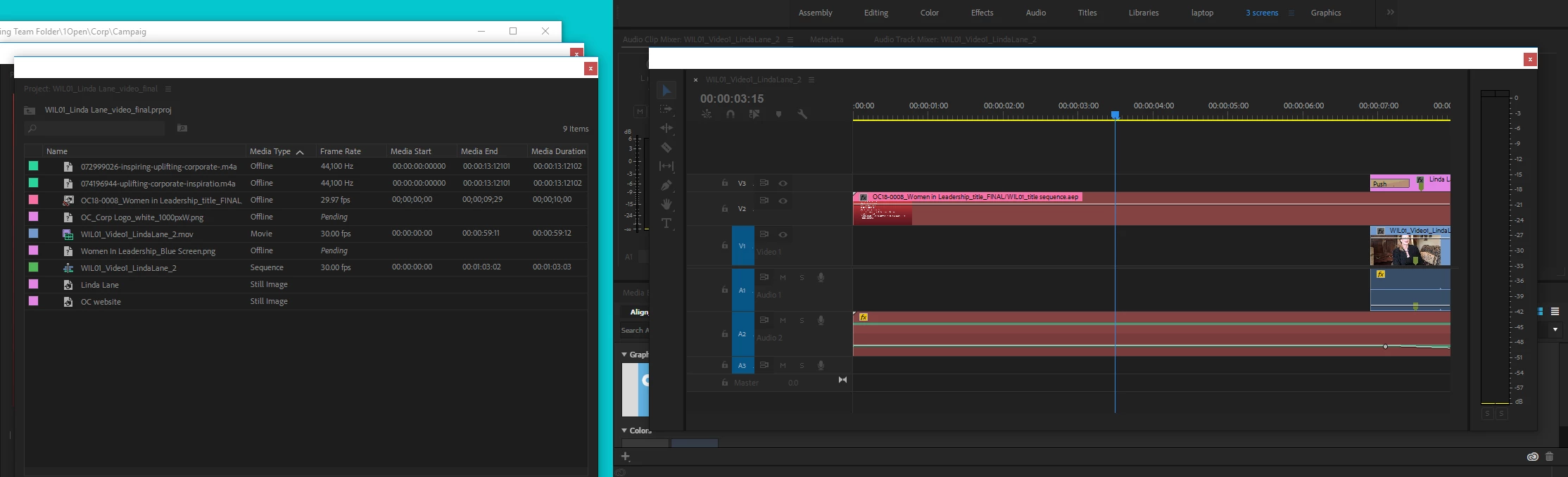
After moving Asset files to a new folder and opening a New Project, I tried opening my original project and this time it came up and shows I have media missing, but it is again frozen and will not allow me to updated the location of the files.

This topic has been closed for replies.
Correct answer Vidya Sagar

Hi shaylag45954664,

Sorry for the issue. Just for a test, create a new project & import the old project file into the new project & test.

If the issue persists, reset the preferences & test: FAQ: How to reset preferences in Premiere Pro?

Thanks,

Vidya

4 replies

Participant
April 5, 2020

Hi Any thoughts if the screen says "no projects "  and nothing else? just a frozen screen, no menu choices... I can see what looks like an open page behind this frozen " no projects" page hiwever any time I select it I just get the Windows chime.

ive tried opening the project through an outside file ( so Im sure it exists) but it just keeps bringing me back to the same frozen " no projects" page...

Participant
September 9, 2022

I got same errors just reinstall the premire pro tust me this worked for me try this!!

Participant
August 9, 2018

For some reason, everytime I Try loading my project, the files update to the import projects files side, but the sequence is completely gone, I spent an hour making an edit, and its just gone now

Vidya Sagar
Adobe Employee
Vidya SagarCorrect answer
Adobe Employee
February 20, 2018

Hi shaylag45954664,

Sorry for the issue. Just for a test, create a new project & import the old project file into the new project & test.

If the issue persists, reset the preferences & test: FAQ: How to reset preferences in Premiere Pro?

Thanks,

Vidya

shayla888Author
Participating Frequently
February 20, 2018

This worked. Thanks!! It's odd because when I uninstalled & reinstalled the program, I thought I chose not to keep my preferences. This time I reset my preferences and plug-in cache at the same time. Maybe that made the difference.

Vidya Sagar
Adobe Employee
Adobe Employee
February 20, 2018

Hi shaylag45954664,

Glad it worked. Thanks for letting us know the status.

Vidya

Peru Bob
Community Expert
Community Expert
February 20, 2018

Try updating or rolling back your video driver directly from the card manufacturer's site.