



Answered
Premiere Pro CC launch issues - 'Install server not responding'
I have recently been having an issue when I try to launch Premiere Pro CC. When I launch it it shows the splash screen, then starts a Windows Installer process. This goes through a few cycles successfully but then comes to one that does not even initialize the progress bar. It will sit for quite a while, and then will show a dialog saying "Install server not responding" with retry or cancel options. Either way, I can't launch Premiere Pro right now because of this which is a major problem.
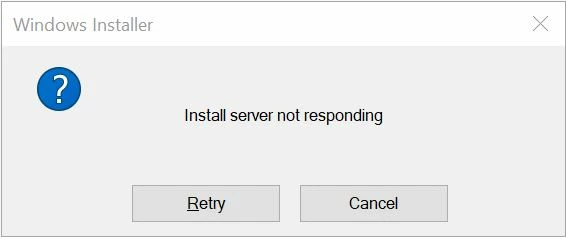
Things I've tried:
- Retrying the installation
- Reinstalling the latest version
- Installing a previous version that used to work
- Restarting my PC
My system:
- Windows 10 Pro x64
- Intel i7-6900K
- GTX 1080TI
- 64GB RAM
I also have reliable internet that averages around 60 down and 20 up, I can confirm it is not a connection issue on my end.
 AdChoices