Answered
Premiere Pro CC show my mobile vertical video horizontally
Today I captured new video in my mobile in vertical mode when import this video to Premiere pro program shows my video horizontally
I want to show me vertically how I can do this?
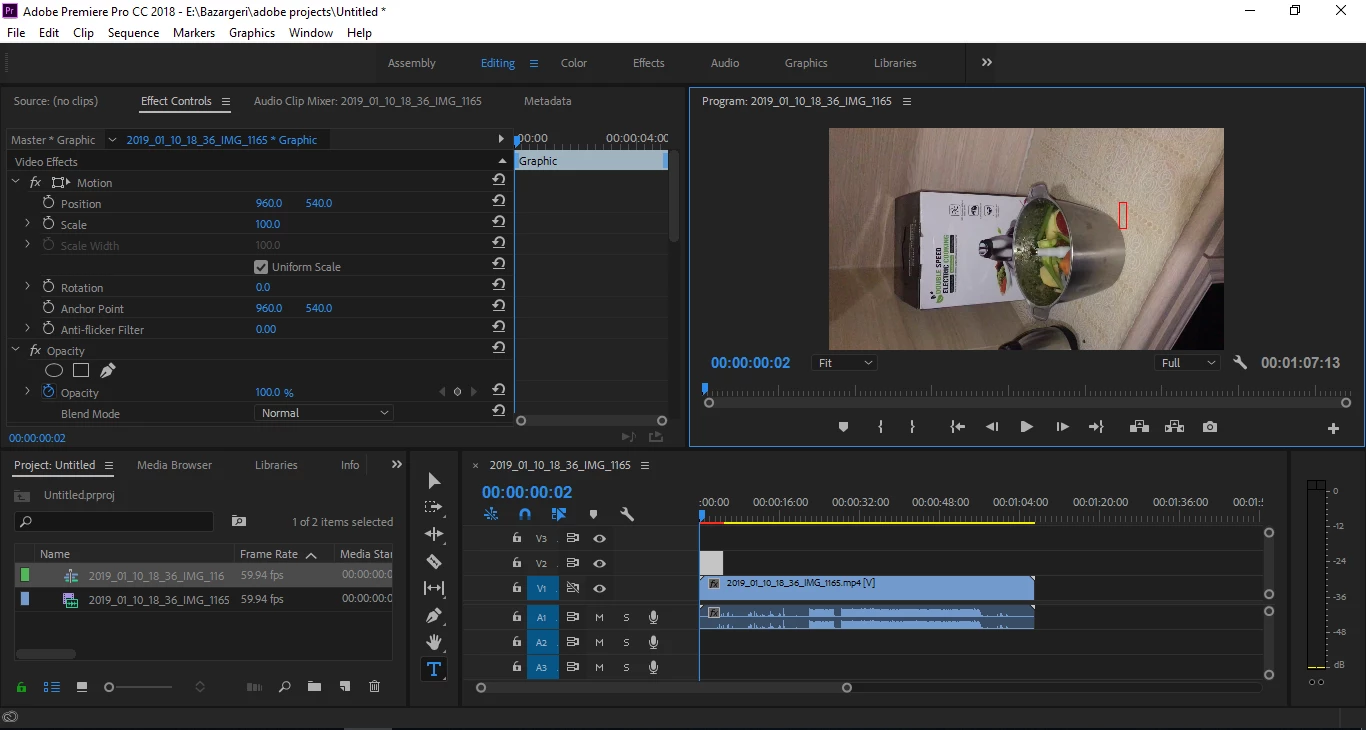
Today I captured new video in my mobile in vertical mode when import this video to Premiere pro program shows my video horizontally
I want to show me vertically how I can do this?
Two ways ...
Or ...
Neil
Already have an account? Login
Enter your E-mail address. We'll send you an e-mail with instructions to reset your password.
 AdChoices