
Premiere Pro Crashes after opening project
Hello everyone!
So I wanted to re-open a relatively old PP project on the 2024 version of a short film project file I edited a year ago to add laurels to the timeline.
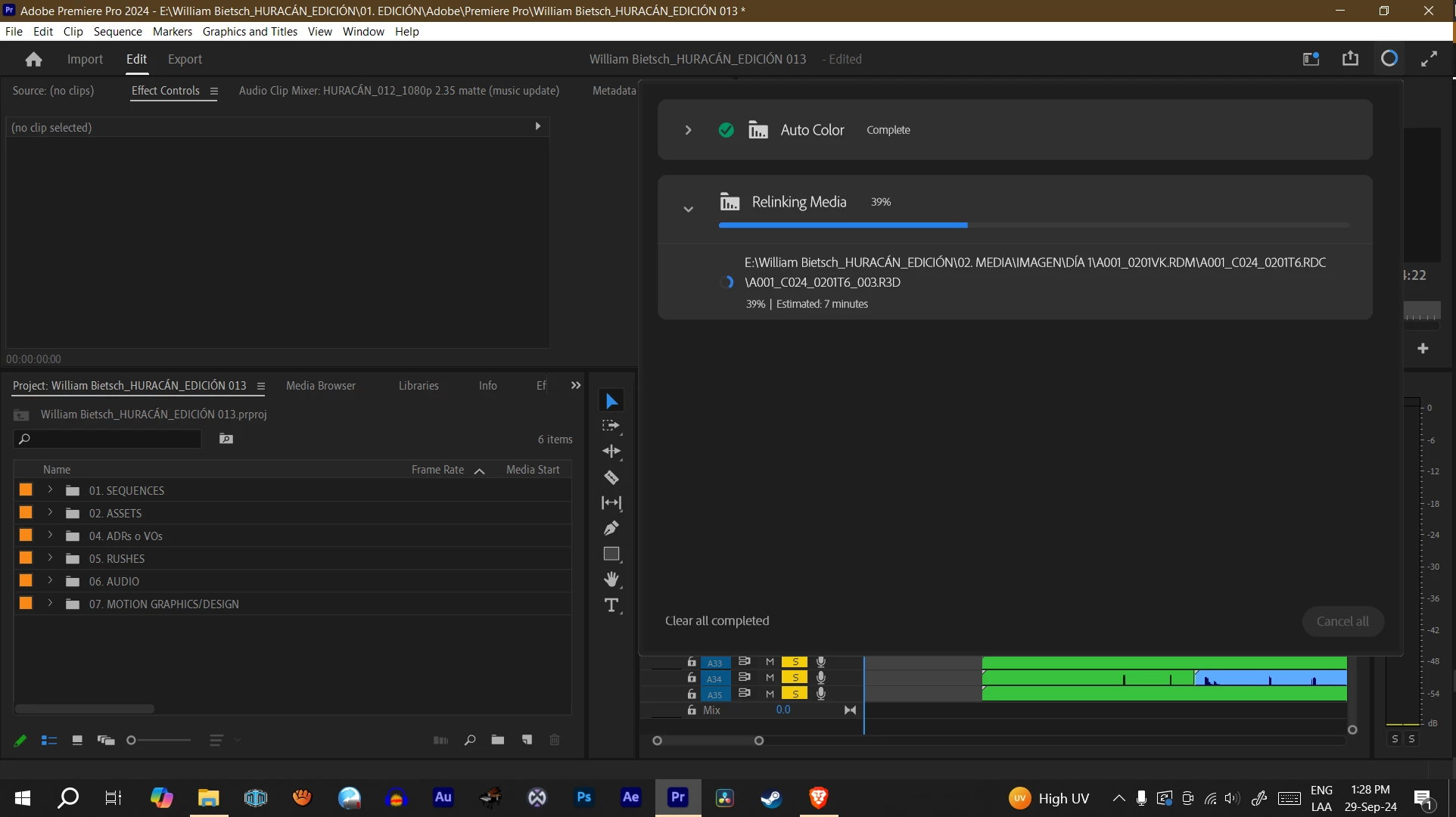
Normally, the project would take forever to re-link media (see image below) from my external hard drive, but for over a month now, I haven't been able to work on the project at all because shortly after I open the project and while the "Relinking media" progress circle at the top works, Premiere Pro suddenly shuts down and closes all of a sudden. I've worked on other projects on the same computer and none have this problem.
After looking on different forums, many people pointed out that it could be either my GPU (Nvidia) that needs an update or rollback or that I'm using RED camera footage (I don't know what the issue could be here). I'm using proxys to work the RED footage and I have lumetri color grading applied to all the clips on my timeline.
I'm not sure what the problem could be - I've reset the plugin cache while starting Premiere up, deleted the media cache, updated my nvidia card, and tried using the "Software Render Only" option. Nothing seems to work.
Please help! Thanks!


 AdChoices