Participant
January 5, 2019
Question

Premiere pro crashing

  • January 5, 2019
  • 2 replies
  • 187 views

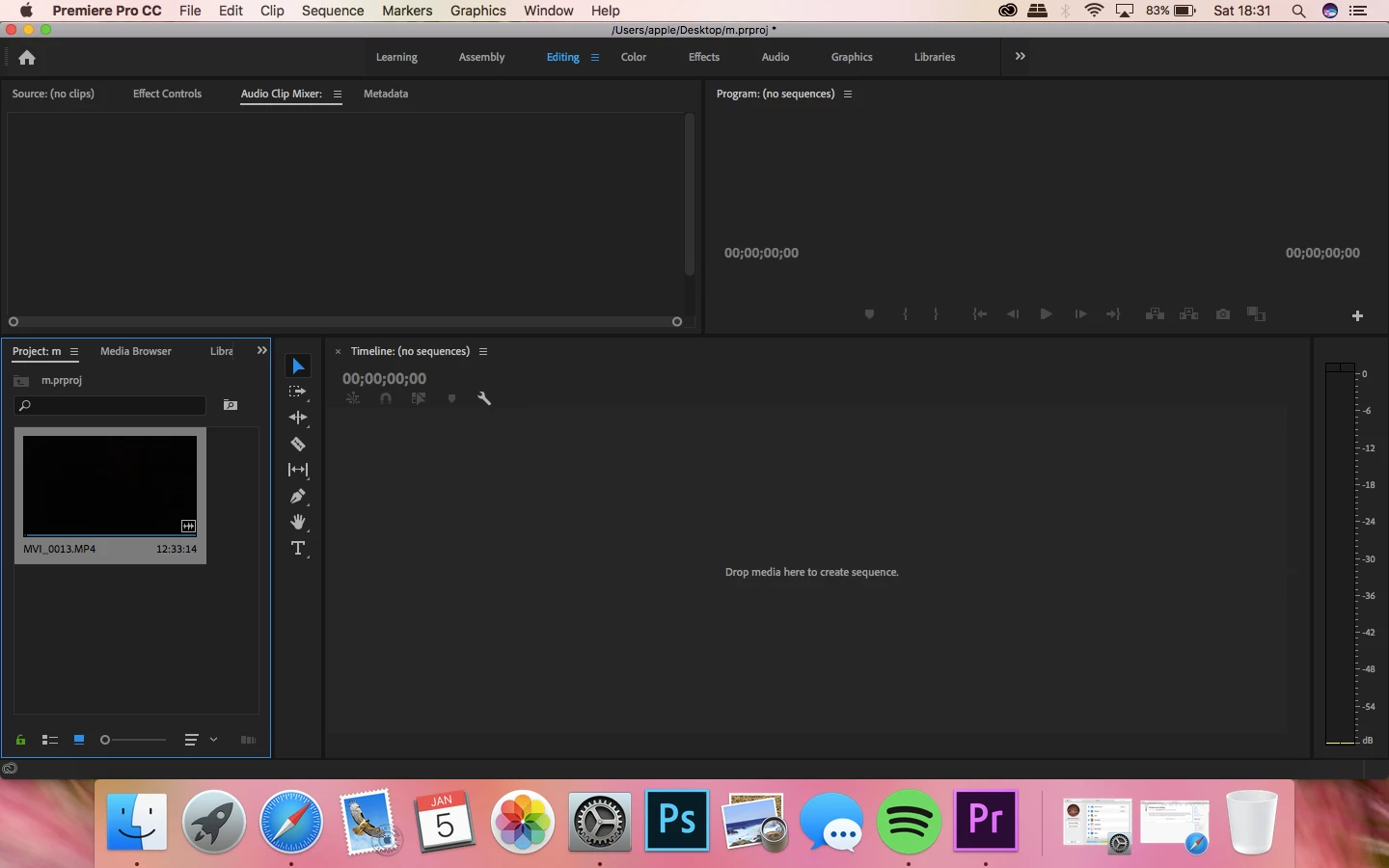
When opening up premiere pro it takes a while but eventually opens. It will allows me to use media browser and it will allow me to select a video. However, when opening the video and try to bring it into the work space to edit sequencing, the colour wheel appears and the application becomes unresponsive and I have to force quit the programme.
    This topic has been closed for replies.

    2 replies

    Adobe Employee
    January 15, 2019

    Hi haleym34720412,

    Please try to reset app preferences (FAQ: How to reset (trash) preferences in Premiere Pro? ) and workspace (FAQ: How to fix workspace related issues in Premiere Pro? ) of Premiere Pro and then check if it's working properly.

    Let us know if it helps.

    Thanks,

    Sumeet

    John T Smith
    Community Expert
    Community Expert
    January 5, 2019

    More information needed for someone to help... please click below and provide the requested information

    -Troubleshooting https://forums.adobe.com/thread/2261475

    -Premiere Pro Video Editing Information FAQ http://forums.adobe.com/message/4200840