Silas30847529lmae
Known Participant
Jun 13, 2025 9:51 AM UTC
Question

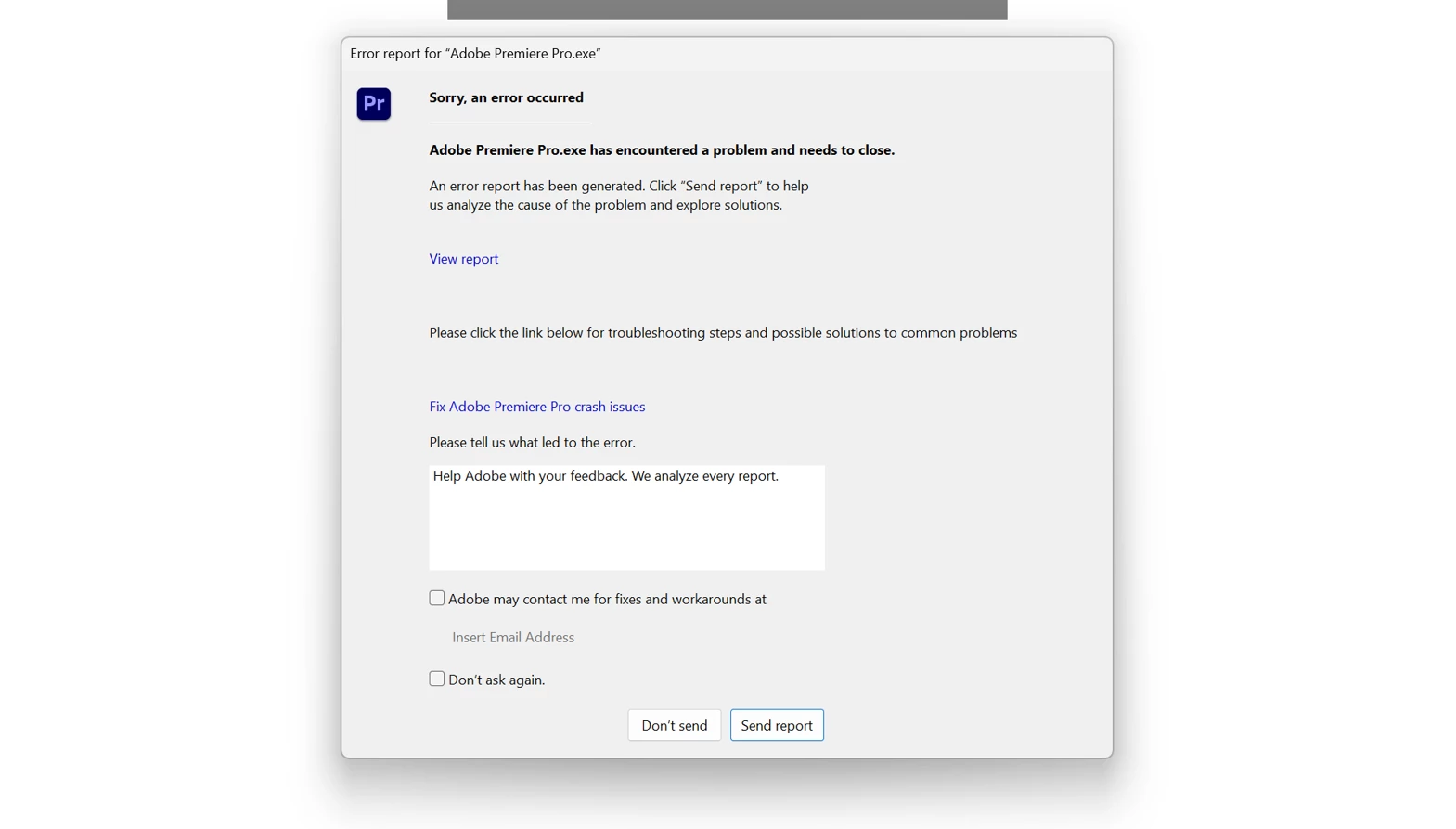
Premiere Pro Crashing instantly as I select a clip in the Timeline

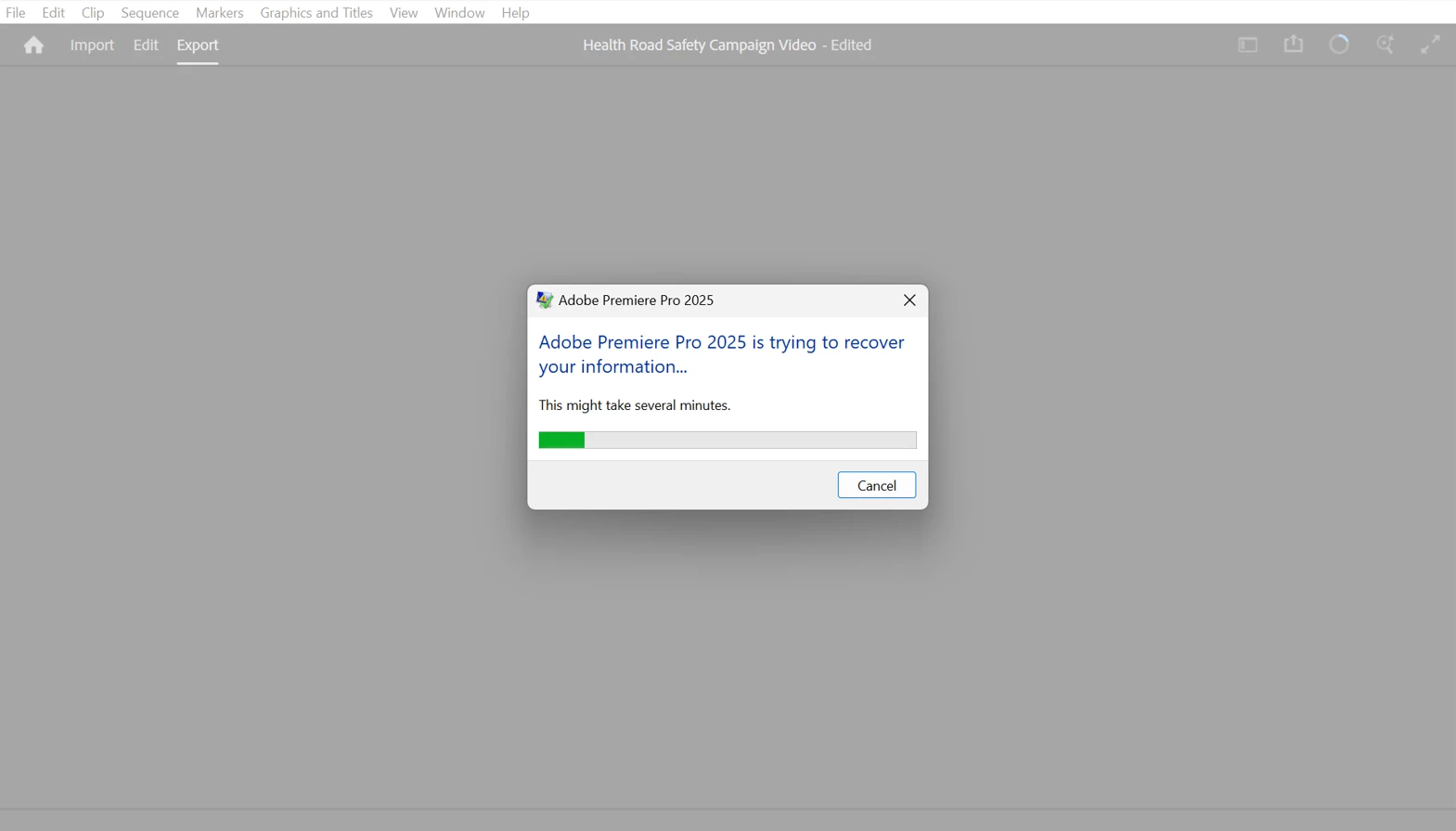
I have this issue in premiere pro and premiere pro beta where the whole system crashes instantly when a select a clip in the timeline panel. It has happened more than 20 times now, and makes all editing impossible. I am at a wits end as to how I am supposed to edit in Premiere pro anymore, it has been incredibly unreliable over the years, using multiple different devices, and I am really consdering switching to an alternative editing software.


I will attach a screenshot for reference, I have tried so many different things to fix it, but nothing seems to work.


I need help fast, i am rapidly running out of time to get this video done. 


23 replies

Legend
Jun 15, 2025 8:10 AM UTC

Does this happen when you select the same clip or it happens randomly to any clip on your timeline?

Translate
Participating Frequently
Jun 15, 2025 8:45 AM UTC

It happens for me when I select certain clips, but not others. For instance, if I select a video clip to move it, and premiere instantly crashes. Other clips aren't affected. 

Translate
Legend
Jun 15, 2025 8:54 AM UTC

If you remove the clips that are causing the crash and leave only the ones that don’t crash, does Premiere behave normally?


If so, the problem might be with the clips themselves, not with Premiere directly.


Try transcoding those clips before importing them. Use Adobe Media Encoder or Handbrake, and convert them to something like DNxHR or ProRes. Then test again with the transcoded versions and see if the issue goes away.

Translate
Ann Bens
Community Expert
Community Expert
Jun 13, 2025 10:51 AM UTC

If its both in the regular and beta version try to make a new project and import old one.

also trash media cache.

Translate
Silas30847529lmae
Known Participant
Jun 13, 2025 1:06 PM UTC

I will try that, had already tried trashing media cache

Translate
Silas30847529lmae
Known Participant
Jun 14, 2025 3:38 AM UTC

That doesnt seem to work either

Translate
Participating Frequently
Jun 13, 2025 10:29 AM UTC

same issue. Running a 2020 Macbook Pro, 16GB, sonoma 14.4. SHould be enough, but when I select certain clips on the timeline, it instantly crashes. IS there a workaround?

Translate