

Hey Evgenii
Inspiring
July 18, 2024
Question

Premiere pro deleting mogrt is extremely slow and buggy

  • July 18, 2024
  • 1 reply
  • 171 views

I am trying to delete ae mogrt in essential graphics panel, however every time I do right click it spins like for 3 seconds first to show the menu + the ui window can also dissapper if I click twice (please see the gif, it is sped up 300%)
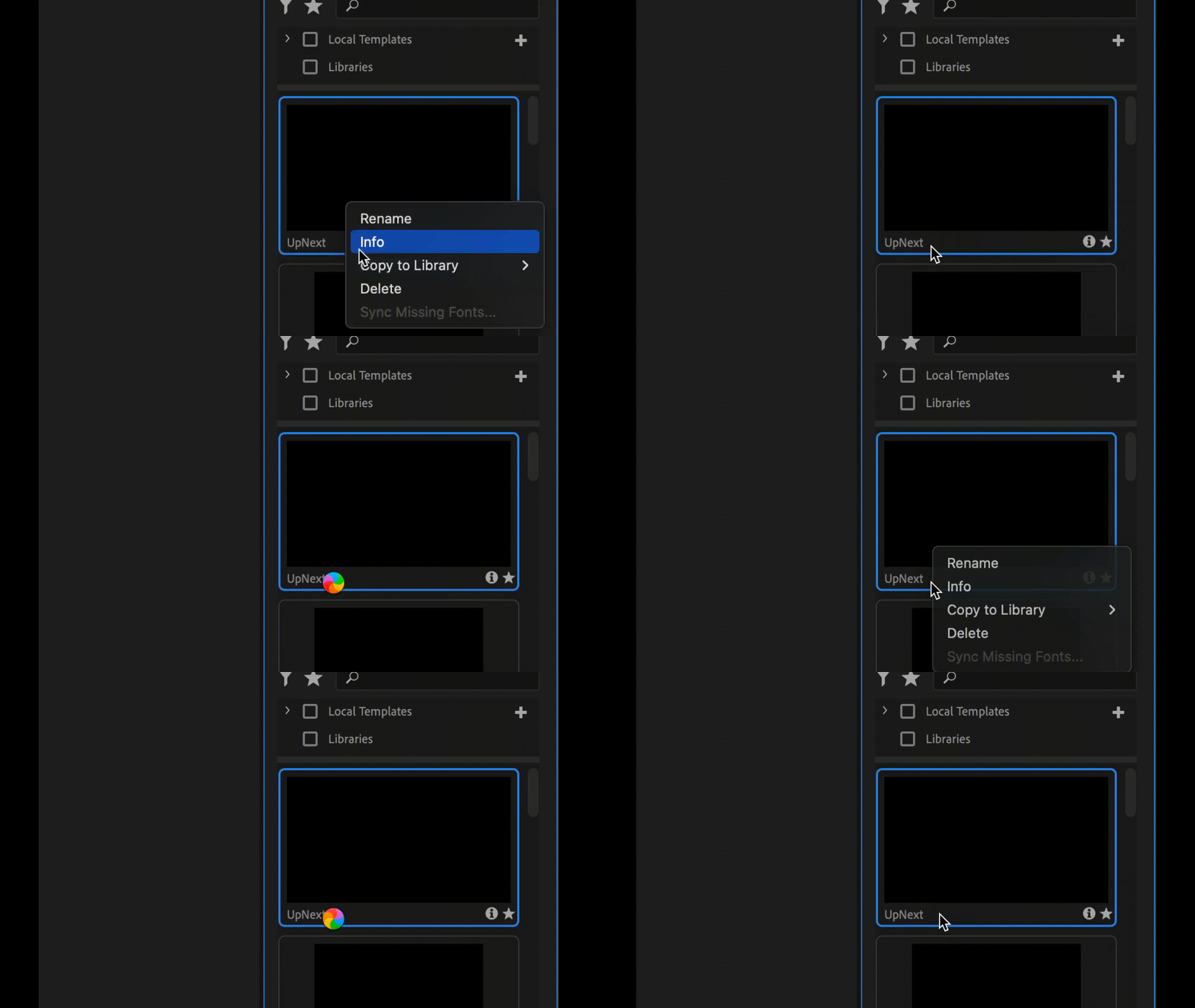

I had this issue since ppro 2022, I am using 24.3 at the moment
I have very powerful machine (Macbook pro 16 2023, M3 Max, 48RAM, MacOs 14.1)  and it shouldn't load that long. However I had the same issue on macbook air 2017 i5

This topic has been closed for replies.

1 reply

Theresa Rostek
Community Manager
Community Manager
July 22, 2024

hi @Hey Evgenii

Sorry you're running into issues. Can you first try clearing your media cache, restart Premiere  and see if the issue clears up?

If that doesn't work, could you send a screenshot of the Local Templates turndown twirled open and let me know where your templates are stored (local drive, external drive, cloud drive)? This can be DMed to me privately if you don't want to send the screenshot here.

Thanks!
Theresa

Motion Graphics, Premiere Pro