Participant
March 13, 2025
Question

Premiere Pro distroy the resolution

  • March 13, 2025
  • 2 replies
  • 650 views

Hi! 


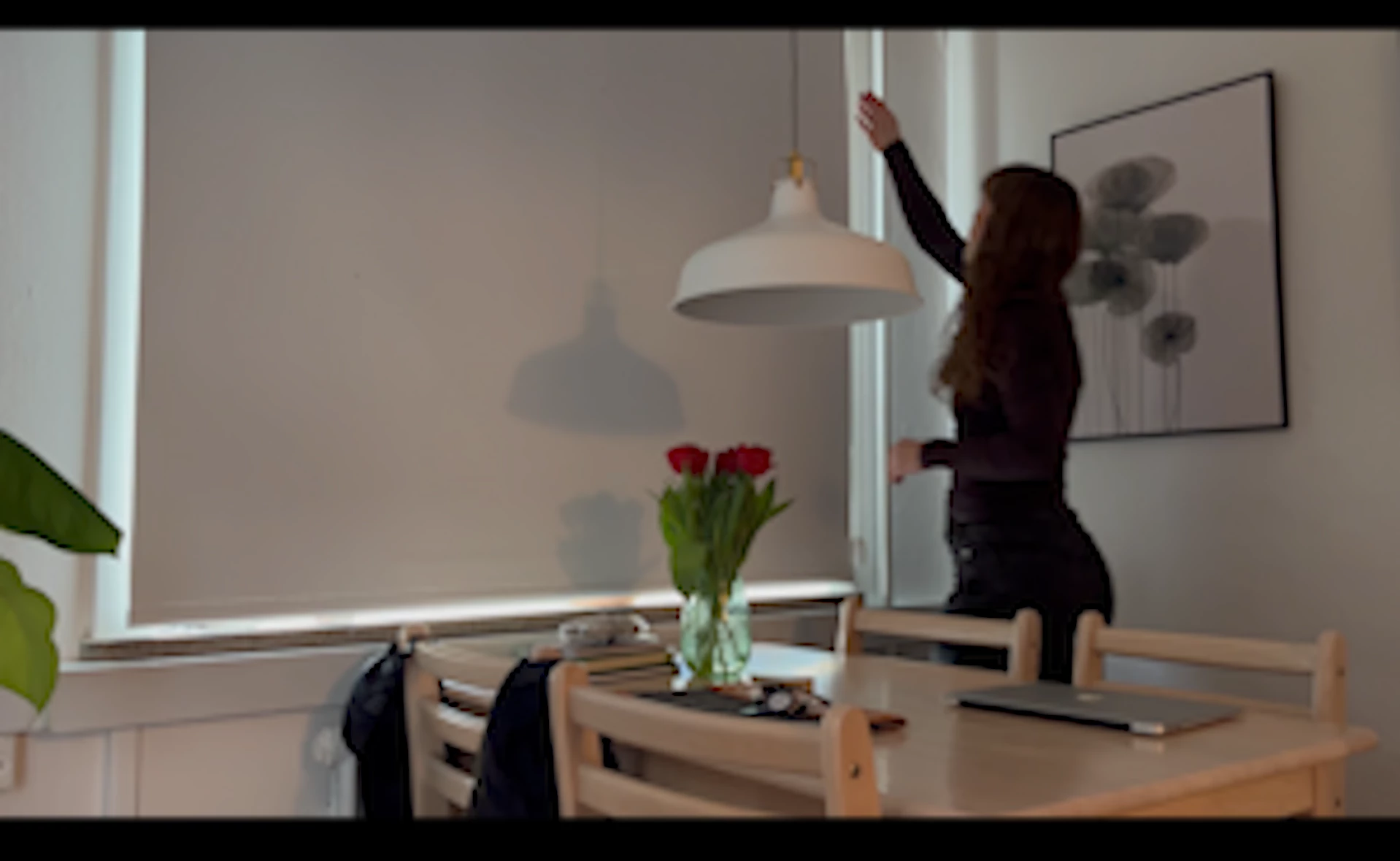
I have filmed clips on my iPhone 14 and I can see in the video information that they all have a resolution of  1920x1080.

When I add them to premiere pro it zooms in so that only a tiny bit of the video is shown. I have the option to "scale to frame" or "Fit to frame" but no matter if what option I choose the resolution gets really bad... how do I fix this? 


2 replies

Peru Bob
Community Expert
Community Expert
March 13, 2025

Please use the free MediaInfo and post a screenshot of the properties of your media in tree view:
https://mediaarea.net/en/MediaInfo

Averdahl
Community Expert
Community Expert
March 13, 2025

Make sure to use a sequence that matches the settings of your footage. You want a sequence that is 1920x1080 with the same  frame rate of your footage. It seems that you are using a 4K setting today, hence the black bars and zooming.


Go to Sequence > Sequence Settings and do the changes there.

Participant
March 13, 2025

I have already done this and the issue is the same. All settings are set to 1080x1920. 


Participant
March 13, 2025

What setting should I set it to under sequence settings?