Diggun
Participating Frequently
July 9, 2019
Answered

Premiere pro does not use GPU

  • July 9, 2019
  • 5 replies
  • 62688 views

Hello!

I have Microsoft Surface Book 2 laptop:
CPU - 8650U
GPU1 - Intel620
GPU2- Nvidia 1060GTX 6 Mb
RAM - 16Mb

Windows 10 1903 Build 18362.207

Premiere pro - 13.1.2

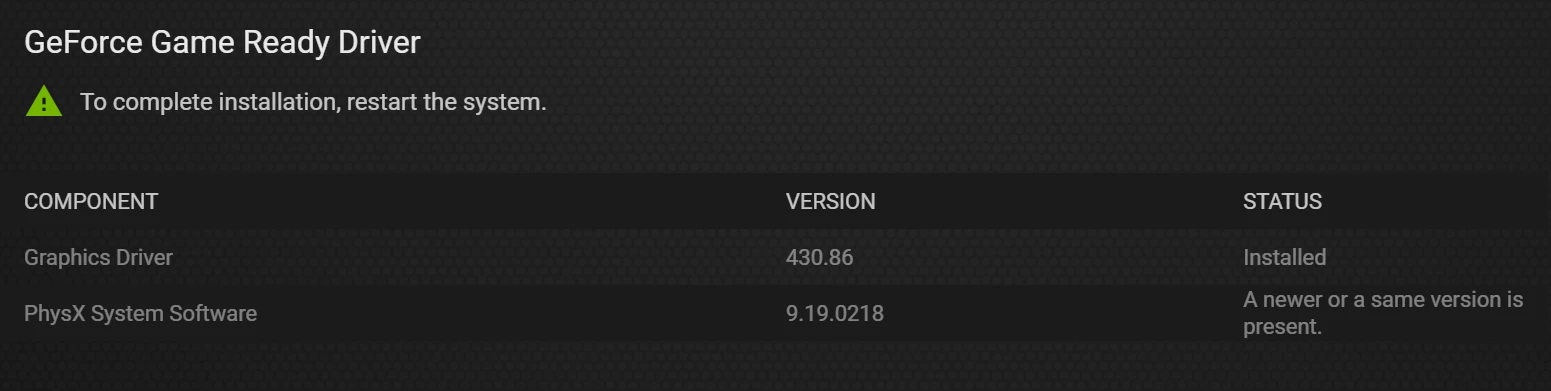
Nvidia driver - 430.86 (last)

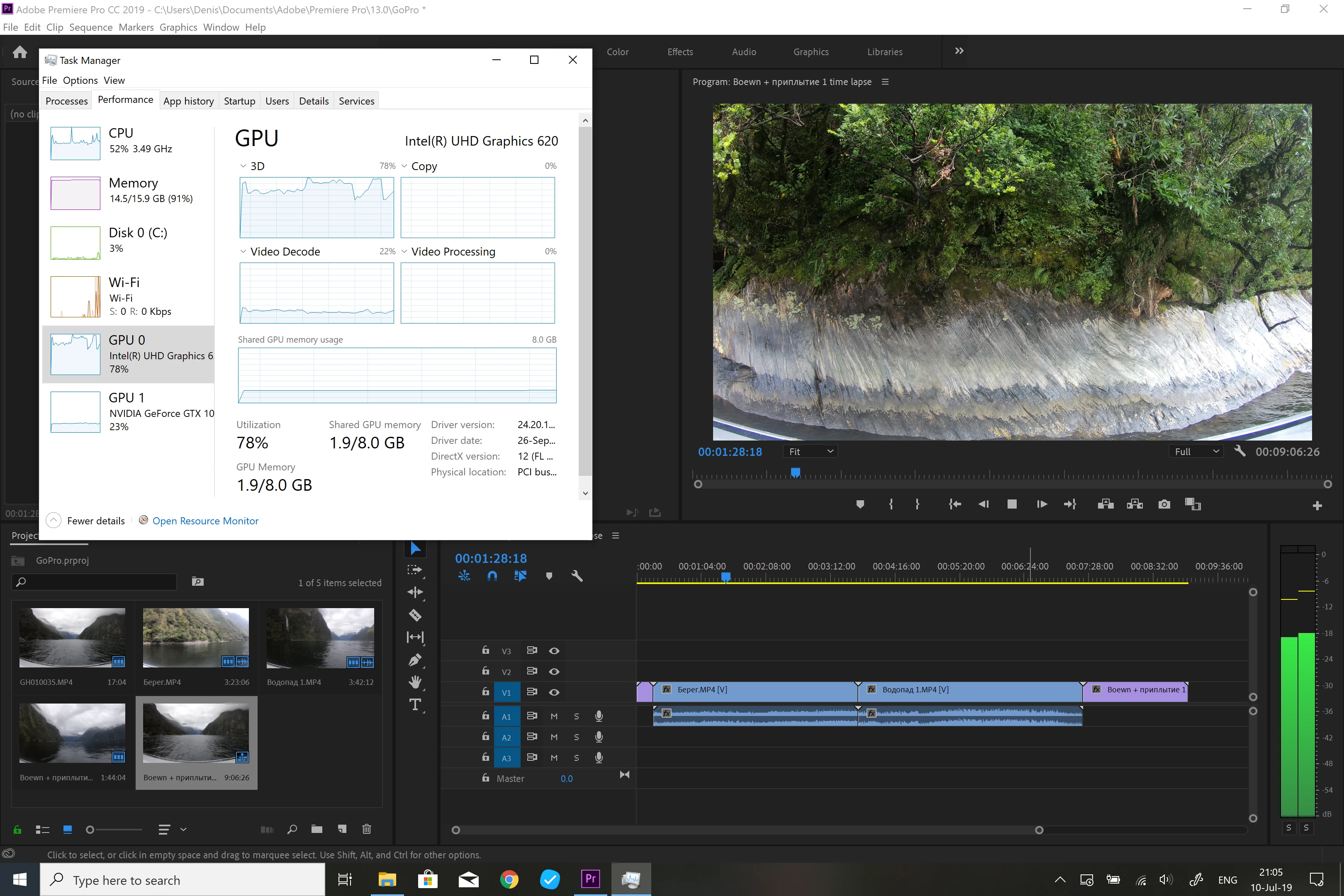
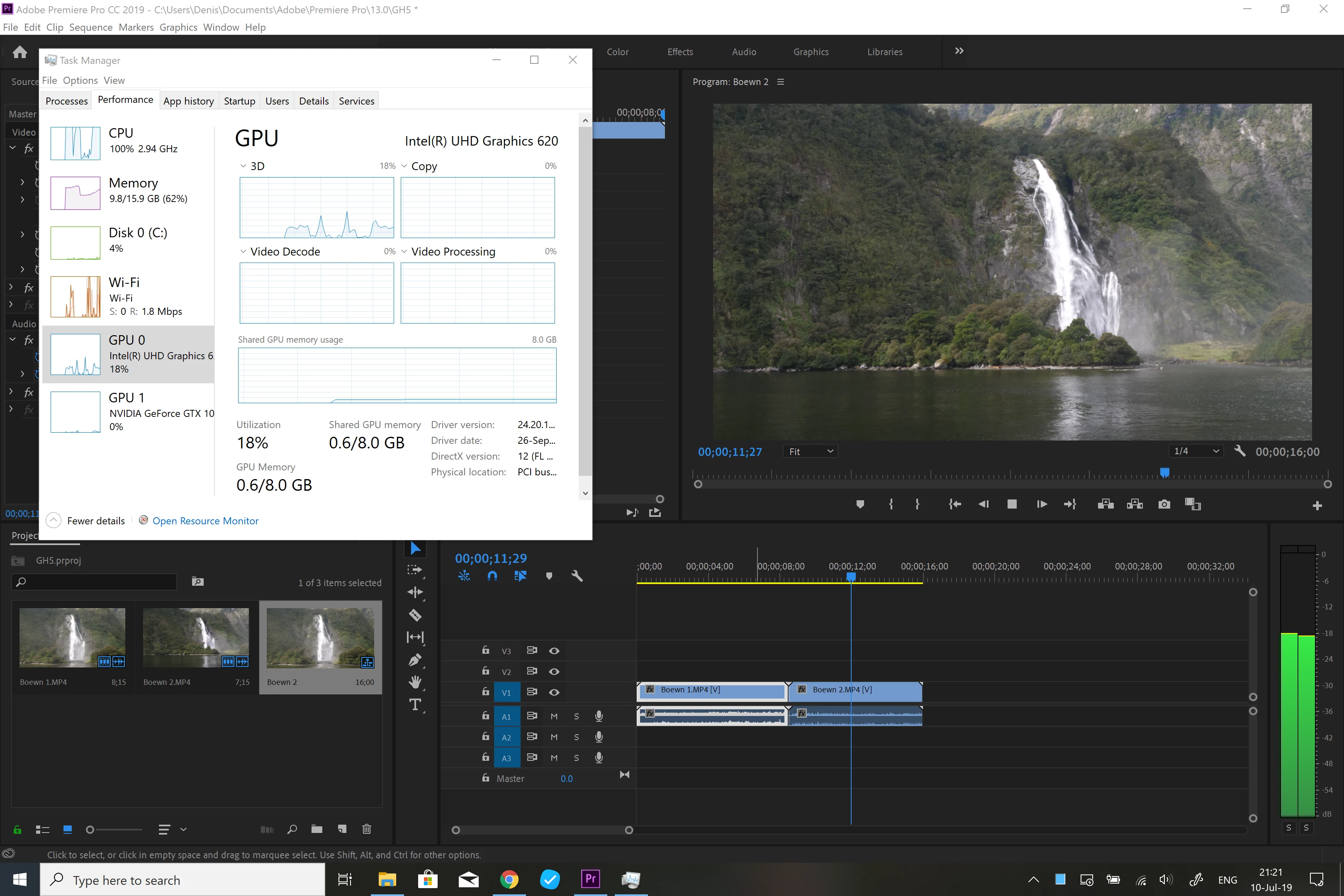
When i'm using Premiere pro all video are freezing. GPU2 (Nvidia) does not working.

What i have tried:

1. Run as Administrator

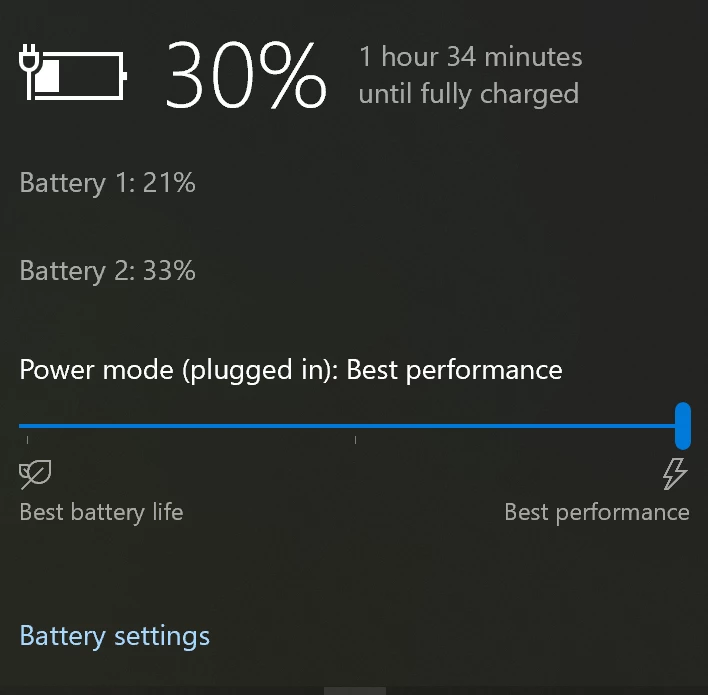
2. Maximum performance (battery)

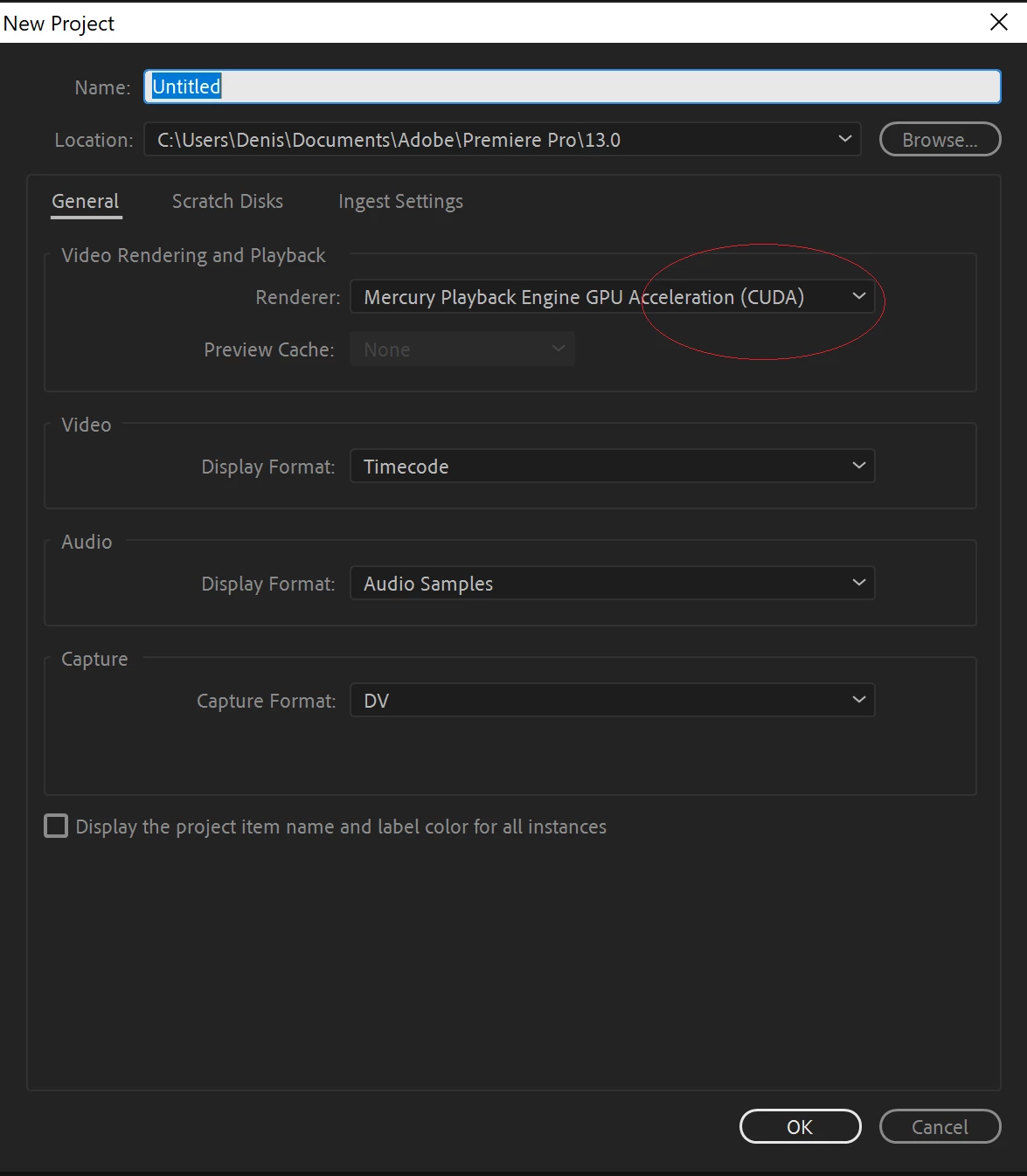
3. Choose CUDA in new project
4. Run apps with Nvidia card
5. Re-Install:
     5.1. Windows
     5.2. Adobe Premiere Pro
     5.3. Nvidia drivers

6. Change the laptop (yes, i have thought that laptop is broken)

Nothing helps ... I'm trying to solve this problem last four months.

Impossible to work in Premiere pro.
    This topic has been closed for replies.
    Correct answer basil1891

    basil1891  wrote

    Adobe Premiere does not use dedicated/external GPU to decode h.264 videos. Only Intel's iGPU can be used for that. So don't expect butter smooth playback if iGPU is disabled. Another possibility is iGPU driver issue, when it's enabled but doesn't work for some reason.

    Consider updating it manually from Intel site:

    Downloads for Intel® Core™ i7-8650U Processor (8M Cache, up to 4.20 GHz)

    and when removing DCH-drivers remember this:

    Learn How to Roll Back Your Driver to a Previous Version

    Thank you for the advise. I will try this.

    I have just tried to edit 4k movie from my GoPro - it works correct.

    Pr uses both GPU.

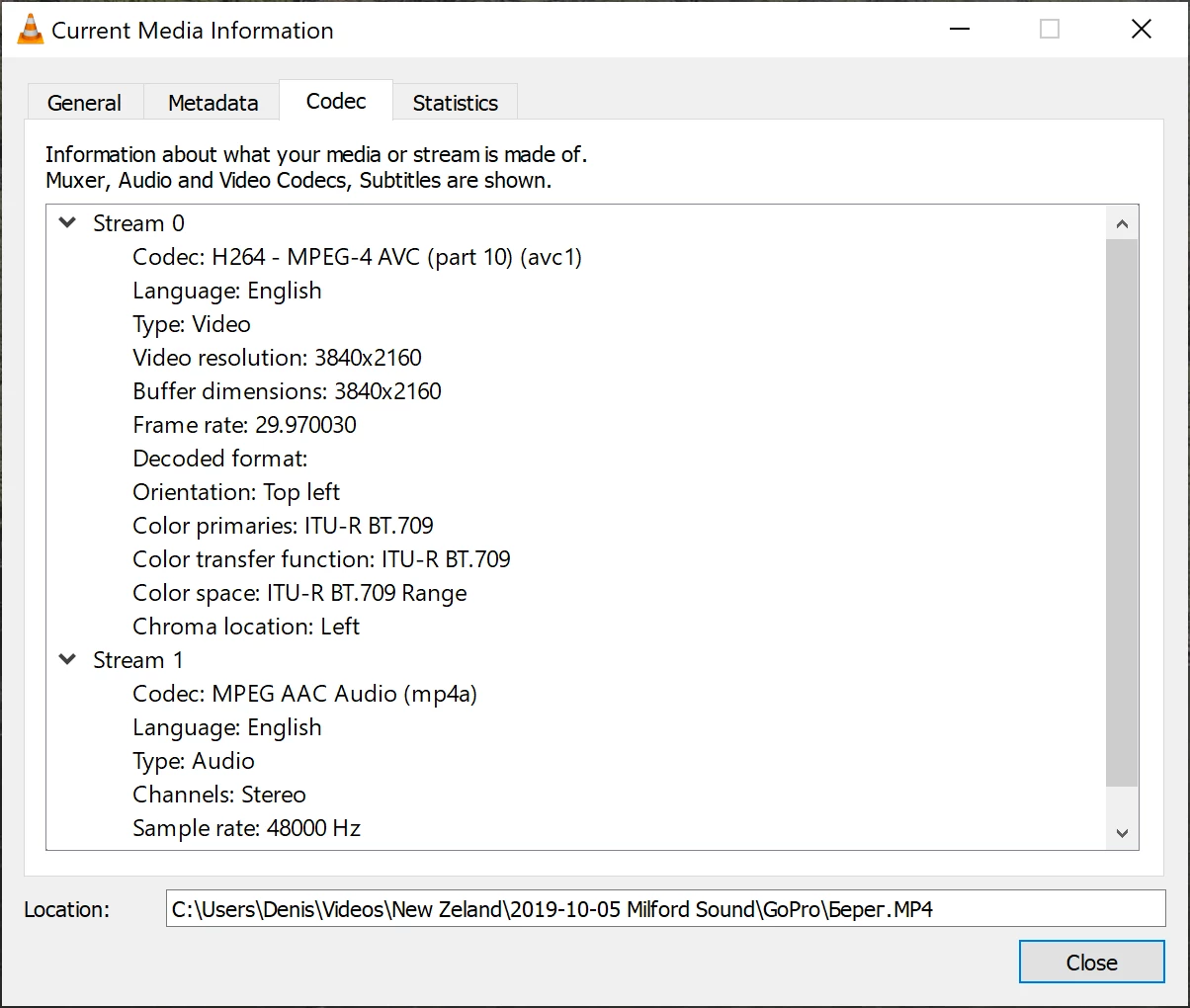
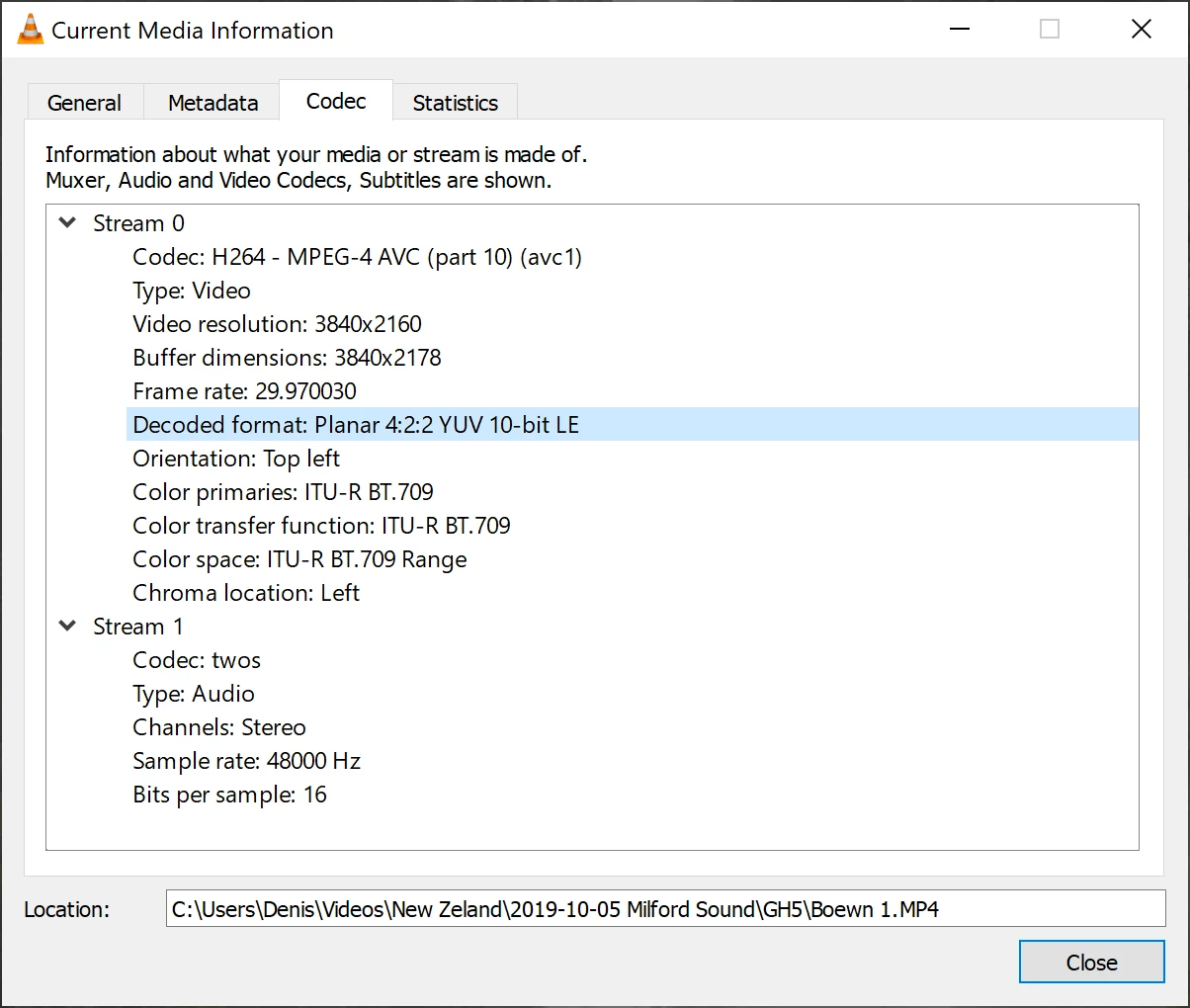
    Now problem only with mp4 files from my Panasonic GH5. Pr does not use Nvidia.


    It seems to me that Intel hw-decoder does not support h264 422 10bit format, that's why it's so sluggish

    5 replies

    Inspiring
    August 24, 2020

    Not all h.264 is created equal. Some variations are very hard to playback. I imagine Intel's Quick Sync will get revamped soon. That being siad I have a video that may or may not be helpful.

    https://youtu.be/pE6t1ryanO4

    Participant
    September 23, 2019

    Does anyone have any updates?

    Although CUDA is selected in the project's settings, the GTXs RAM is not used while editing more than 3 to 5 % (When I play a video file with VLC its 20-25 %!). In addition, HardwareACC is not possible to select when exporting to H.264. I am not an expert but in my understanding Premiere should at least use a bit of the 6GB while editing, right?

    I use Windows 10, GeForce GTX1660 with 6GB RAM and 16GB general RAM. Newest NVIDIA Driver installed (maybe I should try Studio instead of Gaming?).

    In general setting I chose "Optimize for: Storae" than Performance.

    Does anyone have any ideas?

    Participant
    June 10, 2020

    I have same problem :(((((

    Diggun
    DiggunAuthor
    Participating Frequently
    July 10, 2019

    I have tested my laptop in 3dMark (stress test DX12) - system perfect full loaded for 13 minutes. Nvidia perfectly works.

    Ann Bens
    Community Expert
    Community Expert
    July 10, 2019

    Of course it works perfectly, but Pr is a different ballgame.

    Diggun
    DiggunAuthor
    Participating Frequently
    July 10, 2019

    https://forums.adobe.com/people/Ann+Bens  wrote

    Of course it works perfectly, but Pr is a different ballgame.

    I understand this and i think that Pr uses hardware acceleration via DirectX.

    I just want to understand why Pr does not work correct  on my laptop.

    Diggun
    DiggunAuthor
    Participating Frequently
    July 10, 2019
    Ann Bens
    Community Expert
    Community Expert
    July 10, 2019

    It seams afaik with many laptops you cannot disable the on board gpu

    and you have to be plugged into the wall all the time.

    Diggun
    DiggunAuthor
    Participating Frequently
    July 10, 2019
    Averdahl
    Community Expert
    Community Expert
    July 9, 2019
    Diggun
    DiggunAuthor
    Participating Frequently
    July 9, 2019

    Thank you for the link. And may case is different. I have modern hardware , last windows update and etc. I don't use any filter or effect.

    I'm trying just mix and play some video. I think that 1060Gtx with 6Gb is enough for simple editing.

    Ann Bens
    Community Expert
    Community Expert
    July 9, 2019

    Might want to read the article again on what cuda does and does NOT do.

    What we are seeing in your YT movie is perfectly normal.