
Premiere Pro Dynamic Link Will Not Relink After Effects Project
Greetings all,
I hope everyone is well and staying healthy, Thank you for providing this resource for users.
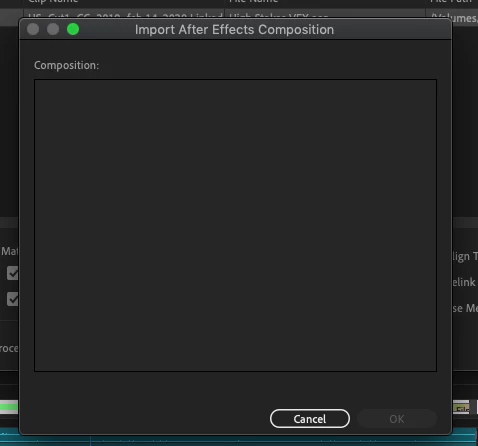
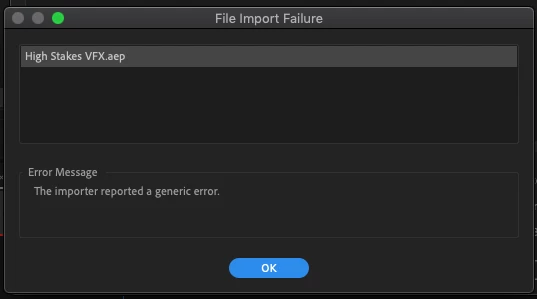
I am having issues with the dynamic link protocol within Premiere Pro. Recently, what has begun to happen (2nd project now) is that my AE comps automatically unlink within Premiere after I close the After Effects project file. Upon trying to relink media, the dynamic link server refuses to reconnect to the After Effects file. When the comp import selection box pops up, it does not list any of the available comps in my After Effects file. Then when I close the empty list of available AE comps, I get a file import failure. (Please see the attached images)
So far I have tried resetting preferences as well as deleting the cache within Premiere and restarting my machine and nothing has worked. Any help would be greatly appreciated as I have a looming deadline in the near future. I also renamed the dynamiclinkmediaserver folder located in the Adobe folder to
"dynamiclinkmediaserverOLD" (read this somewhere online).
Any help would be great, feeling a sense of desperation.
I am currently editing on a Mid-2012 Macbook Pro with 16Gb Ram 2.3 GHz Intel Core i7
OSX 10.14.6
Thank you,
Brian C
 AdChoices