
Answered
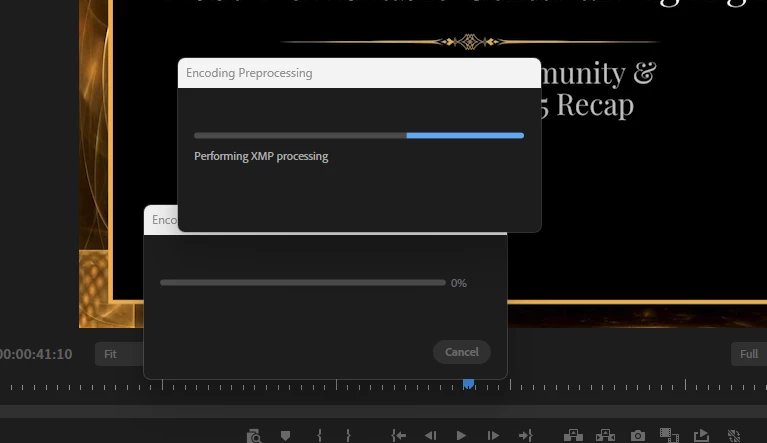
Premiere Pro Export Issue: Performing XMP Processing
Does anyone know how to get rid of this export issue? I've never seen it before, and I've tried multiple solutions (clearing media cache, changing export settings, importing the project into another project, restarting my computer, etc.) to no avail. I also have plenty of space on my drive, so I know that's not it. The project itself is very simple, no crazy graphics or anything.
The processing never actually begins, it just continuously loads, so I have to force-quit Premiere to try new solutions (I am working in Windows 11 Pro).
This project is due soon, please advise.


 AdChoices