


Premiere Pro Freezes and Crashes when playing back imported graphics
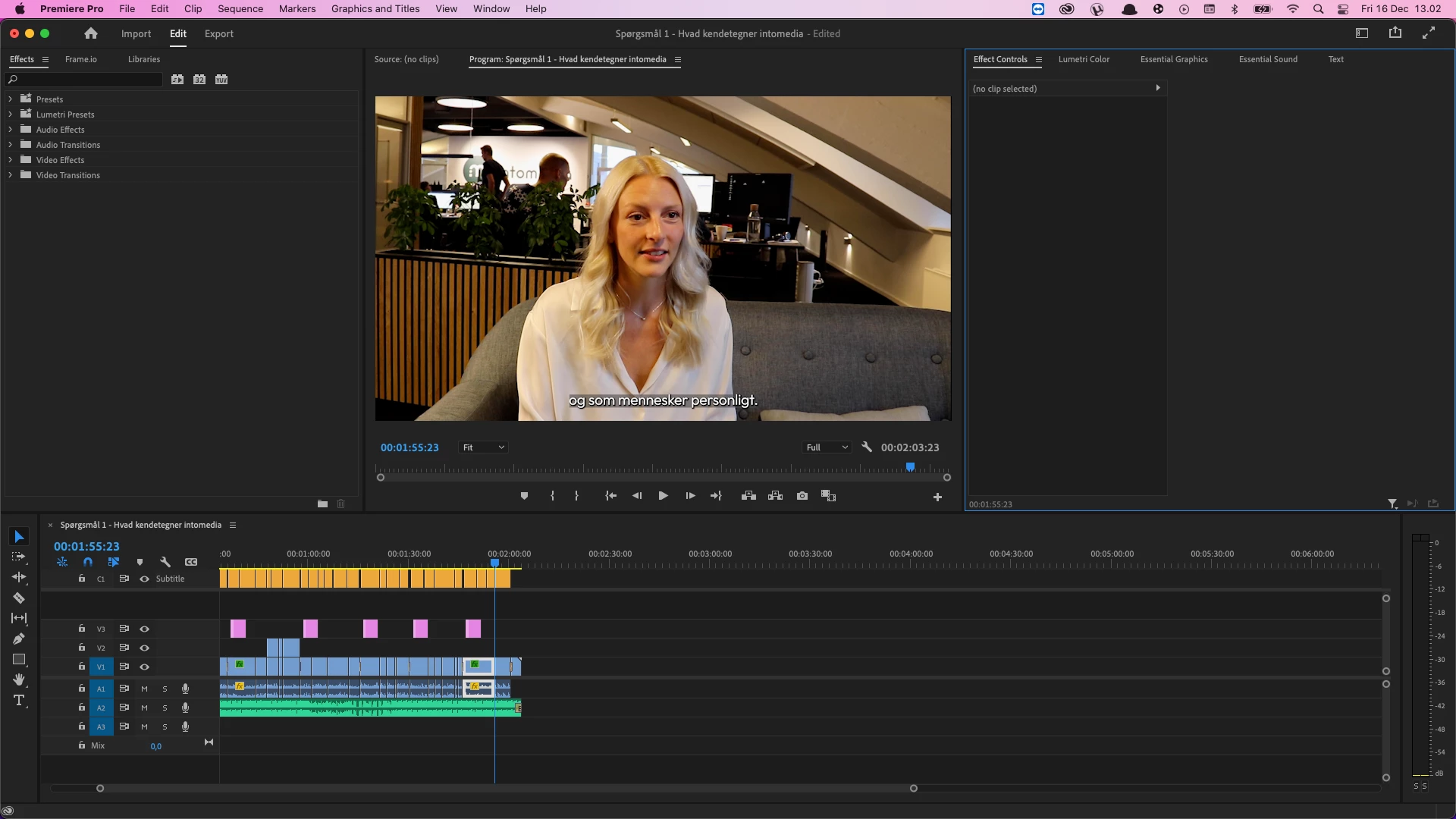
I'm running the latest version of Premiere Pro (MacOS Monterey 12.1, 2020 MacBook Pro i7), and when importing a project from a PC, (also running latest Premiere) projects crash, stutter and all playback stops, as flickering occurs as soon as playback hits a "graphic", hard to recreate, but the pink boxes are what kills the program - is there any way for me to keep the graphics, which i beleive are animated essential graphics? as my only workaround currently is to delete them, i would appreciate a solution which includes the graphics - im not able to export the graphics, as this actually crashes the entire computer, leading me to beleive the problem are the graphics themselves, i'll try to get the donor/original computer to export the graphics manually and export them to me, as it is the only solution i see. Please help!
 AdChoices