
Participant
September 29, 2025
Question

Premiere Pro freezes randomly

  • September 29, 2025
  • 2 replies
  • 143 views

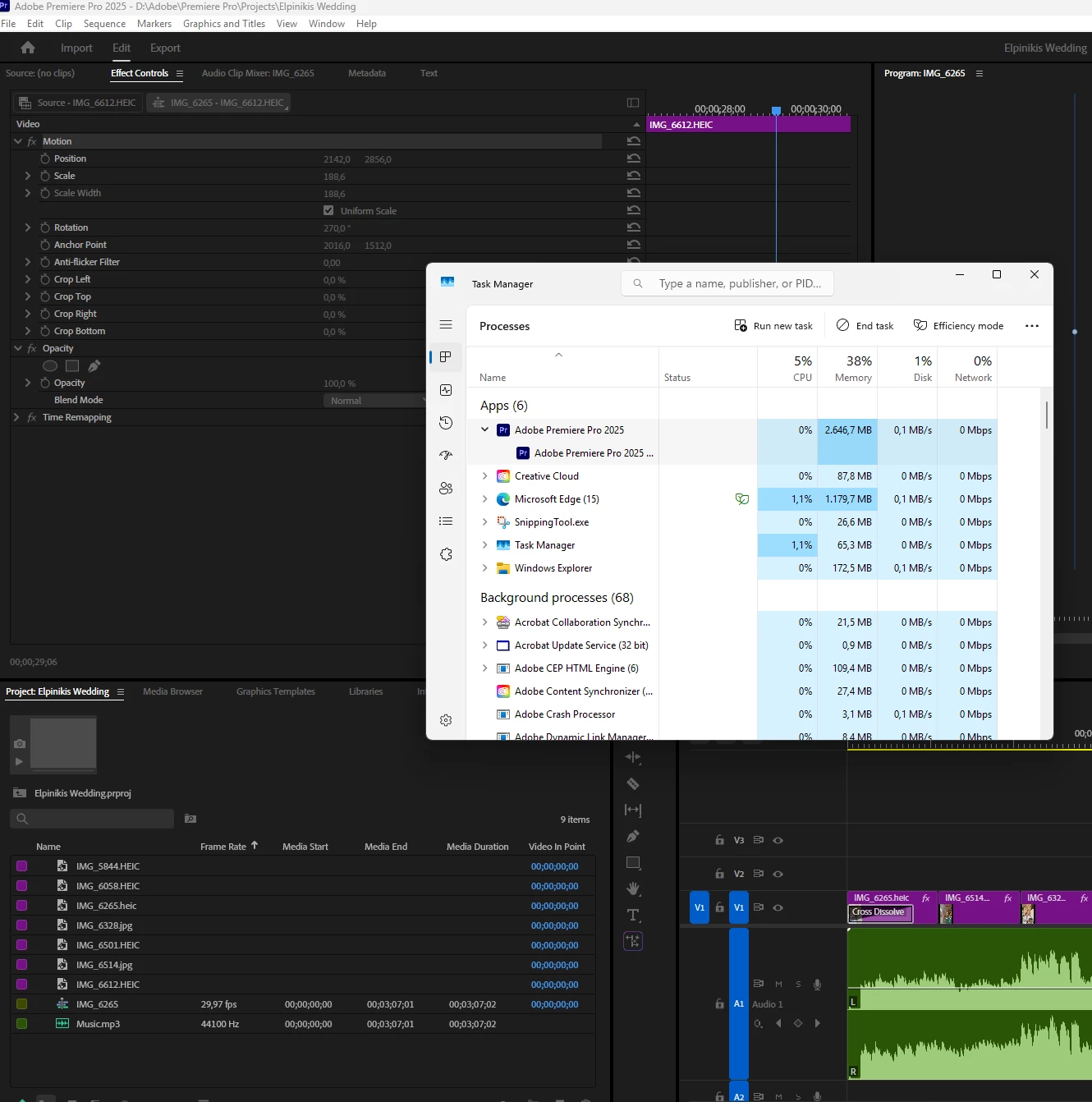
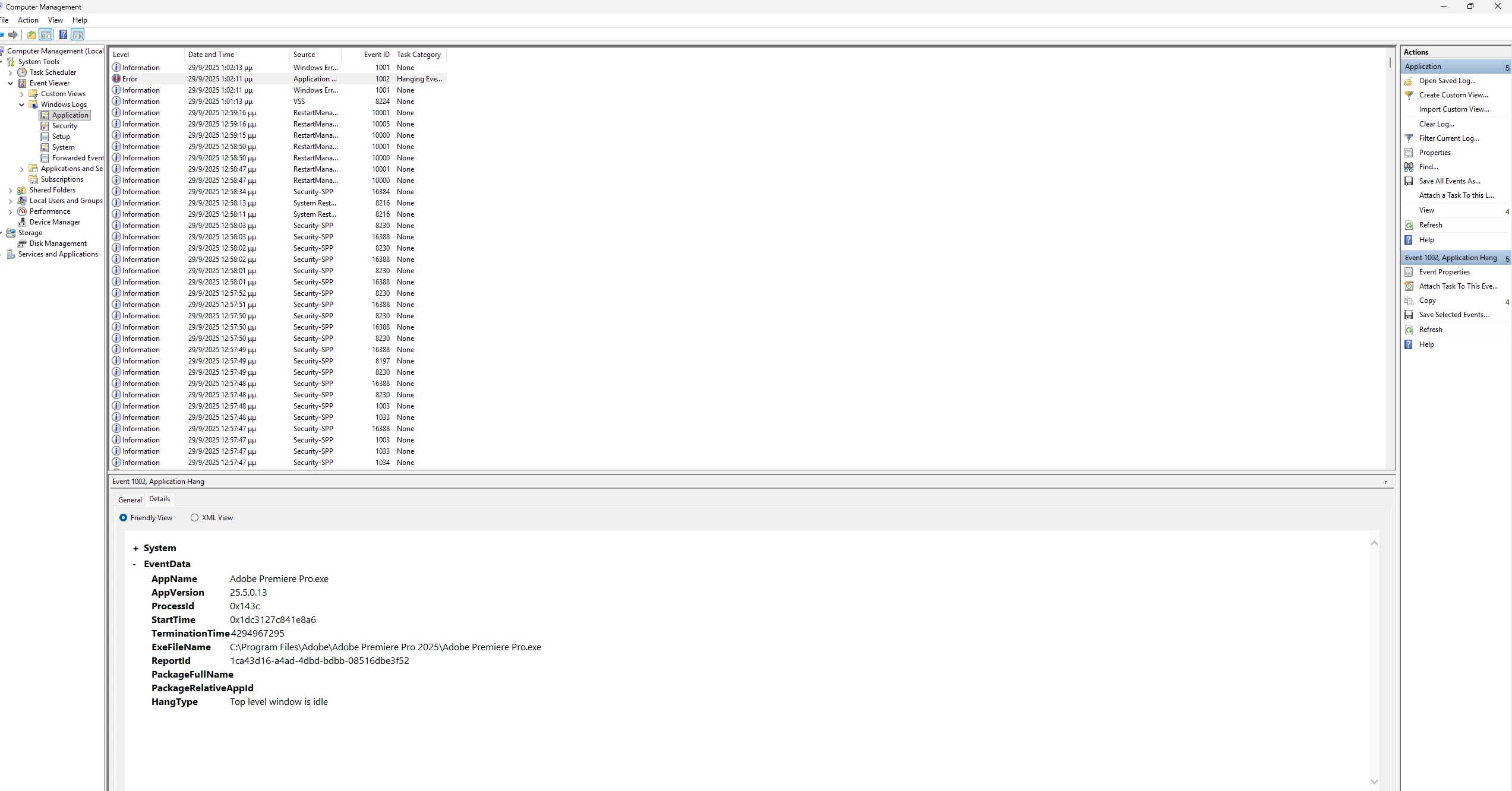
I am making a video with music. Randomly the premiere pro freezes. Not the pc or anything else. CPU, Hard disk and everything i could check works fine. It have happened several times, a few minutes after working my project. Any suggestions?
 

Title edited by mod for better search.

2 replies

Participant
September 30, 2025

Hi @Dani_V. ,


I use 25.5.0 (Build 13) Version. My Device specs are :

  • Processor AMD Ryzen 5 5600G with Radeon Graphics (3.90 GHz)
  • Installed RAM 32,0 GB (31,4 GB usable)
  • System type 64-bit operating system, x64-based processor

There is no spesific action that leads to the freeze. I always have to force quit the application. I don't get a crash report dialog. I haven't tried to convert HEIC files. Why using HEIC files could cause the problem? I will try to covert them. It might be the problem. I will let you know. Thank you for your quick reply!

Community Manager
September 29, 2025

Hi @magnificent_Dusk5536

Welcome to the Premiere Pro forums and sorry you're experiencing problems. We need a few more details to help with the issue like Premiere Pro version you are on and hardware specs. Please see How to Report a Problem

Is there an action that is leading to the freeze (like playback or changing an effect)? Does Premiere Pro unfreeze eventually or do you have to force quit the application? If you are getting a Crash Report dialog box at all, make sure to add your email in when prompted before sending the report.


Where are your media files stored and are you using any third-party plugins? Is this happening with any other files types or different projects? I see you are using several HEIC files, have you tried converting these to JPEGs or PNGs to rule out if that's part of the issue? 

Sorry for the frustration, 
Dani