



Premiere Pro Guided Workflow: Importing video files from file-based camcorders
Importing video files from file-based cameras
If you camera records into folders onto a compact flash drive or SD card into groups of folders, like some Sony or Panasonic cameras, it is important you first copy the entire card to your media drive, then use the Media Browser to import your video clips.
The Truth about Importing Files
By Video Revealed
Official User Guide Documentation: Import files with the Media Browser
Check out this tutorial for practice importing files with the Media Browser
Note: It is important to import these CF card-based clips in this fashion so that actions like spanned clips can be joined automatially, timecode, and other important metadata can be carried through. Don't cherry pick the media and drag and drop it to the Project panel. You'll not be importing crucial metadata using that method.
After importing files with the Media Browser, you are ready to organize footage within your project.
Common Problems with Importing footage
- Known Issues (KB article)
- Premiere Pro may fail to import or show an importer error on certain Windows 10 (build 1809) configurations. (KB article)
- VFR footage from large files fails to import.
Tips and Tricks for Importing with the Media Browser
- Adobe Premiere Pro CC: Media Browser Magic: Larry Jordan website
Legacy Issues
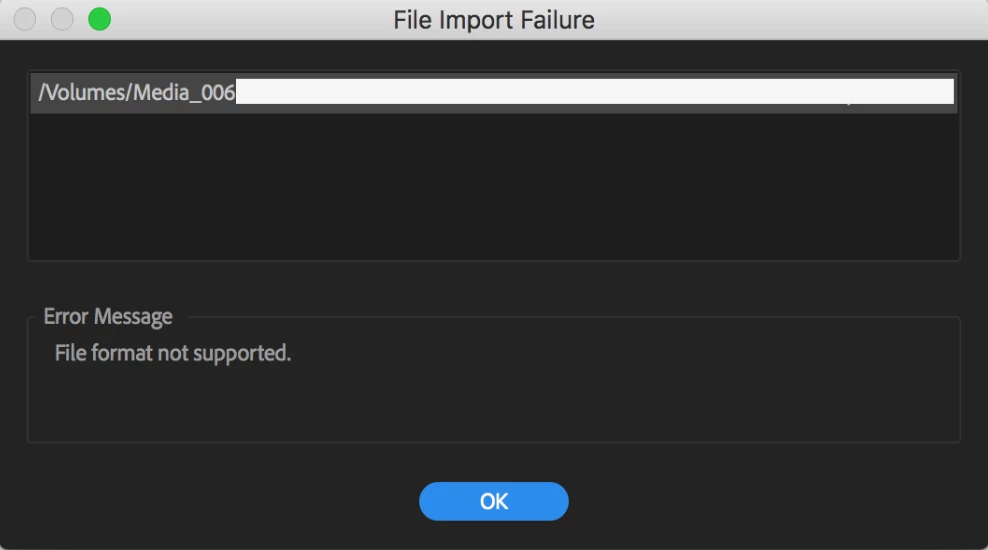
File Import Failure "the file format is not supported"
 AdChoices