Participant
October 27, 2017
Answered

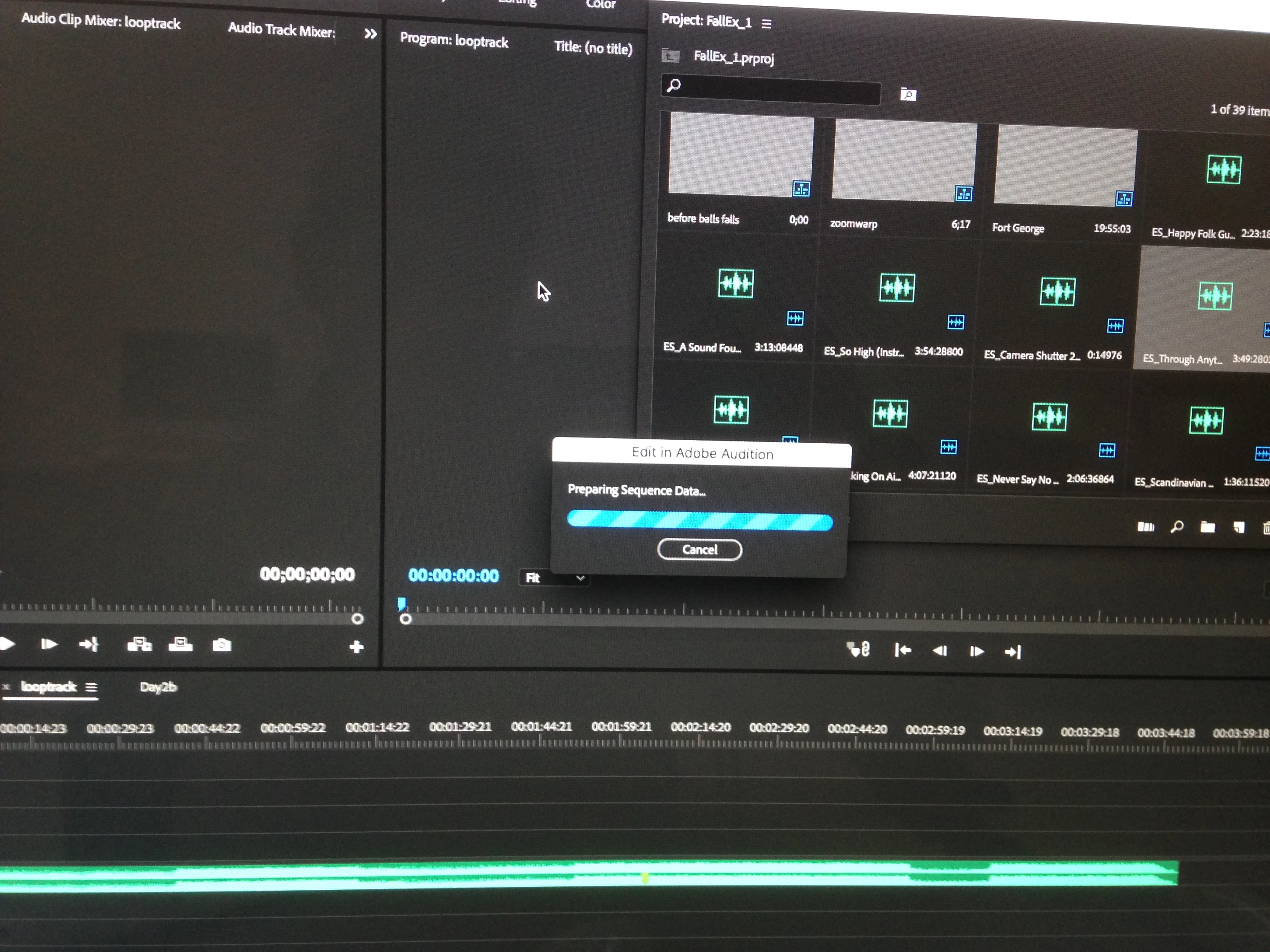
Premiere Pro hangs when I try to edit a sequence in Adobe Audition

  • October 27, 2017
  • 1 reply
  • 263 views

Hello, first post to this forum

I recently saw a video detailing how to create music clips of any desired length using Adobe Audition ONE TIP that will save you a TON OF TIME! - YouTube

from 2:31 to 4:15

I went through the steps

  • Edit
  • Edit in Adobe Audition
  • Sequence
  • Named it
  • Clicked OK

Then this happens

I have tried forcing quit, restarting the machine but the result is the same every time. I have tried leaving it but it hangs for 25+ minutes.

I am running 2018 versions of all Adobe applications

Hardware Overview:

  Model Name: iMac

  Model Identifier: iMac16,1

  Processor Name: Intel Core i5

  Processor Speed: 1.6 GHz

  Number of Processors: 1

  Total Number of Cores: 2

  L2 Cache (per Core): 256 KB

  L3 Cache: 3 MB

  Memory: 8 GB

  Boot ROM Version: IM161.0207.B04

  SMC Version (system): 2.31f36


Any ideas?

    This topic has been closed for replies.
    Correct answer R Neil Haugen

    Loading the PrPro project in RAM/Memory and loading that into Audition is something your hardware is rather not setup to handle. That's barely enough hardware to open/run PrPro. That Dynamic Link to Audition keeps PrPro up and adds Audition, with both needing space in memory.

    You just don't have enough.

    Neil

    1 reply

    R Neil Haugen
    R Neil HaugenCorrect answer
    Legend
    October 28, 2017

    Loading the PrPro project in RAM/Memory and loading that into Audition is something your hardware is rather not setup to handle. That's barely enough hardware to open/run PrPro. That Dynamic Link to Audition keeps PrPro up and adds Audition, with both needing space in memory.

    You just don't have enough.

    Neil

    Everyone's mileage always varies ...