Participant
January 19, 2021
Answered

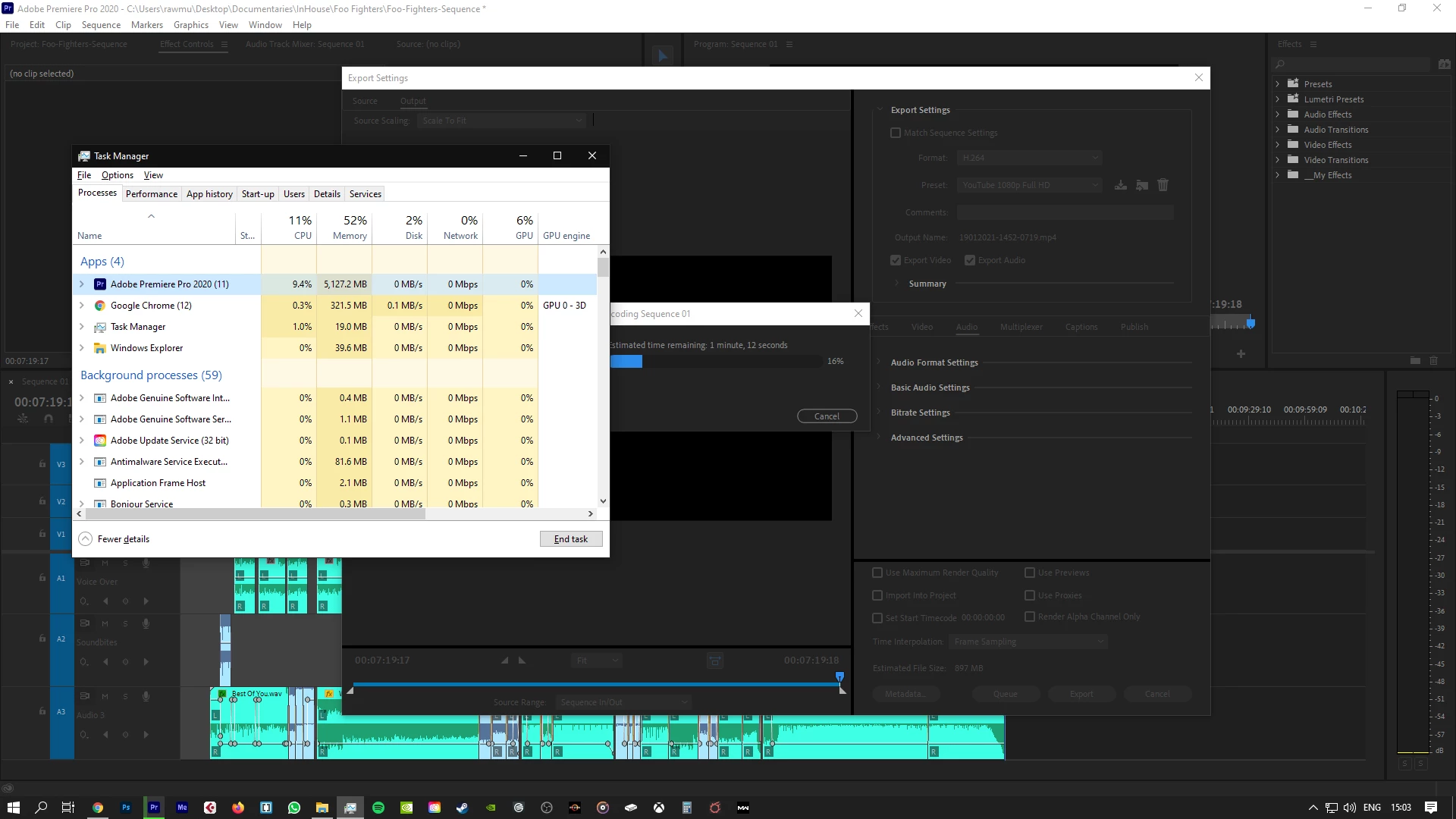
Premiere Pro has started to freeze during export in the last week or so

  • January 19, 2021
  • 4 replies
  • 1030 views

I've been using Pro for just under a year and my PC is just under a year old. I've been exporting videos with no problems. (A couple of weeks I exported a 37m long video in H.264 YouTube full HD in about 18 minutes) and now Pro just keeps freezing during export. I'm using the exact same settings I always do. CUDA is on


Windows is up to date, NVidia driver is up to date. No other changes have been made to my PC. I'm using very similar footage to previous videos and I'm not using any different graphics in Pro. Now, when I export videos, it will start nice and fast and then just freeze. 


I've been creating videos and exporting them with no problem for just under a year. As I mention, the biggets video was 37 minutes long (4.5gb_ @ 1080p) and it took 18 minutes. Now Pro freezes when I try and export 2 minutes of video. I've also tried exporting older projects and the same thing happens. 


PC Specs:


AMD Ryzen 5 2600 6 core

GTX 1050i

16gb RAM
 

This topic has been closed for replies.
Correct answer Peru Bob

Make sure to use the latest Studio Driver from NVIDIA (NOT the Game Driver).

4 replies

Peru Bob
Community Expert
Peru BobCommunity ExpertCorrect answer
Community Expert
January 19, 2021

Make sure to use the latest Studio Driver from NVIDIA (NOT the Game Driver).

Participant
January 19, 2021
Yep, just installed the last Studio driver and got rid of the new GD
released the other week.
Kino002
Known Participant
January 19, 2021

I have solved it by removing all traces of software and drivers from nvidia. ******

Participant
January 19, 2021

Yeah, I installed the previous driver (studio 460) instead of the latest Game Ready Driver and it worked again. 

Kino002
Known Participant
January 19, 2021

this did not work for me 😞

Participant
January 19, 2021

I'll also add: Every other aspect of my PC is running perfectly fine and I can use PRO to edit as normal and playback in "Full" mode with graphics etc and zero glitchs. 

Kino002
Known Participant
January 19, 2021

The same thing happens to me, I'm desperate. Neither premiere or encoder work