
redhaircrow
Participating Frequently
October 26, 2017
Question

Premiere Pro is Now Crashing My Whole Computer

  • October 26, 2017
  • 2 replies
  • 12875 views

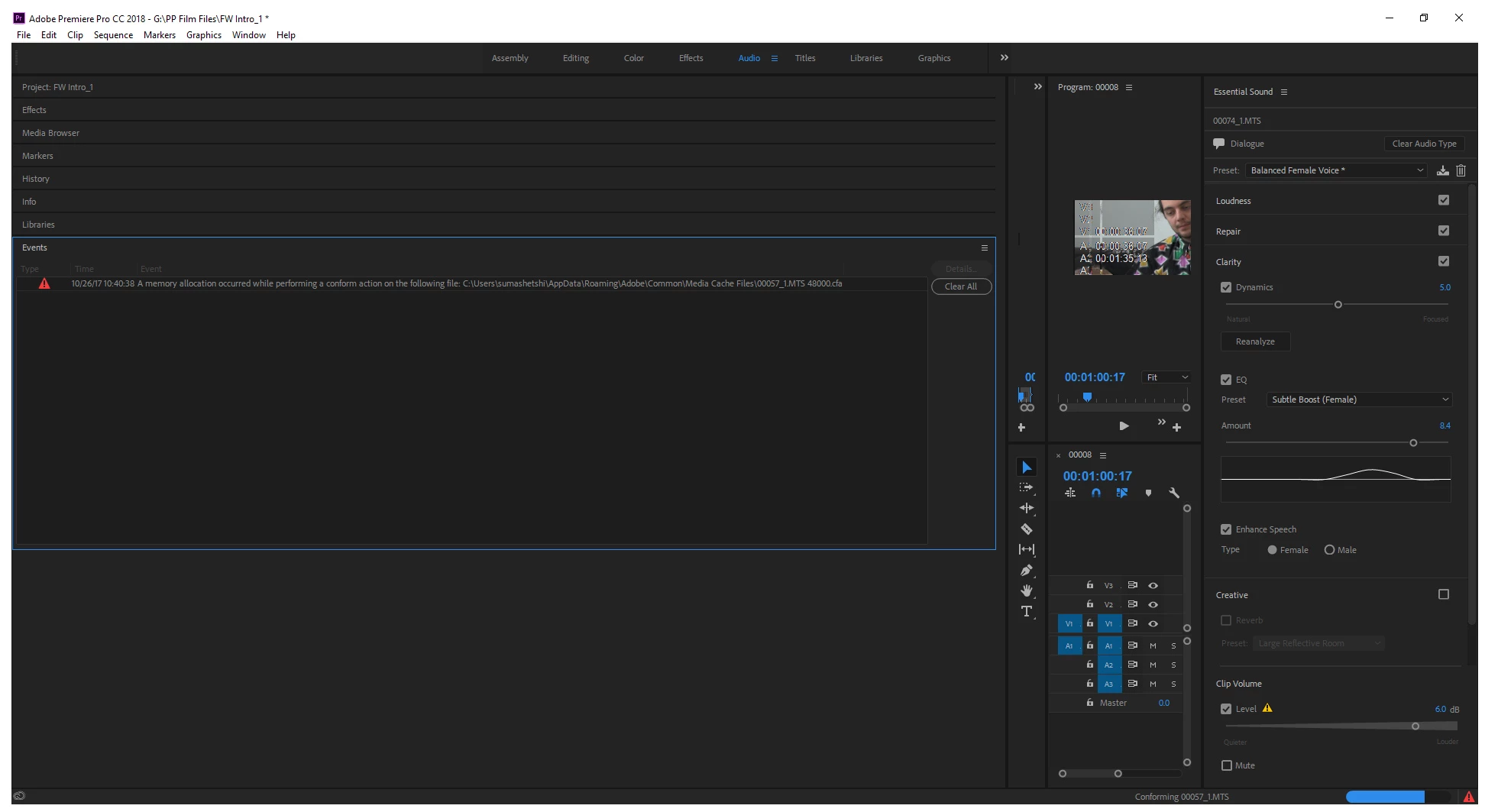
Besides running/crashing issues since the update, where I could open a file to work on, but it would almost immediately stop working, so that I needed to use Task Manager to close it, today I can still open a file but after a series of errors it crashes my whole computer. Errors include "low memory". I have a higher end new Acer laptop, and have never had any problems with this whatsoever, especially as I have two external hard drives as well. There's simply not much on the computer at all, but suddenly now with the new update, my whole drive is full?
This topic has been closed for replies.

2 replies

James vd Beek
Participant
October 2, 2018

I should be sending adobe an invoice of the damages made to my business by making this software available before it is finished.

Kevin-Monahan
Community Manager
Community Manager
October 26, 2017

Hi RedHairCrow,

Terrible news. Is this with a new project or an updated project?
If it's an updated project, can you try a new project?

Thanks,
Kevin

Kevin Monahan - Sr. Community and Engagement Strategist – Adobe Pro Video and Audio
redhaircrow
Participating Frequently
October 27, 2017

I don|t quite understand the question, but it is a feature length documentary I have been working on for years. No, I cannot try a new project. That is impossible to recreate all of that work and minute edits.

redhaircrow
Participating Frequently
October 27, 2017

A colleague suggests it is a memory leak in the application. Looking at Task Manager when it is running, it now immediately uses into the multiple thousands of MBs, when it did not do that at all before. Literally, as soon as I opened the application with the updates, there were problems, when I never had any such before. I have since uninstalled it, emptied caches, tried to use previous a previous version instead, but nothing works. Barely slept because this is a huge, huge issue for our film, and final edits are due 31 October.