Participant
November 24, 2025
Answered

Premiere Pro Marker exports csv to single column

  • November 24, 2025
  • 6 replies
  • 1360 views

I am using latest Premiere Pro (ver.  25.6.2) , 
When I export Markers as .csv, it puts everything in one column,  like in the cssv file I attached (tunnel0001.csv),  But I used an older version of Premiere (ver. 24.6.8), it exports correctly everything in separate columns and rows and cells (Sequence 01.csv).  I want to know this is a bug or something else. It's just nonsense, Can anyone help me, please.

Correct answer Mathias Moehl

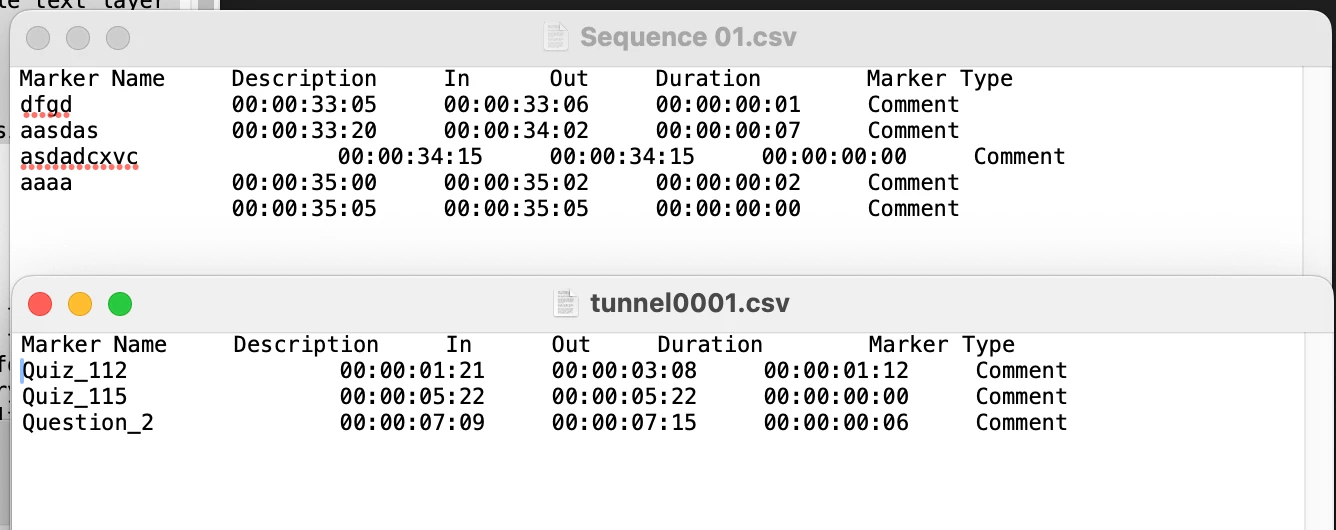
When I open your two files with a text editor, it looks like they are both split into lines just fine:


865912i96625AF08BD2DEBD.png

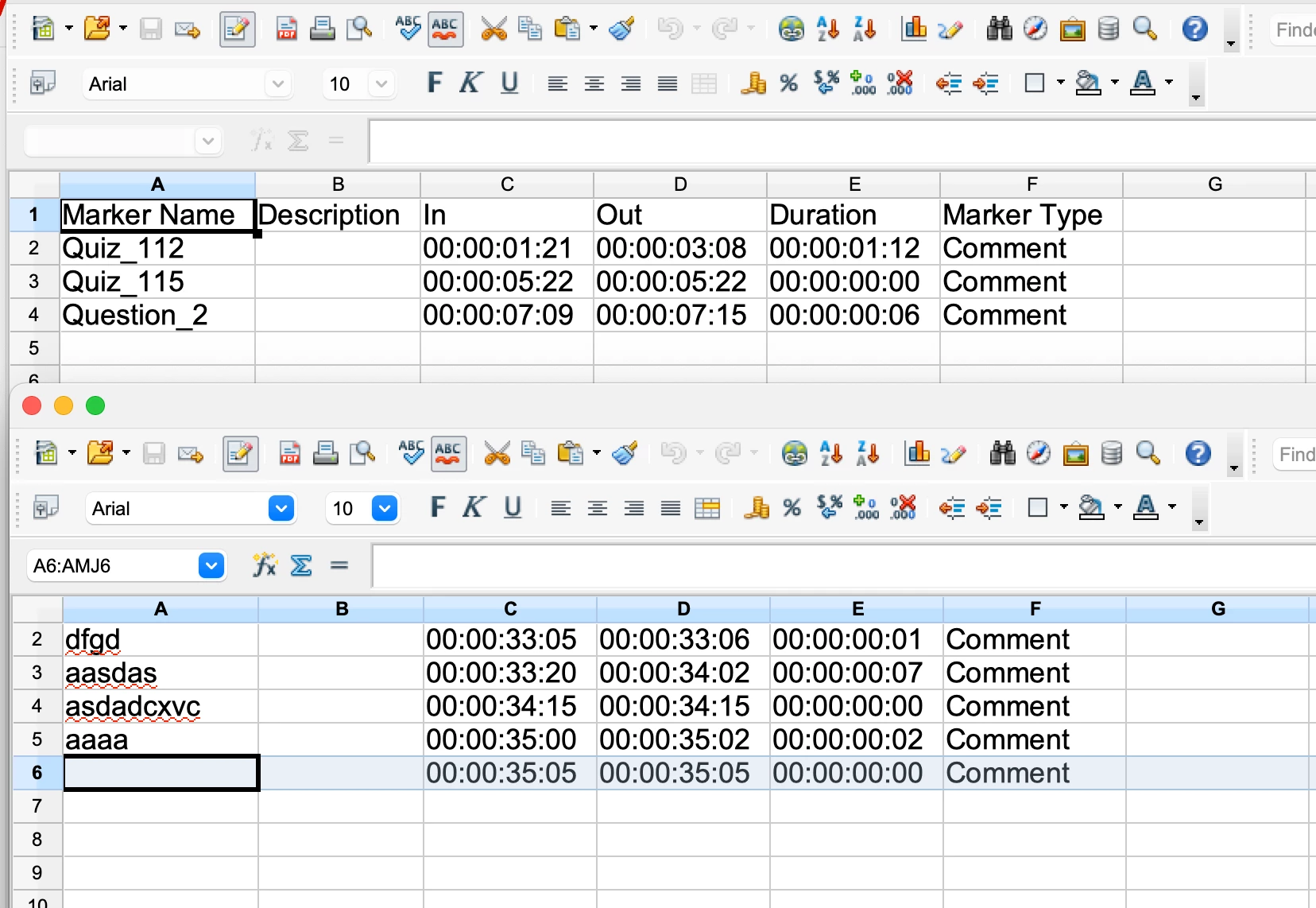
I can also import them in Open Office just fine (make sure to use "tab" as separator symbol:


865914i83F92720141FDDC1.png

Maybe there is not an issue with the export, but with how you try to import the data?


Bonus tip:

In general, if you need more flexibility with the marker export, my (paid) extension Automation Blocks has tools for that:
https://docs.mamoworld.com/automation-blocks/tools-pr/markerTools#markers---spreadsheet


The big advantage is that the output can be fully customized:

6 replies

Inspiring
November 28, 2025

having the same problem. Older versions exported them the right way and there's no option to export them that way other than downgrading PP

Participant
December 3, 2025

I created a Python script that batch changes CSV encodings in the folder where it is run.

Stan Jones
Community Expert
Community Expert
November 24, 2025

@momentum_5568,


I'll look at this again later. Double-click to open in Excel: I see what you see. Makes no sense!


Stan


Stan Jones
Community Expert
Community Expert
November 24, 2025

@momentum_5568,


The tunnel version is encoding UTF-8-BOM, whereas the other is UTF-16 LE BOM. If I change it, it opens correctly.


Stan


November 25, 2025

Yes I found out that alson, so Premiere older versiona are exporting .csv with utf-16 LE encoding, but the latest version exporting it with UTF-8-bom, and we don't have any options to change it through expot settings. Thank you. 

Participant
November 24, 2025

I am opening it in Microsoft Excel and i see this I don't know maybe it is from excel side 

865922i2A7661C7B84247A7.png


Mathias Moehl
Community Expert
Mathias MoehlCommunity ExpertCorrect answer
Community Expert
November 24, 2025

When I open your two files with a text editor, it looks like they are both split into lines just fine:


865912i96625AF08BD2DEBD.png

I can also import them in Open Office just fine (make sure to use "tab" as separator symbol:


865914i83F92720141FDDC1.png

Maybe there is not an issue with the export, but with how you try to import the data?


Bonus tip:

In general, if you need more flexibility with the marker export, my (paid) extension Automation Blocks has tools for that:
https://docs.mamoworld.com/automation-blocks/tools-pr/markerTools#markers---spreadsheet


The big advantage is that the output can be fully customized:

Mathias Möhl - Developer of tools like BeatEdit and Automation Blocks for Premiere Pro and After Effects
Stan Jones
Community Expert
Community Expert
November 24, 2025

Both of your attachments show them in columns.


I am in Beta 26.0.0.39 at the moment. Marker export to csv looks correct to me there.


Stan


Participant
November 24, 2025

I am using latest Premiere Pro (ver.  25.6.2) , 
When I export Markers as .csv, it puts everything in one column,  like in the cssv file I attached (tunnel0001.csv),  But I used an older version of Premiere (ver. 24.6.8), it exports correctly everything in separate columns and rows and cells (Sequence 01.csv).  I want to know this is a bug or something else. It's just nonsense, Can anyone help me, please.