
Participant
September 26, 2023
Answered

Premiere Pro - need help removing blood from a shirt

  • September 26, 2023
  • 2 replies
  • 689 views

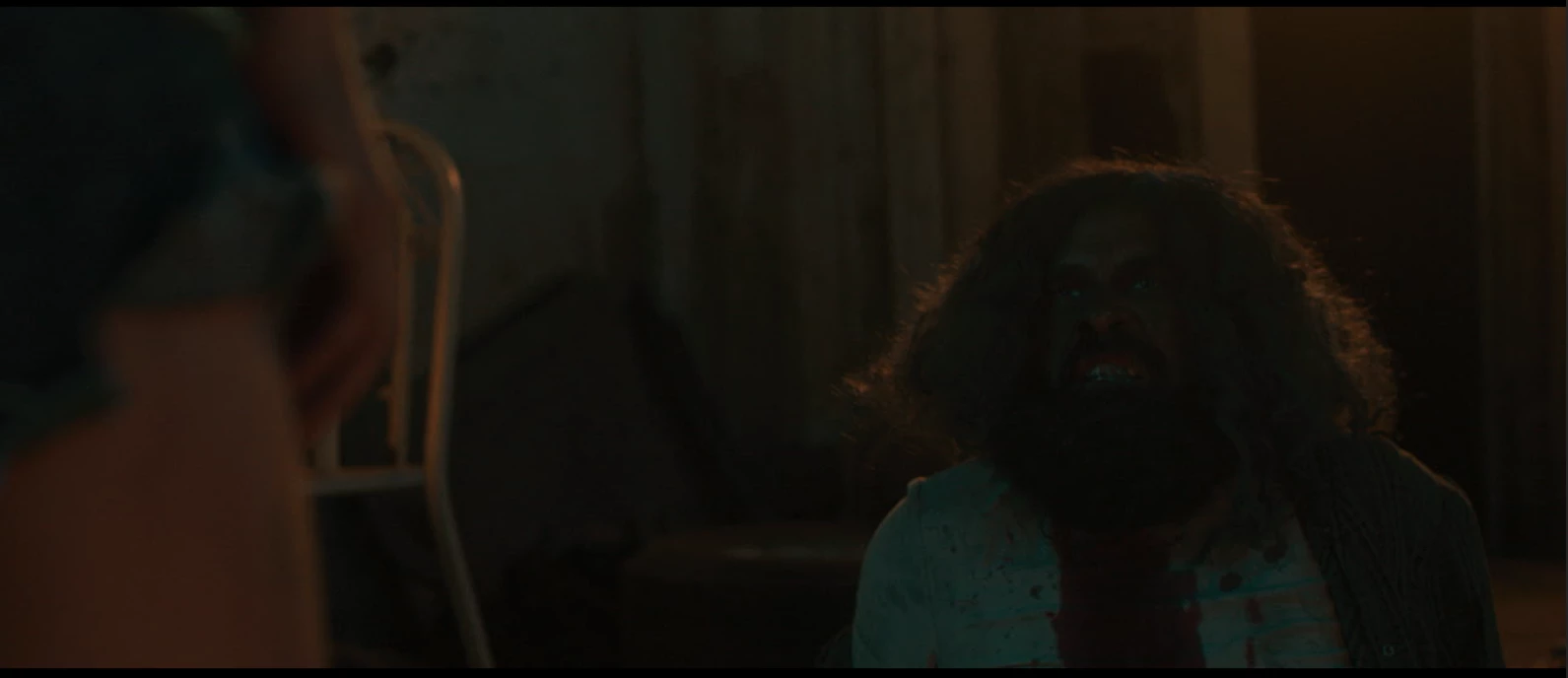
The blood on the character's shirt shouldn't be there. How do I remove it? There are red elements in the scene besides the shirt. Also, the character moves. Masking and replacing is not working.


Any help is highly appreciated. Filming this again is a nightmare.


Thanks!
This topic has been closed for replies.
Correct answer Byron Cortez

It seems to me that you could handle this better in After Effects with a Tracking job. Consider using Dynamic Link and doing the work in an application specialized in this type of work.

Tracking and stabilizing motion

2 replies

Richard van den Boogaard
Community Expert
Community Expert
September 30, 2023

Probably best to do in Ae, like others have suggested here.


However, since the footage is pretty dark, mask tracking may prove to be challenging, if not difficult. For a succesful track, you need sharp contrast, so you may consider changing the color values first, for mere purposes of achieving a better track.

Byron CortezCommunity ExpertCorrect answer
Community Expert
September 26, 2023

It seems to me that you could handle this better in After Effects with a Tracking job. Consider using Dynamic Link and doing the work in an application specialized in this type of work.

Tracking and stabilizing motion

Byron.
Participant
September 26, 2023

Thank you! I am new to After Effects but will give it a shot. Thanks a lot!!