



yash-lucid
Inspiring
Sep 23, 2025 10:38 AM UTC
Answered

Premiere pro not recognizing video file, shows up as audio

I have this mp4 file I downloaded via 4K video downloader. It plays perfectly fine on VLC.
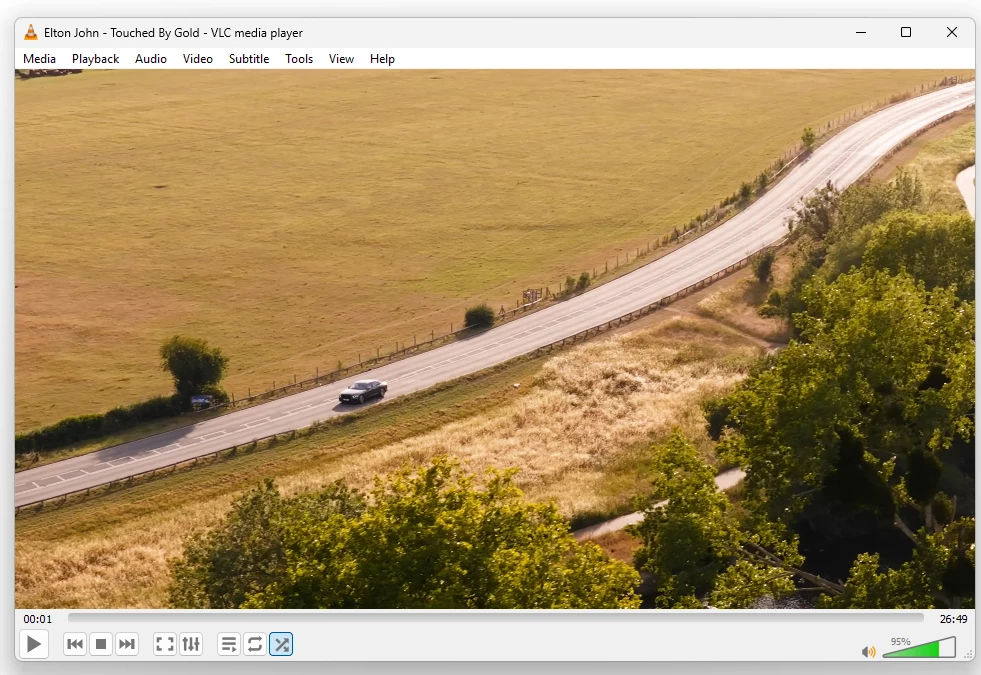
 

However when I import to PPro, it shows as audio
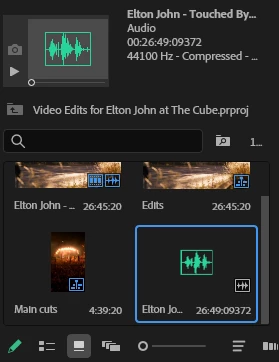
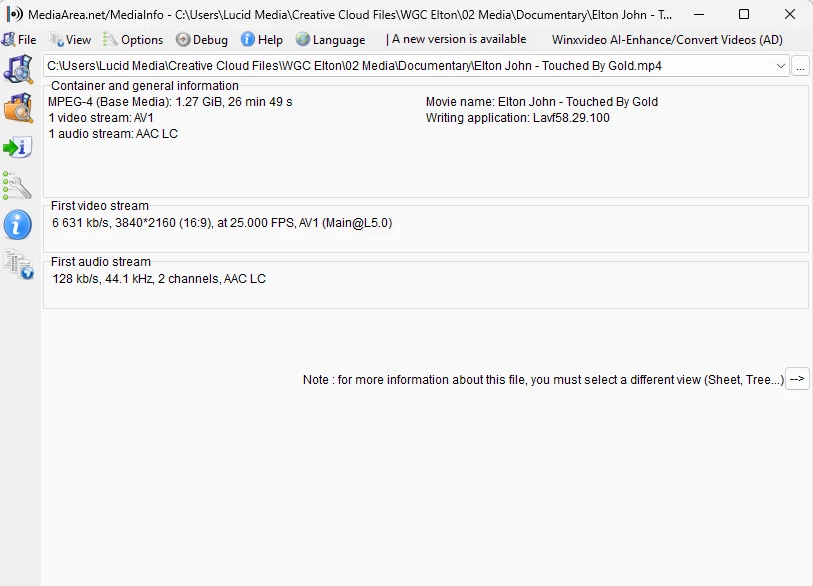
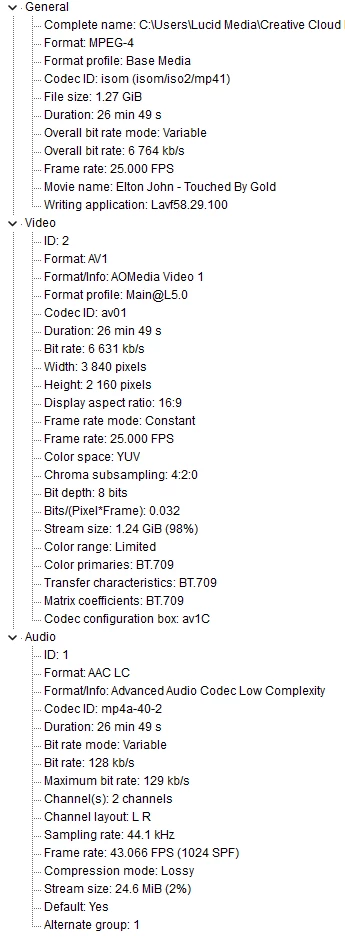
Please help me figure this out? Media info below:
 

SPECS

  • Intel Core i9-14900HX

  • NVIDIA GeForce RTX 4060

  • 64GB DDR5 RAM

  • 1TB SSD

  • All latest Adobe/Win11Pro/and video drivers
  • DELL SE2419HR 24"


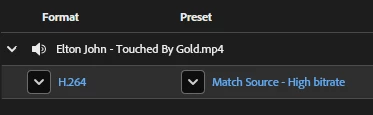
I also can't convert with AME because it also shows as audio only
 

jamieclarke
jamieclarkeCorrect answer
Community Manager
Sep 23, 2025 12:50 PM UTC

Hi @yash-lucid -  For the latest updates on AV1 video encoding and decoding support, please refer to this community post: Support AV1 Video Encoding and Decoding. 

4 replies

jamieclarke
Community Manager
jamieclarkeCommunity ManagerCorrect answer
Community Manager
Sep 23, 2025 12:50 PM UTC

Hi @yash-lucid -  For the latest updates on AV1 video encoding and decoding support, please refer to this community post: Support AV1 Video Encoding and Decoding. 

Translate
Ann Bens
Community Expert
Community Expert
Sep 23, 2025 10:59 AM UTC

Premiere does not support AV1 codec

Need to convert with Handbrake or Shutter Encoder before import.

Translate
yash-lucid
Inspiring
Sep 23, 2025 11:36 AM UTC

Thank you. Handbrake worked 👍

Translate
Adobe Employee
Sep 23, 2025 12:15 PM UTC

Glad that you were able to find a workaround! Feel free to reach out if you experience any issues in the future.


Thanks,

Sumeet

Translate
