Participant
July 20, 2018
Question

Premiere Pro Not Updating To Latest Version

  • July 20, 2018
  • 4 replies
  • 249 views

Hi I have the student membership (not sure if it makes a difference) for all the adobe products.

I saw this new feature called Color Match under Color Wheels in YouTube and tried to find it but it's not there. I checked my version and its still
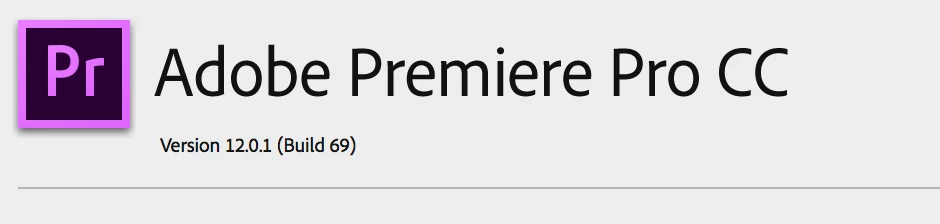
I go to Creative Cloud and it says no updates. It doesn't have an option to update to a later version.

Why is that? I've tried restarting my computer as well.

    This topic has been closed for replies.

    4 replies

    Vidya Sagar
    Participating Frequently
    July 30, 2018

    Hi michaelp26359894,

    Sorry for the trouble with update. Have you tried the recommended steps? Let us know the status.

    If the issue persists, try the steps recommended in this article: Update apps to the latest release of Adobe Creative Cloud

    Thanks,

    Vidya

    Community Expert
    July 20, 2018

    you can uninstall premiere pro, then you will have the option to reinstall,

    click on it and you will download the latest version... BUT, before doing so,

    please send us you CPU specs (CPU number) to make sure it's a 7th generation,

    otherwise you will end up with trouble in hardware acceleration especially for H.264 video,

    the latest premiere update supports 7th generation CPUs and beyond...

    Legend
    July 20, 2018

    There's a three-dot menu in the upper right corner or the CC app where you can check for updates.

    Ann Bens
    Community Expert
    Community Expert
    July 20, 2018

    Reinstall the CC app and try again.