
Question
Premiere Pro playback choppy/laggy when workspace is maximized on MacBook Pro
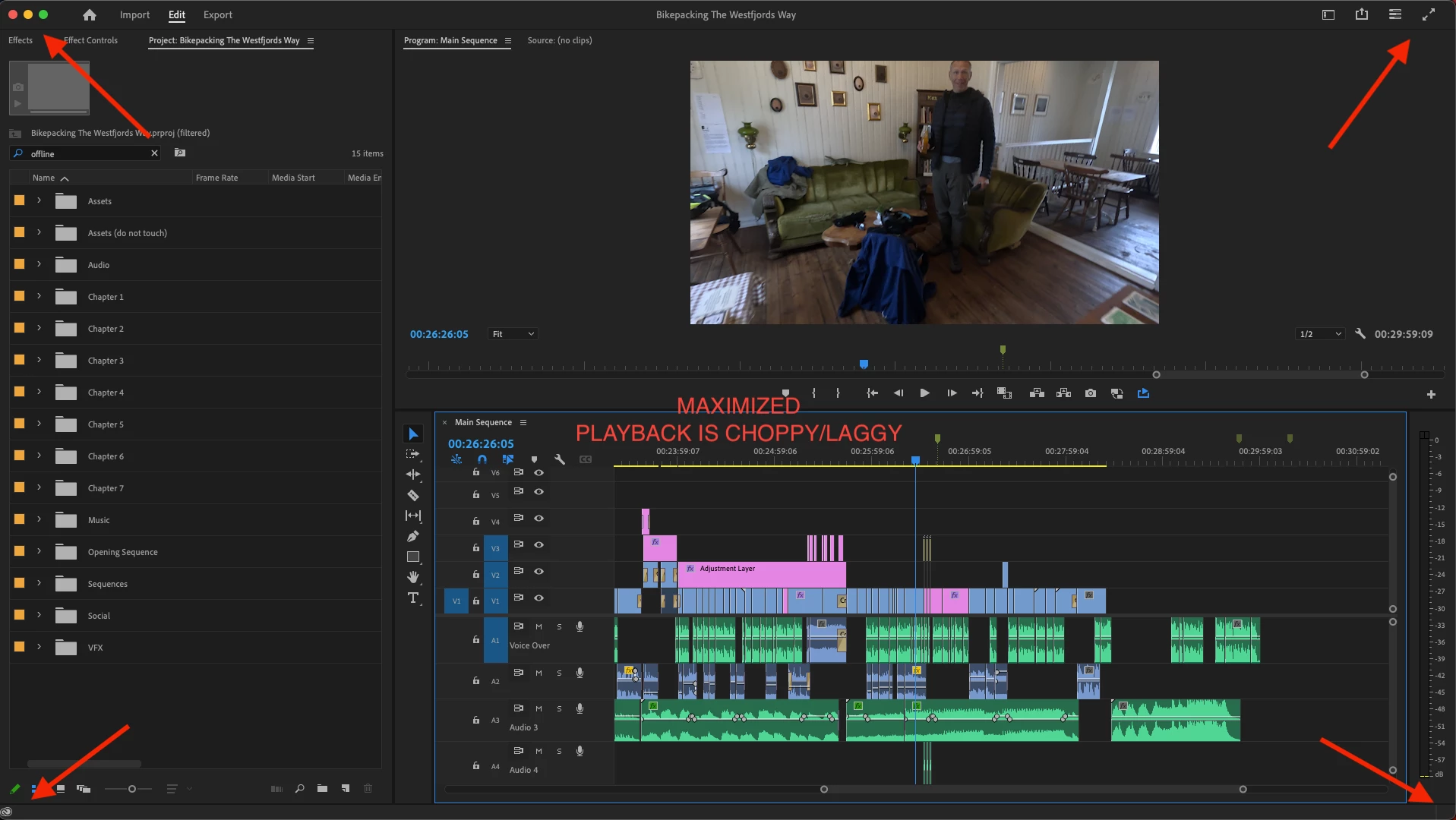
running Premiere Pro 23.5 on a new macbook pro 16" M2 Max 12 core with 32 GB of memory. I'm using a ascrono dock and two Dell D2719HC monitors. While using Premiere Pro, if I maximize the workspace to the use the entire screen, the playback becomes very laggy. If I make the workspace slightly smaller than the full screen width and height, the playback is smooth and perfect. This happens while using the dock and while using just the laptop. Any suggestions?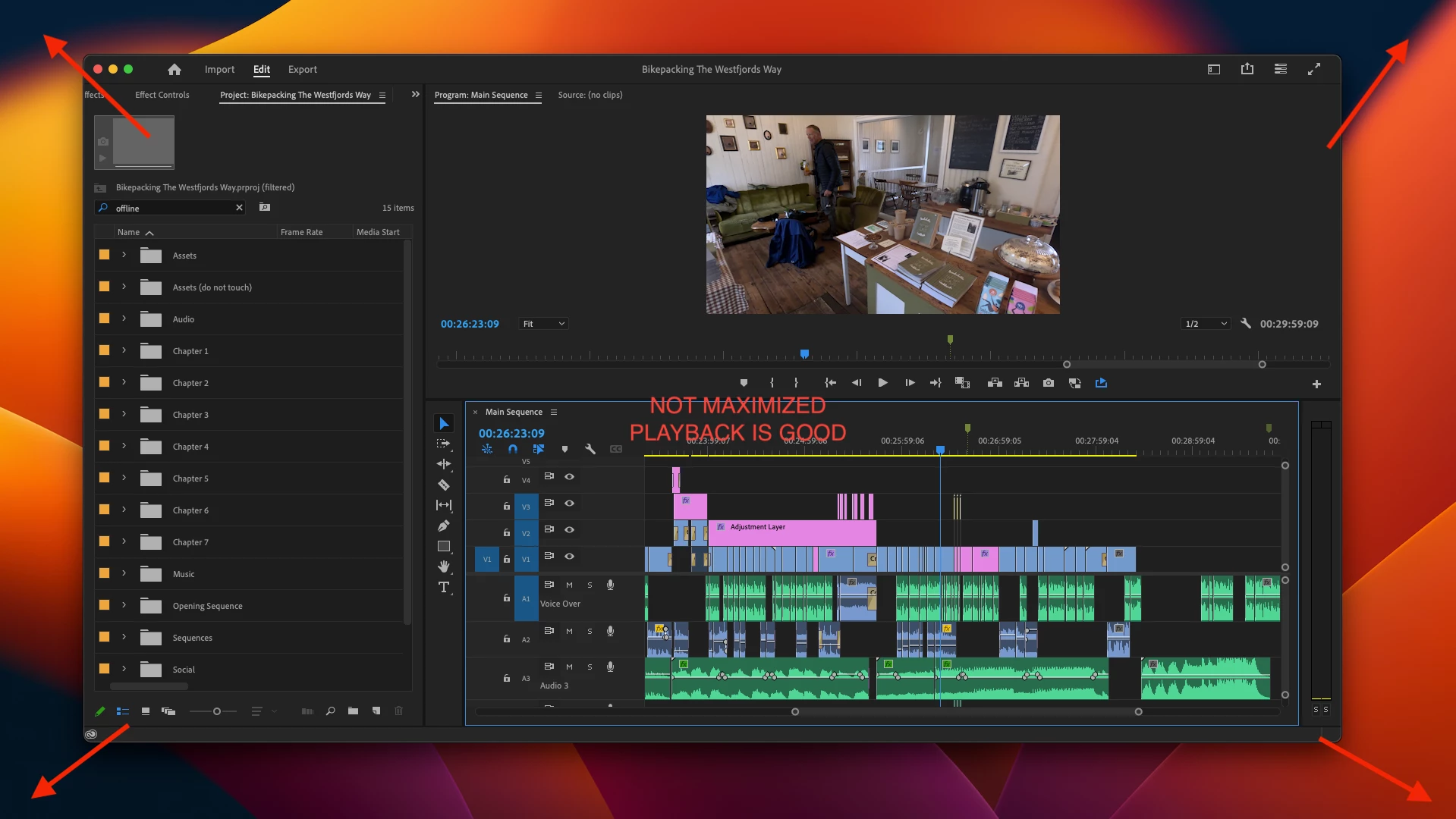
 AdChoices