Participant
March 12, 2020
Question

Premiere Pro Playback Problem with OpenCL

  • March 12, 2020
  • 1 reply
  • 1513 views

Hello All,


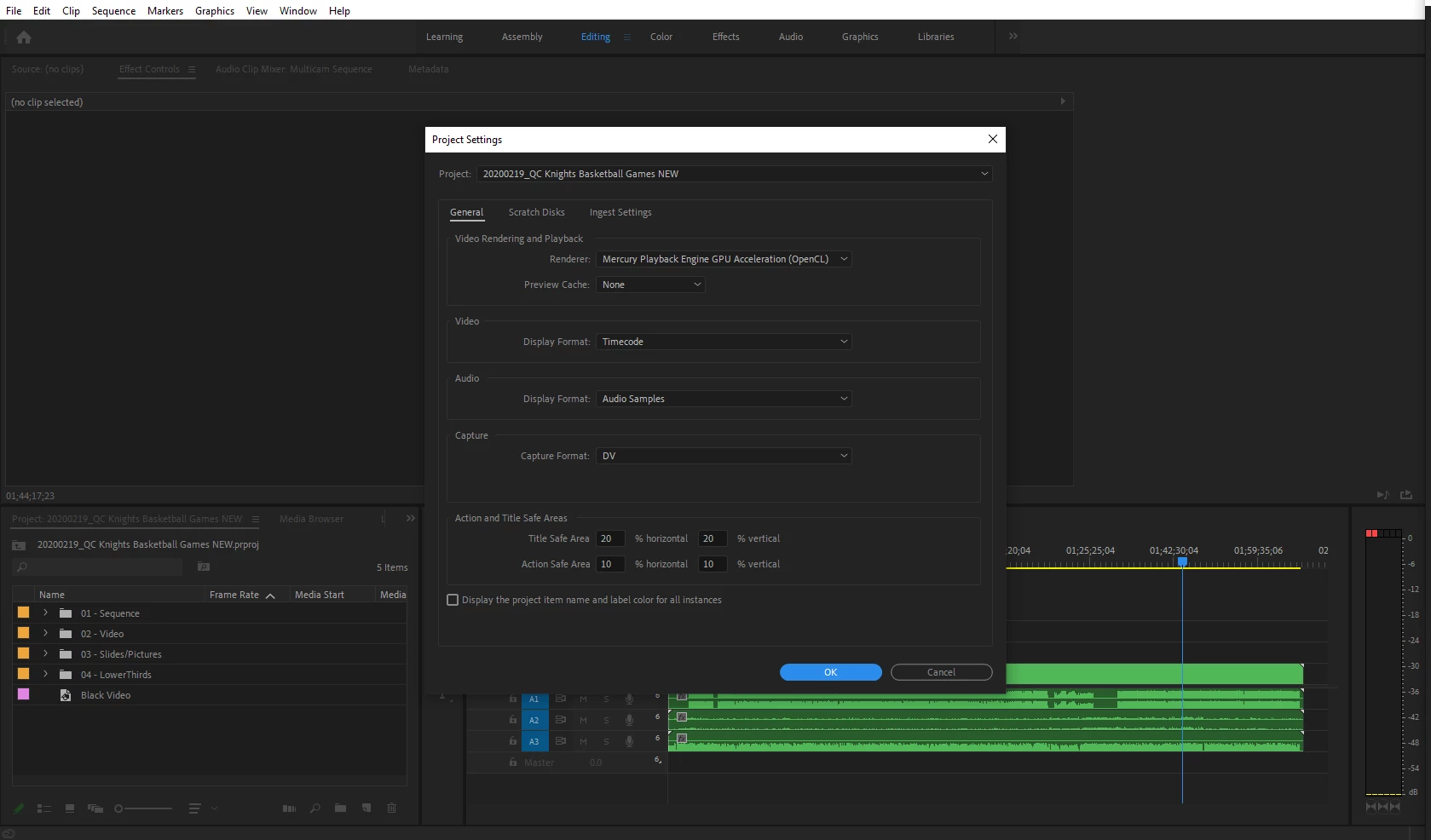
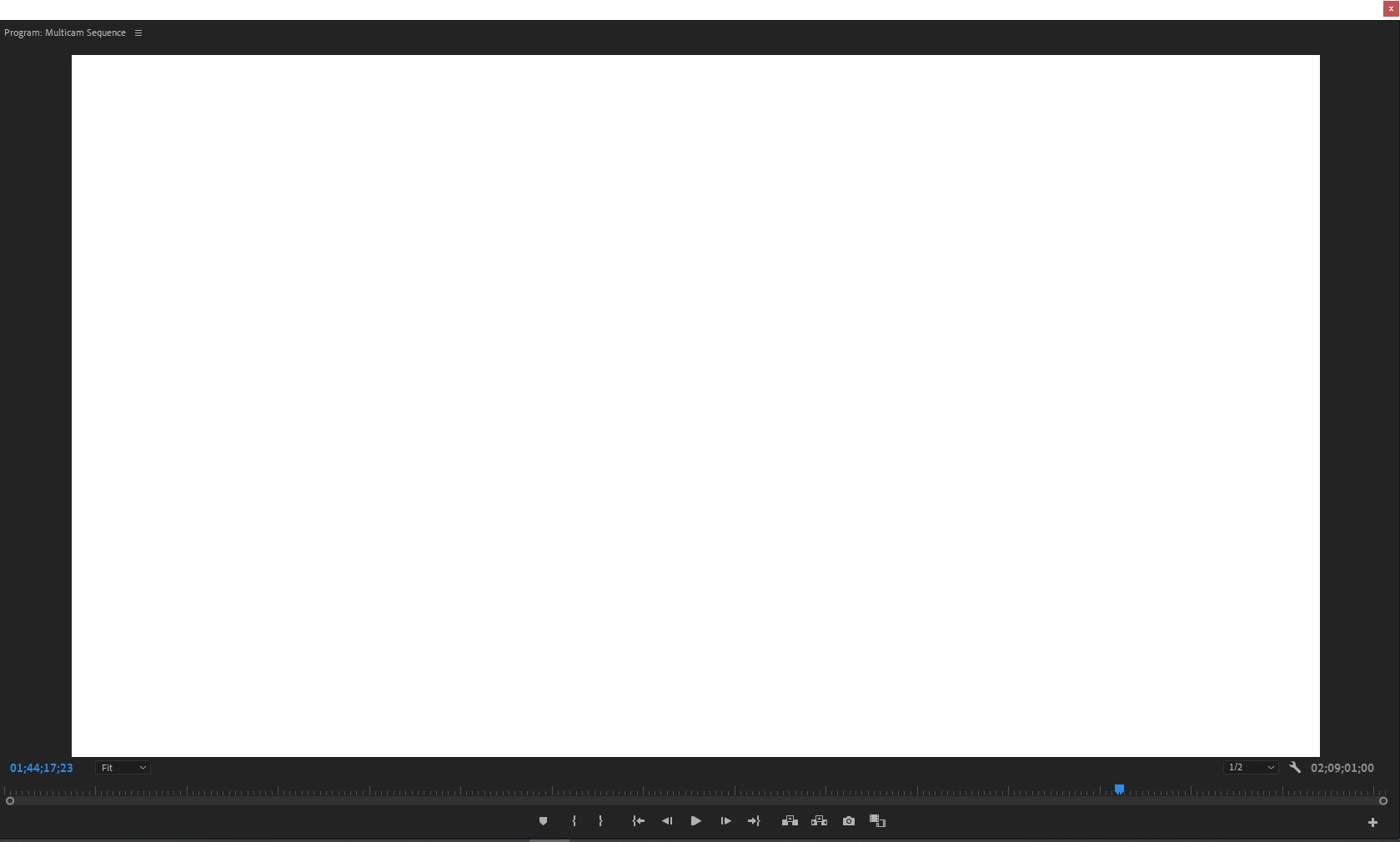
     I am having problems playing my sequence in the program monitor when I have my renderer selected on Mecury Playback Engine GPU Accleration (OpenCL). When I play the footage on the sequence, I hear the audio but my program monitor is a white screen. When I stop playing, the screen is black with white letters and symbols. 

     When I switch my renderer to Mecury Playback Engine Software Only, I am able to see the footage, but is much slower of a workflow.


I am running Premiere Pro 2020 on a PC and my graphics card is AMD Radeon Pro WX 3100 (up to date)

I have tried resetting my preferences before opening a new project and it still doesn't work.


Any suggestions on any other solutions will be much appreciated. Thank you!
 

    This topic has been closed for replies.

    1 reply

    John T Smith
    Community Expert
    Community Expert
    March 12, 2020

    Do not count on Windows to be fully up to date when it comes to device drivers
    Go to the vendor site to be sure you have an updated driver for your graphic adapter

    •ATI Driver https://www.amd.com/en/support
    There are also intermittent reports that the newest driver is not always the best driver due to driver bugs or compatibility issues, so you MAY need to try an earlier driver version

    Participant
    March 12, 2020

    Thank you for your reponse!


    I had the older verison before and I still had the issue. I updated from their site and I am still having the same problem.

    Participant
    March 20, 2020

    Hello Community,


    I just wanted to close out this inquiry by saying I was able to find a solution. 


    I was able to solve the problem by holding SHIFT + ALT on my PC as I open up Premiere. A prompt would appear before premiere opens up to which gives you the option to delete Preferences and plugins. This seemed to solve the problem.


    Thanks again for the suggestions