
Premiere Pro preview and editor not working and freezing on exit
So basically this has happened a day into installing the latest premiere pro and I decided to edit.
I cut the video file into 2 pieces, speed them up to 300% and add a default transition between the two clips and thats when it happened. Now whenever I open up Premiere, it just doesn't want to work. Even tried launching up other premiere files and problem still occurs. Preview doesn't work, source doesn't work and exiting freezes the app.
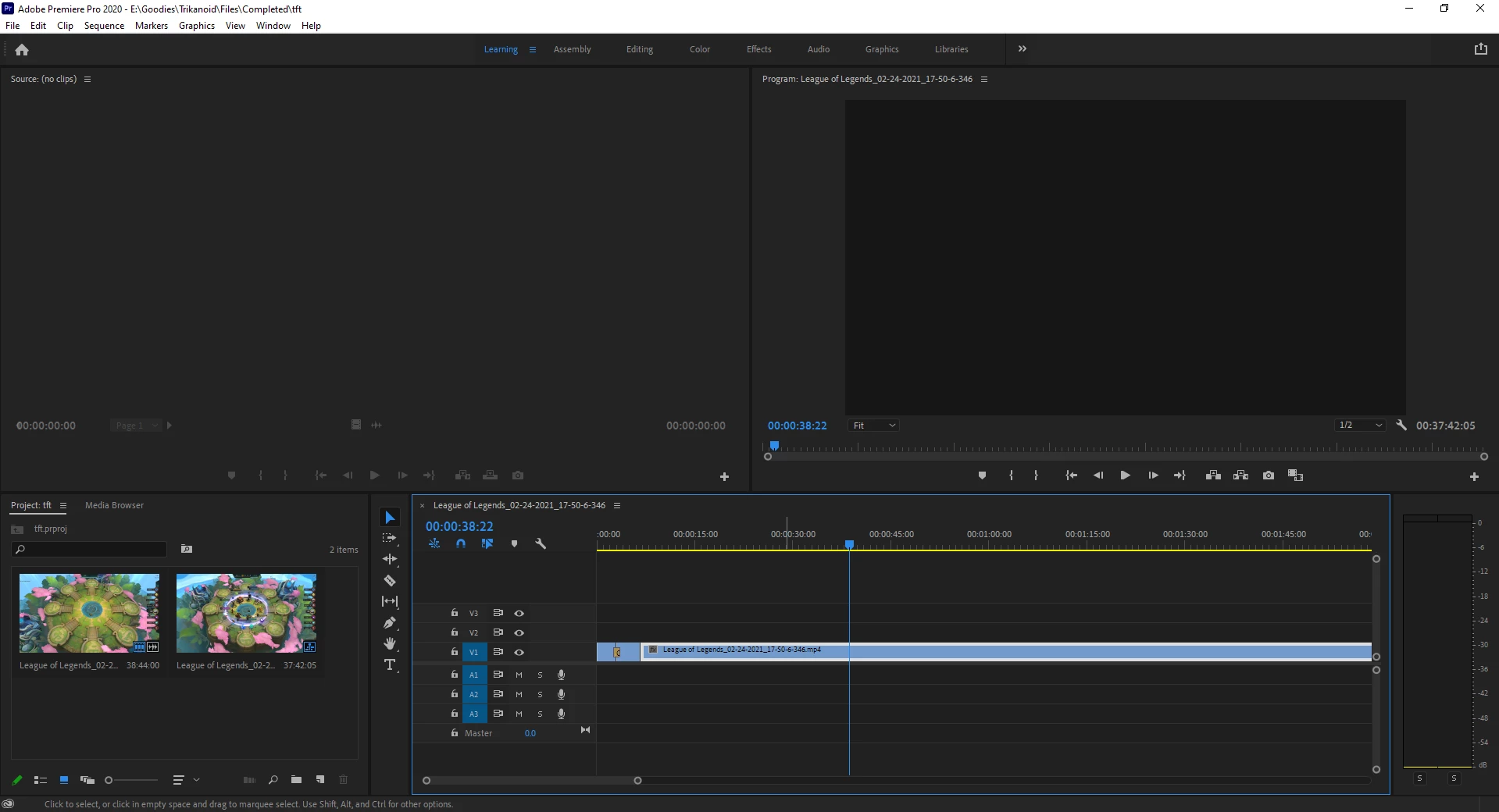
I've tried reinstalling countless times and even resetting the preferences.
And image of me exiting and premiere pro just freezing
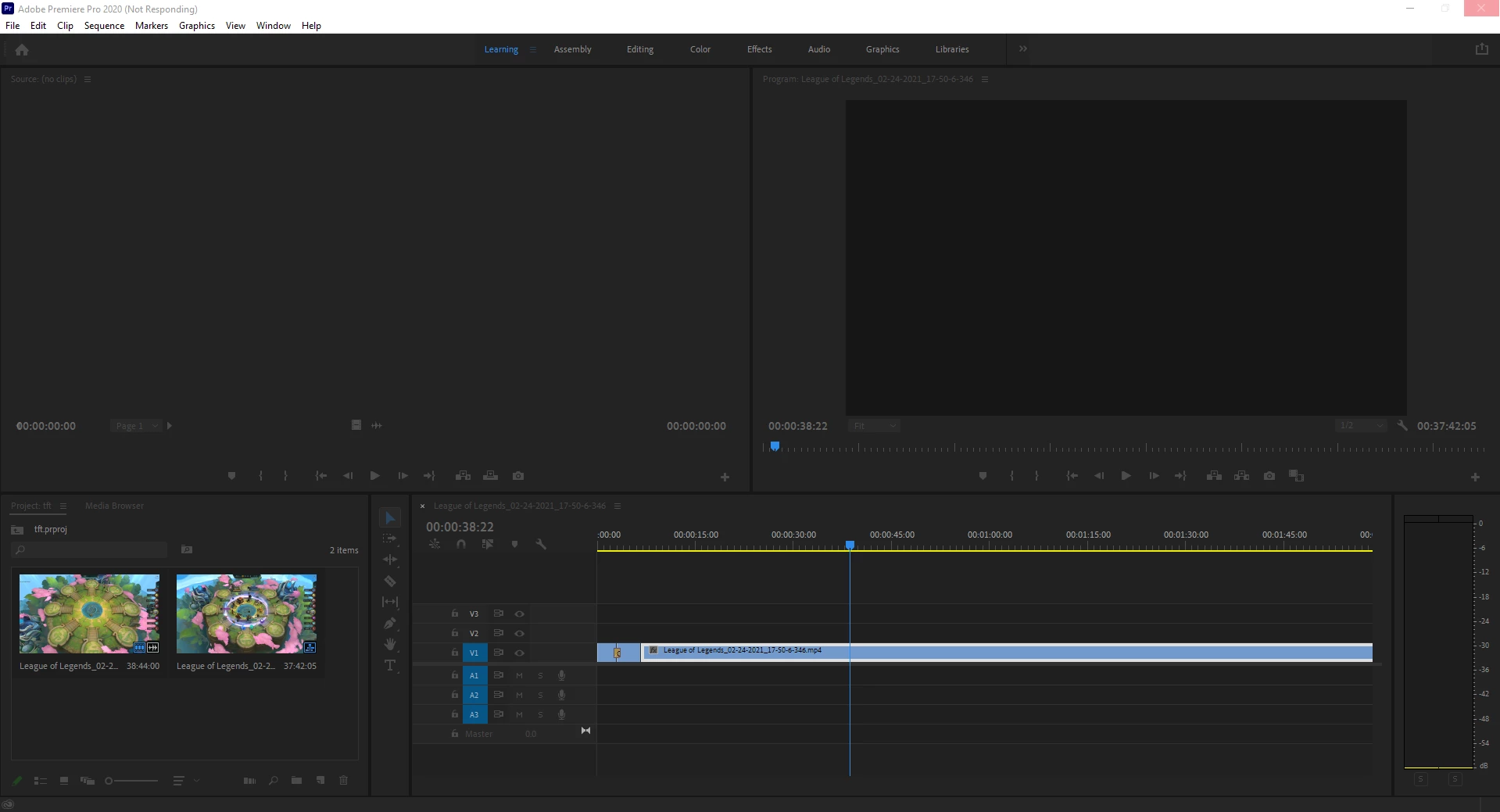
Any ideas on how I should go about trying to fix this?
I'm certain the files will work smoothly on a different device so I'm guessing it might have something to do with my PC but I've never had any problems with older Premiere pro versions.
Thanks.
 AdChoices