A follow up on my previous post, in better detail:
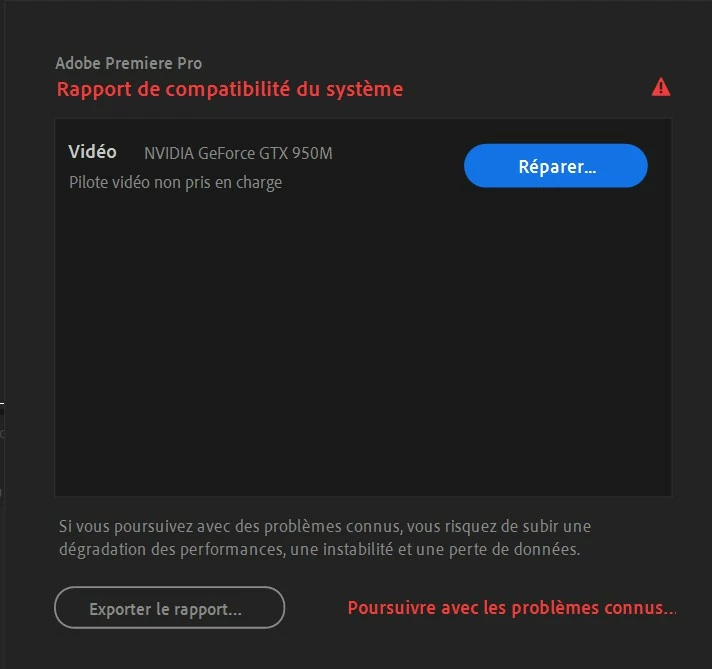
If it's a Windows update as Peru Bob stated, then the automatic driver "update" (which is enabled by default) automatically overwrote any newer Nvidia-direct driver version with what Windows Update thinks it's the best driver - which happened to be more than three years old. This can, and will, occur with absolutely no warning at all whatsoever if the newer driver has been installed using the "clean installation" method. In this instance, the only current fix (without having to disable automatic driver updates via Windows Update) is to completely wipe out all traces of the GPU driver (using a driver cleaner program like DDU), and then after rebooting, let Windows Update download its "preferred" graphics driver for that GPU, and then after another reboot download the latest Game Ready driver directly from Nvidia. Then, after that is done, then install using the default "Express install" option. That way, when Windows Update later tries to update the GPU driver with that ancient and obsolete driver version, it will not overwrite the newer driver.

 AdChoices