
Andre Noe
Known Participant
January 21, 2023
Question

Premiere Pro renders videos in slow motion

  • January 21, 2023
  • 1 reply
  • 698 views

Hi, 


Can someone tell me why the middle section of my videos are being rendered out in slow motion?  When I export a project to Media Encorder, some of the videos will playback in slow motion in the middle and leave the beginning and the end at regular speed.  


My "work around" is to copy and paste the files into another project that I know does not have this exporting problem.  


Any idea as to why "some" of the rendered videos come out like this?


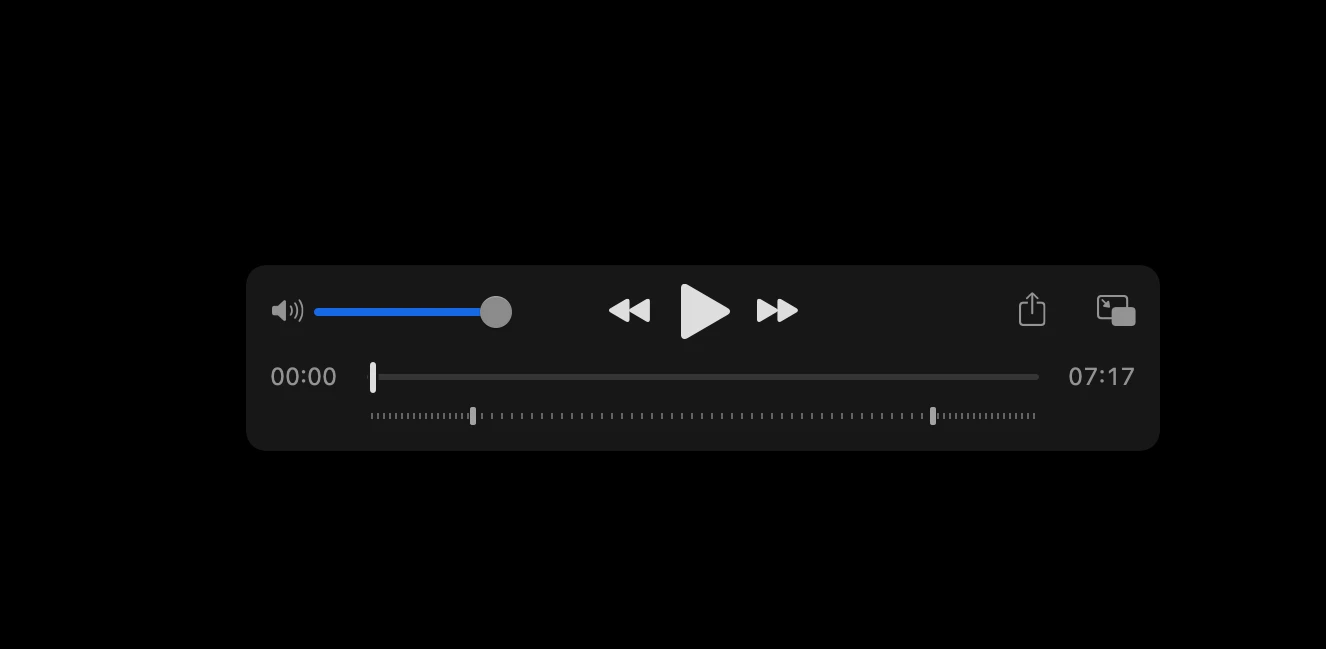
The screenshot below shows the rendered video, which is now over 7 minutes long due to the slow motion applied.  The 'railroad track' looking line below shows where the intro and outro play at normal speed and the middle that plays in slow motion.


Thanks for any advice on a fix,
This topic has been closed for replies.

1 reply

Peru Bob
Community Expert
Community Expert
January 21, 2023

Delete the Media Cache and Media Cache files:
https://community.adobe.com/t5/premiere-pro/faq-how-to-clear-your-media-cache-in-30-seconds-in-premiere-pro-2020/m-p/11017257/thread-id/260446?page=1

If that doesn't work, try resetting the preferences:
https://community.adobe.com/t5/premiere-pro/faq-how-to-reset-trash-preferences-in-premiere-pro/td-p/8236158?page=1

If that doesn't work, try resetting the Workspaces:
Reset a workspace
Reset the current workspace to return to its original, saved layout of panels.
1. Do one of the following:
• Click the Workspace menu icon and select Reset to Saved Layout.
• Choose Window > Workspace > Reset to Saved Layout.
from here:
https://helpx.adobe.com/premiere-pro/using/workspaces.html

If that doesn't work, try Preferences > Audio Hardware and set Input to None.

If that doesn’t work, try updating or rolling back your graphics driver directly from the video card manufacturer’s site. If NVIDIA, do a clean installation of the 517.40 Studio Driver (NOT the Game Driver)

If that doesn't work, try creating a new project and import the old one into it.


Andre Noe
Andre NoeAuthor
Known Participant
January 22, 2023

Thank you, I'll give those a try

Peru Bob
Community Expert
Community Expert
January 22, 2023

Let us know what happens.