


Answered
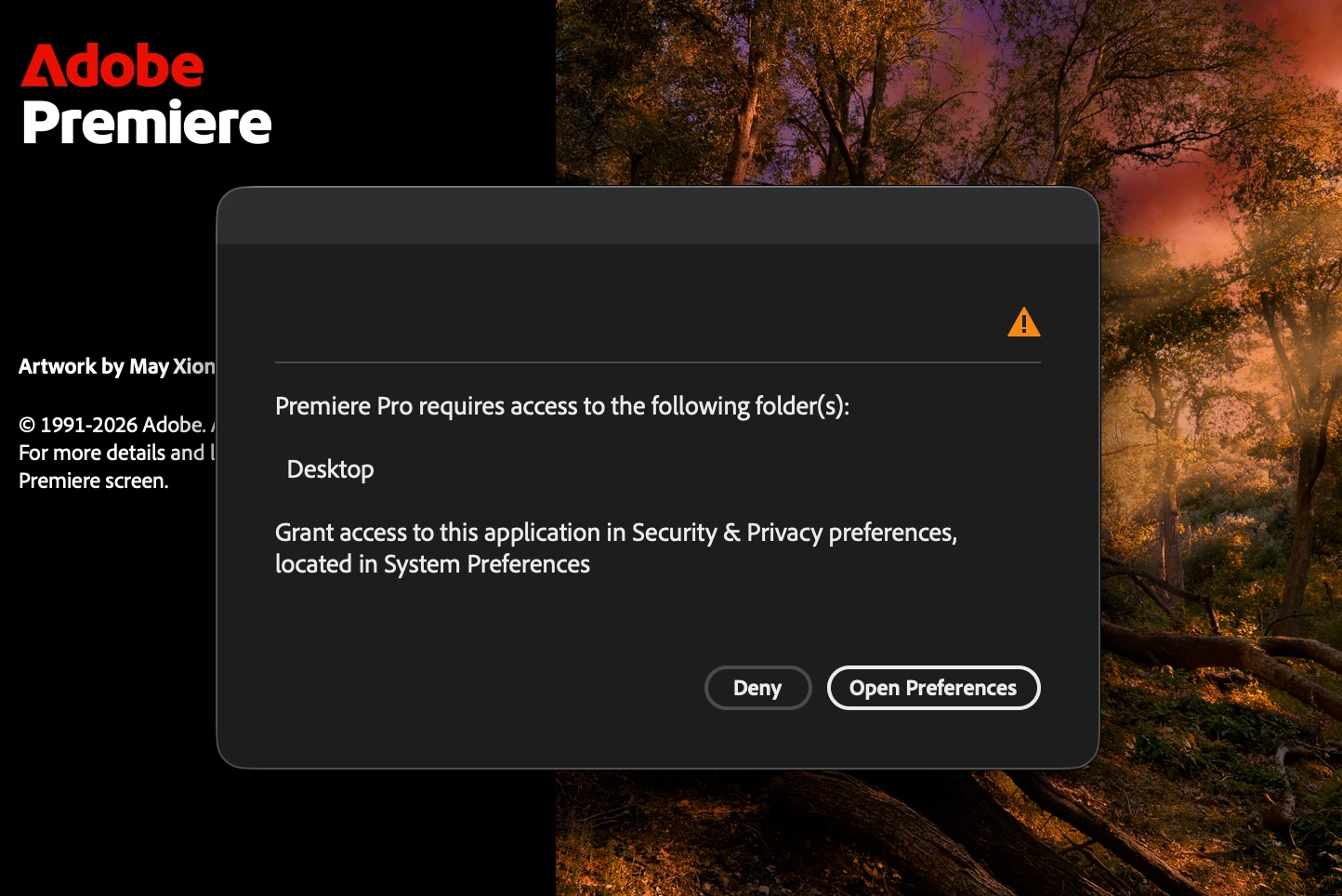
Premiere Pro requires access to the following folder(s): Desktop
Premiere Pro 26.3 repeatedly asks for Desktop access, even though Full Disk Access is enabled.
I'm using macOS Tahoe 26.5.2 on M1 Max
This issue started 3 days ago. Before that, all 2026 versions of Premiere worked normally.
I've tried reinstalling Premiere, it didn’t help.
Full Disk Access is enabled.
My macOS user has Read & Write permissions.
Restarting my Mac temporarily fixes the issue, but the error returns the next time I launch Premiere.
Premiere Pro 2025 works perfectly, but I need to use the 2026 version because my projects were created in the newer version.
Is this a known issue with Premiere Pro 26.3 on macOS Tahoe, and is there a fix or workaround?

 AdChoices