


Question
Premiere Pro's export and import tabs are blacked out
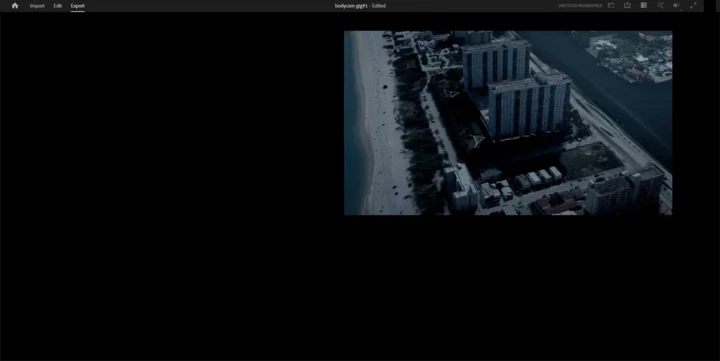
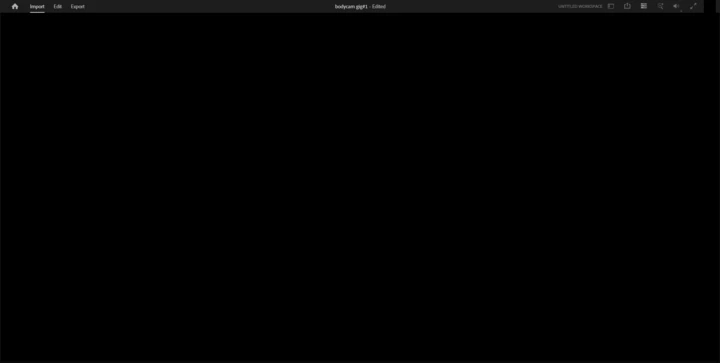
I finished editing a video, then I started heading to the export tab. Nothing appears on the screen at all except the preview screen as seen in the first screenshot. same thing applies for the import tab which is fully blacked out as you can see in the second screenshot. Finally my avatar on the top right of my screen is blacked out as well. Both, the export and import tabs are actually clickable but not visible.
I tried to delete the layouts and archived layouts in the documents folder on my PC. I also tried to delete and reinstall Premiere Pro. None of it helped. I’d really appreciate any help.
 AdChoices