

Participant
September 21, 2026
Answered

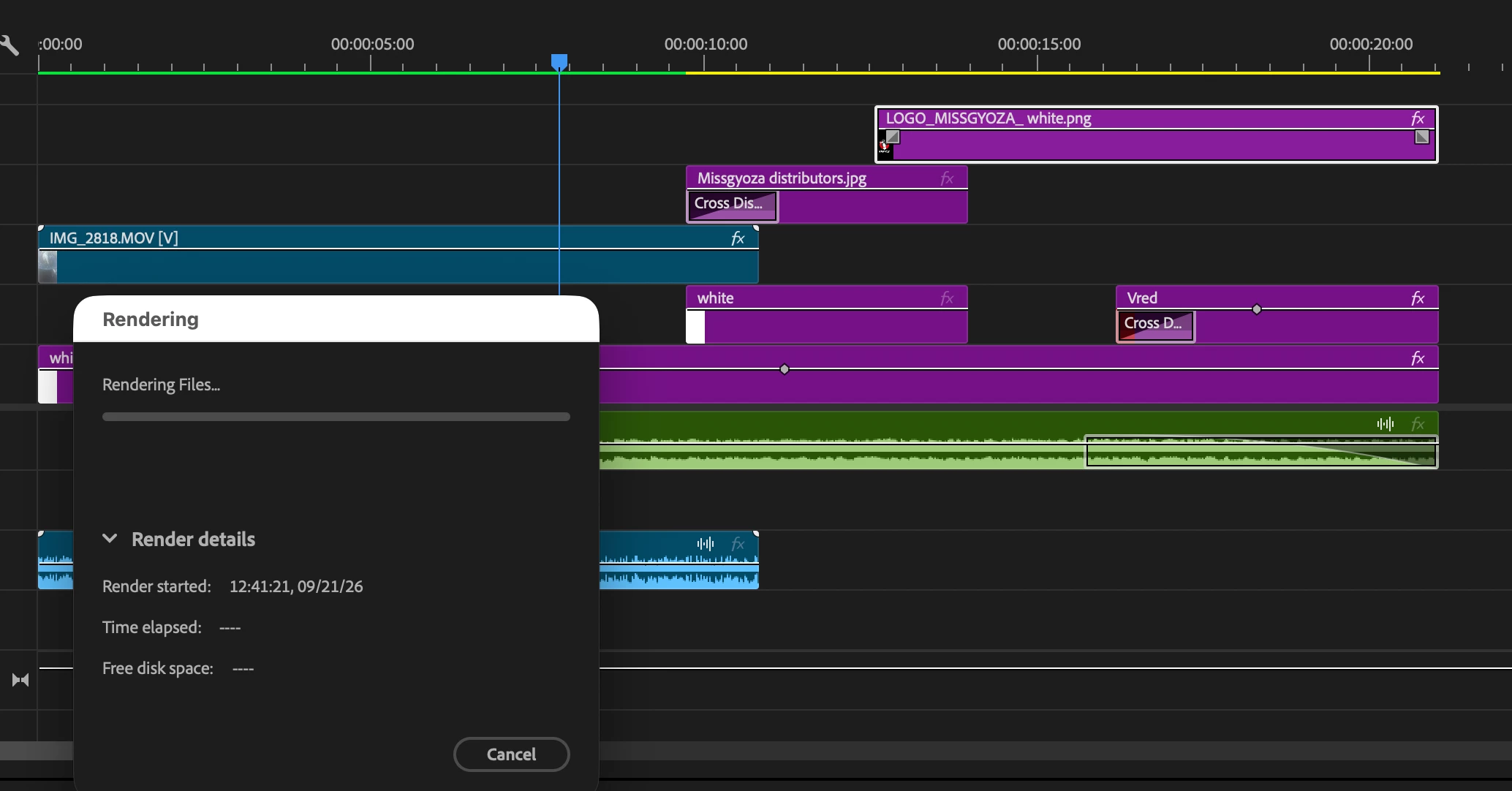
premiere pro stop during rendering files

rendering files doesnt work right after rendering window appear after click render in to out.
 

    Ann Bens
    Ann BensCorrect answer
    Community Expert
    September 21, 2026

    To render in to out you need to set in and outpoint on the timeline.

    2 replies

    Community Manager
    September 24, 2026

    Hi Ming-Cheng35412632mr6g,


    Welcome to the community! Are you still experiencing this issue? If so, could you check whether there are any effects or plugins applied to the clips where you’ve set the In point? If there are, please try temporarily disabling them for testing purposes and see if the section renders correctly.


    Thanks,
    Sumeet

    Translate
    Ann Bens
    Community Expert
    Ann BensCommunity ExpertCorrect answer
    Community Expert
    September 21, 2026

    To render in to out you need to set in and outpoint on the timeline.

    Translate

