

Answered
Premiere Pro To After Effects Composition Size Issue
Hey,
This is a really odd problem and i am hoping there is a quick fix or something simple I have missed.
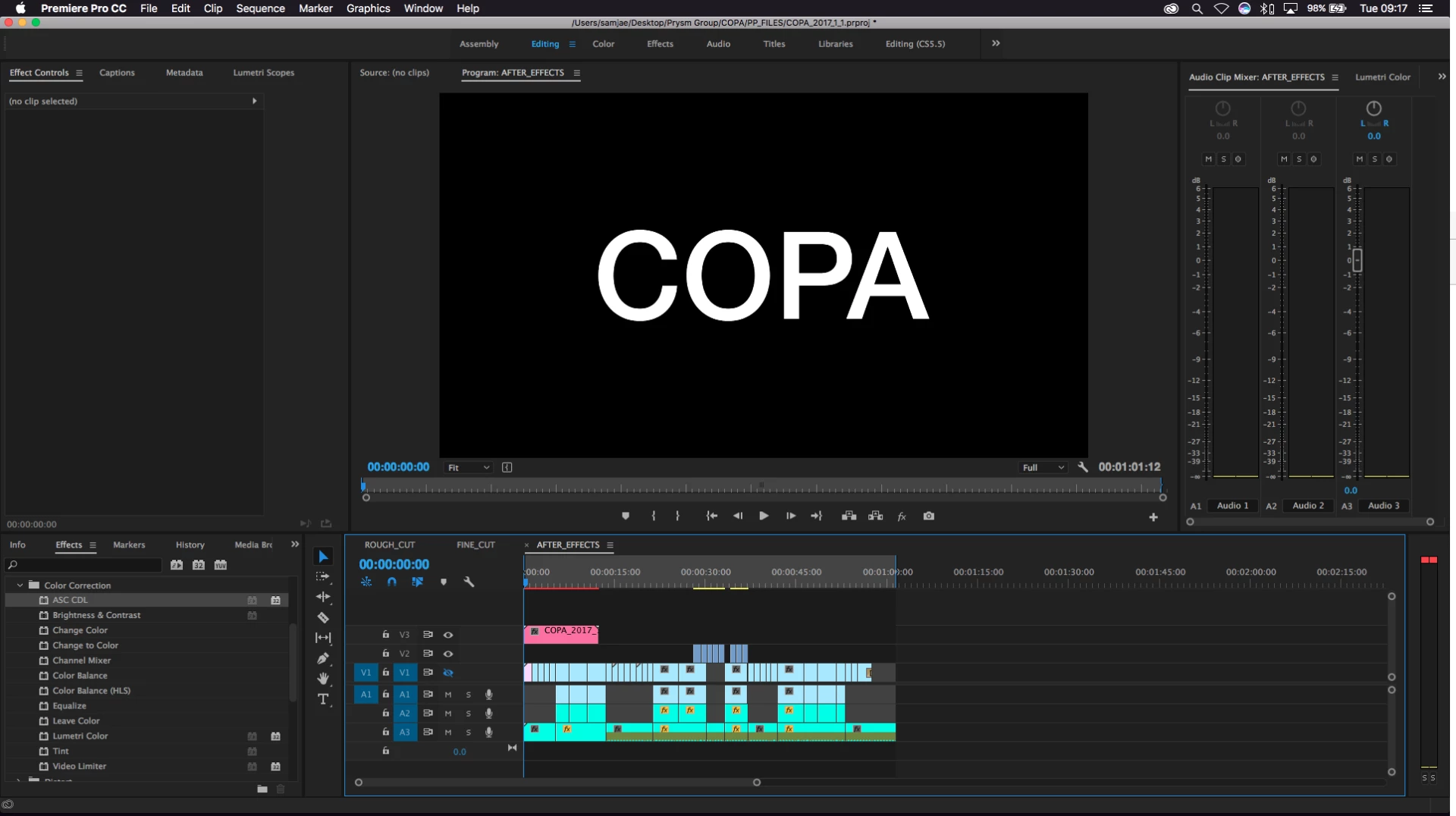
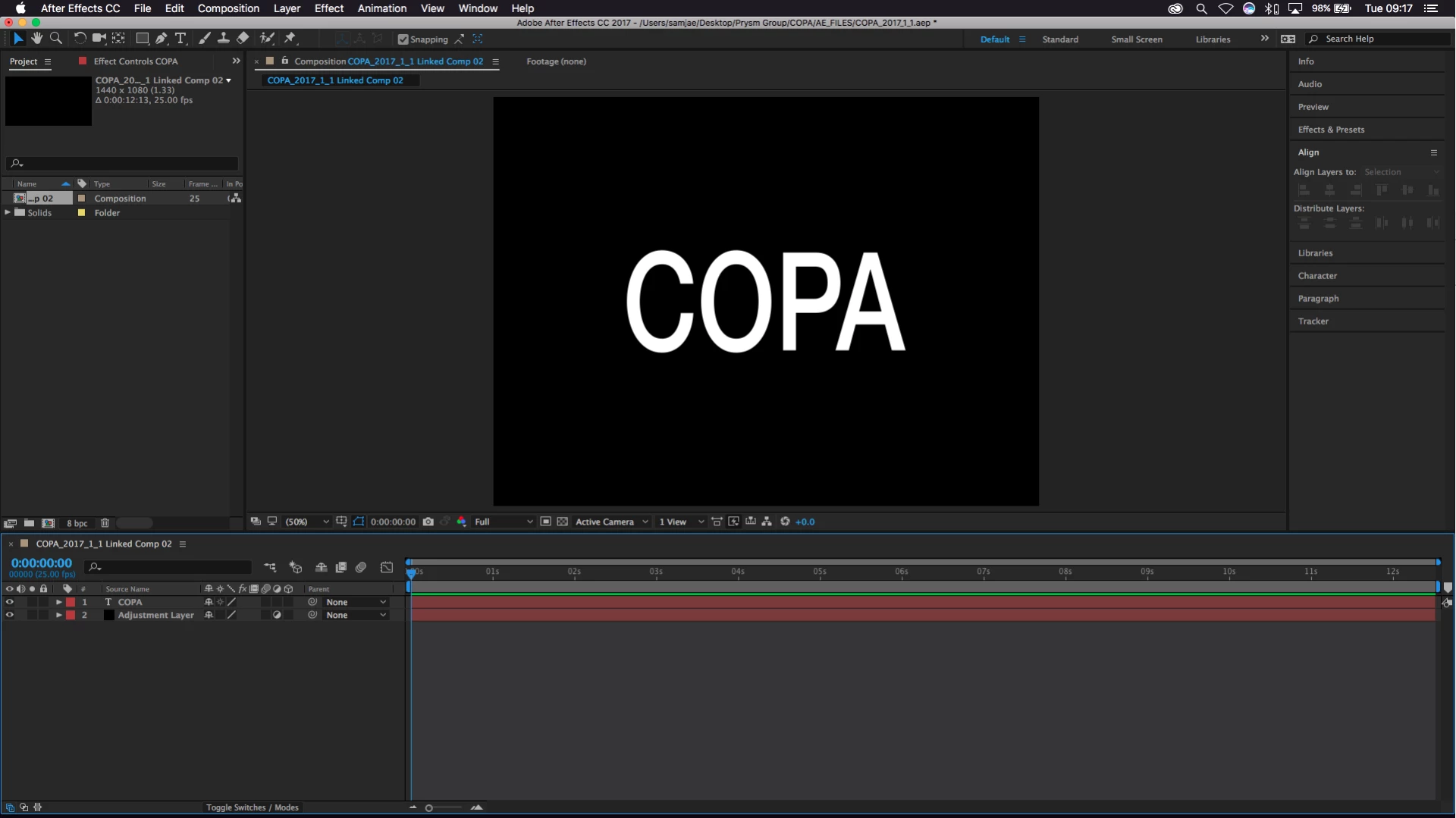
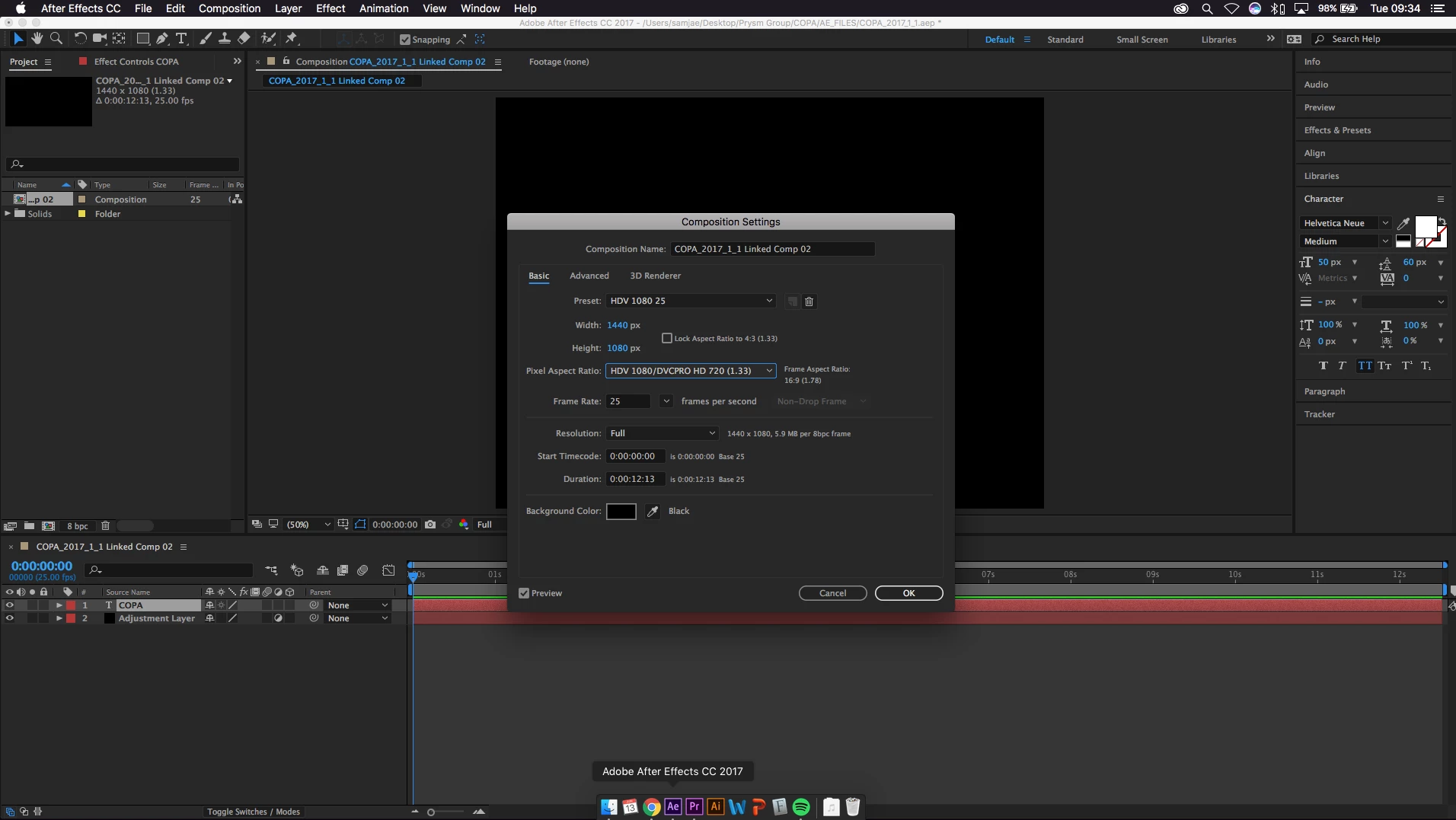
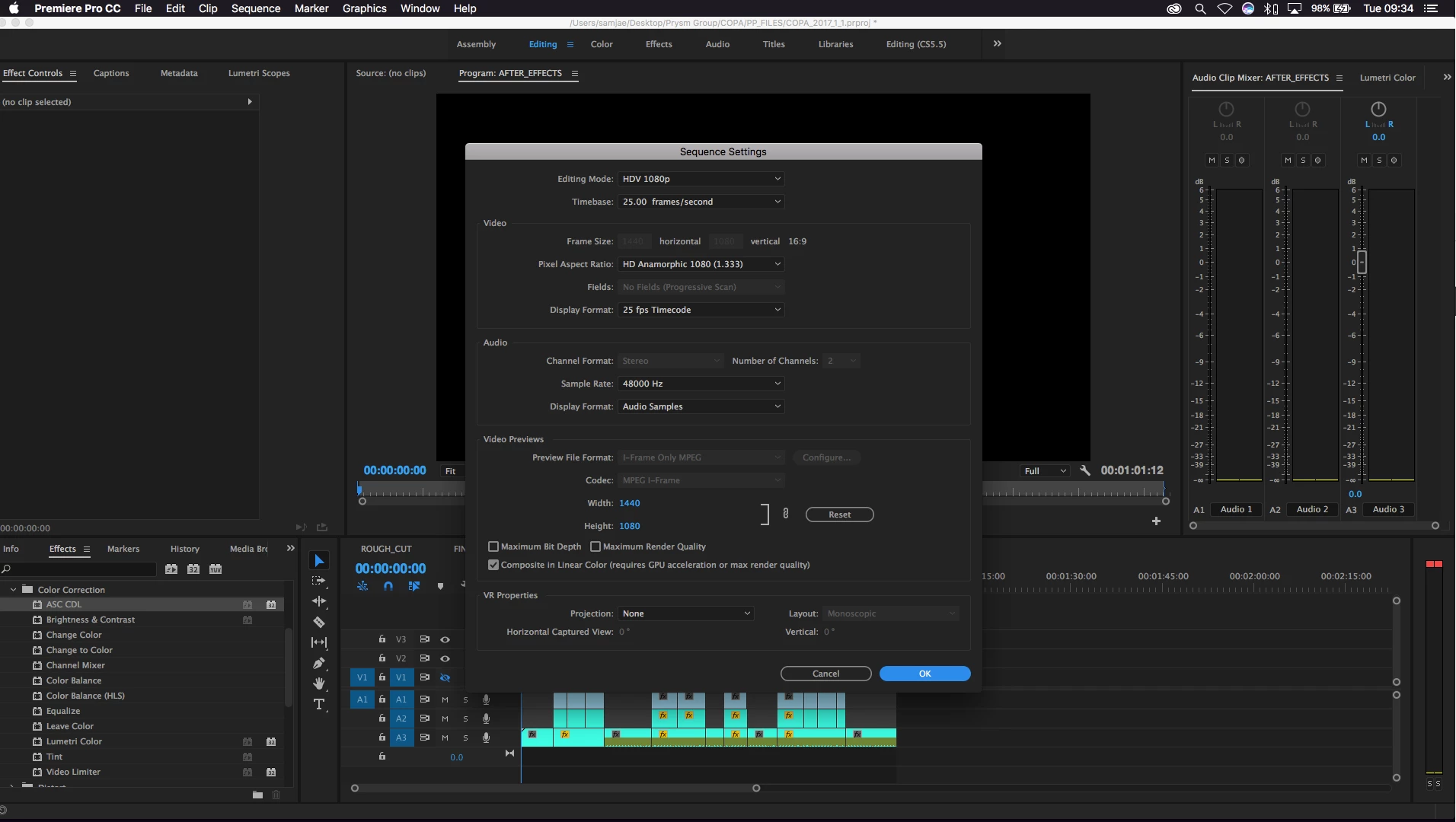
When I add an adjustment layer to Premiere Pro and send to after effects, the compositions do not match. All the settings in both applications actually state they are the same size but visually, everything is squished in after effects. When i put it back to premiere pro it does strech back to normal but this is not helpful when working in After Effects. below are screen shots from premiere pro and after effects with some simple text and below them are the application composition and sequence settings.
Any help will be gratefully appreciated!
Sam Jae
 AdChoices