Answered
Premiere Pro V 23.4 Issue for Copy and Paste
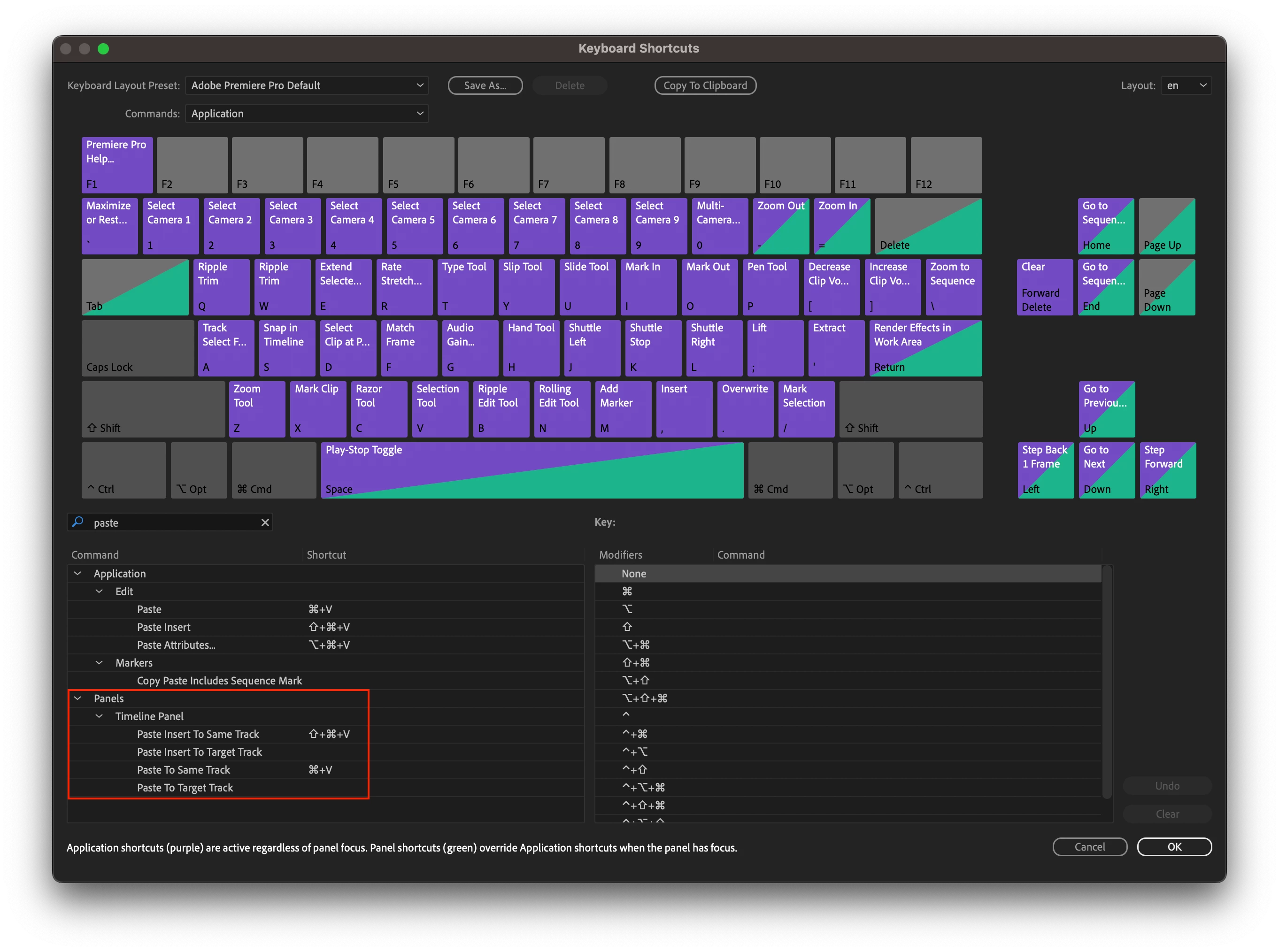
If using command+C to copy and command+V to paste, Premiere will not paste the material onto the highlighted track as in previous versions. So if I use this method to copy a clip on V1 and paste it to V2, it will always paste the video to the track where the original clip originates. Now, if I copy the video on track one using command+C but I paste it using the drop down menu, then the clip will paste to the selected track.
Thank you for checking this out. I use this a lot and hope it can be resolved.
Mod note: Title was changed to reflect the issue.
 AdChoices