
Participant
May 23, 2024
Question

Premiere pro video getting pause

  • May 23, 2024
  • 1 reply
  • 327 views

everytime when i open the premiere pro and try to edit the videos my videos getting pause from last 15 to 20 days i am facing this issue i rest all the things even i clean my windows too complete format but this issue is not getting resolve so please kindly help me with that issue if anybody knows how to solve this issue please help me
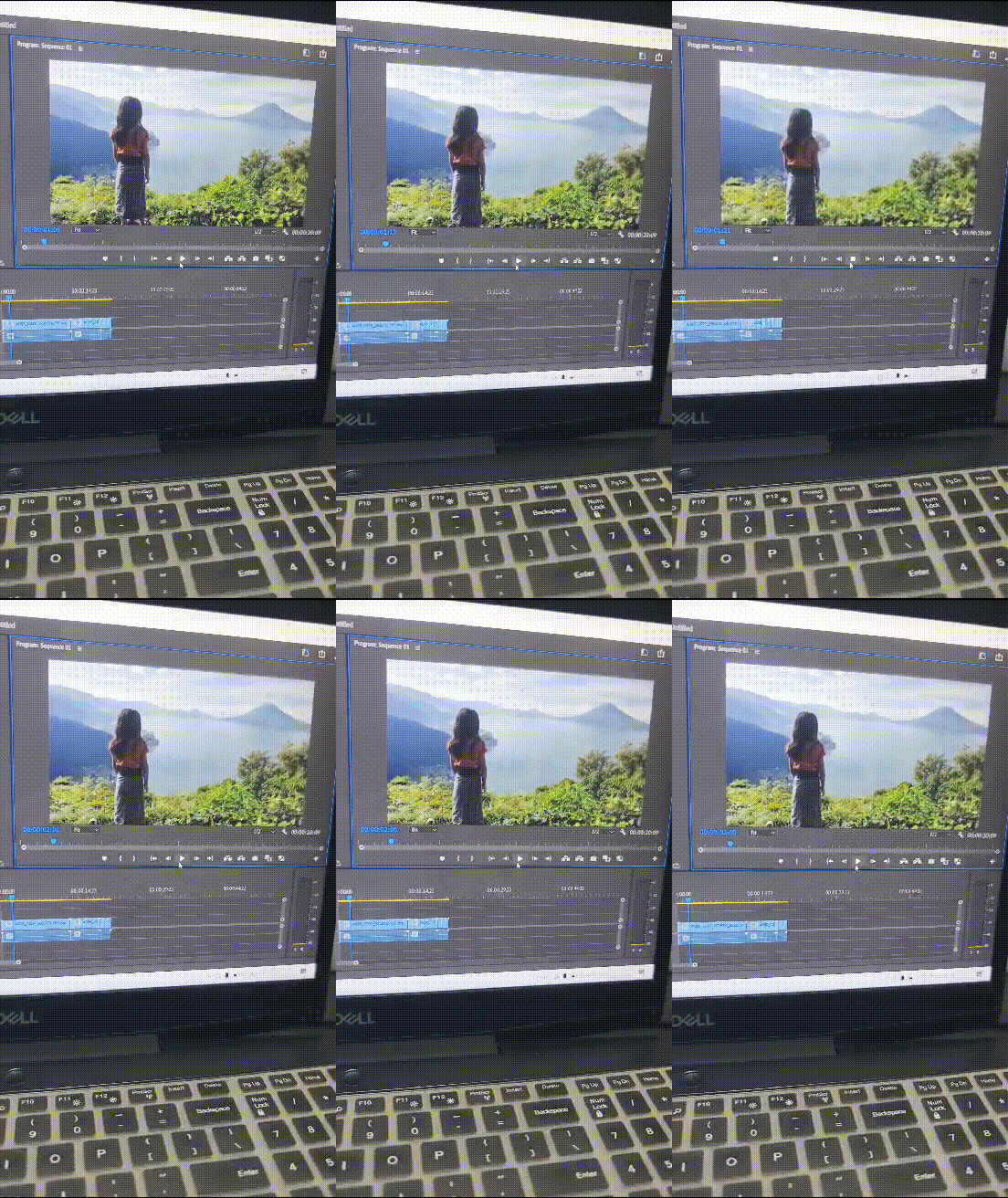


laptop specs 


Ryzen 7 4000Series

Amd RX5600M 6GB DDR6 Grahic card

32GB Ram DDR4

1TB SSD

Windows 10


This topic has been closed for replies.

1 reply

Kevin-Monahan
Community Manager
Community Manager
May 23, 2024

Hello @Punit369864267p9k,

Thanks for writing in with your unusual problem. It looks like your Audio Hardware preferences might be interfering with playback. Can you check that preference and set the Default Input to "No Input?" What happens? Does this solve your issue? Please let us know. Sorry for the frustration.


Take Care,
Kevin

Kevin Monahan - Sr. Community & Engagement Strategist – Pro Video and Audio
Participant
May 24, 2024

Hello Kevin,


Thanks For the HELP BRO I will try as u said but still its not working its same as before when i play the video its getting pause after the some frames and i really need help for that.


Thanks Bro

Kevin-Monahan
Community Manager
Community Manager
May 25, 2024

Hi @Punit369864267p9k,

Try this: Press Shift and launch Premiere Pro. From the reset options dialog box, reset preferences and delete the media cache. See if that helps. Let me know.


Thanks,
Kevin

Kevin Monahan - Sr. Community & Engagement Strategist – Pro Video and Audio